© 2018 MA Lighting Technology GmbH - Dachdeckerstr. 16 - 97297 Waldbüttelbrunn - Germany
Phone +49 5251 688865-27 - support@ma-dot2.com - www.malighting.com
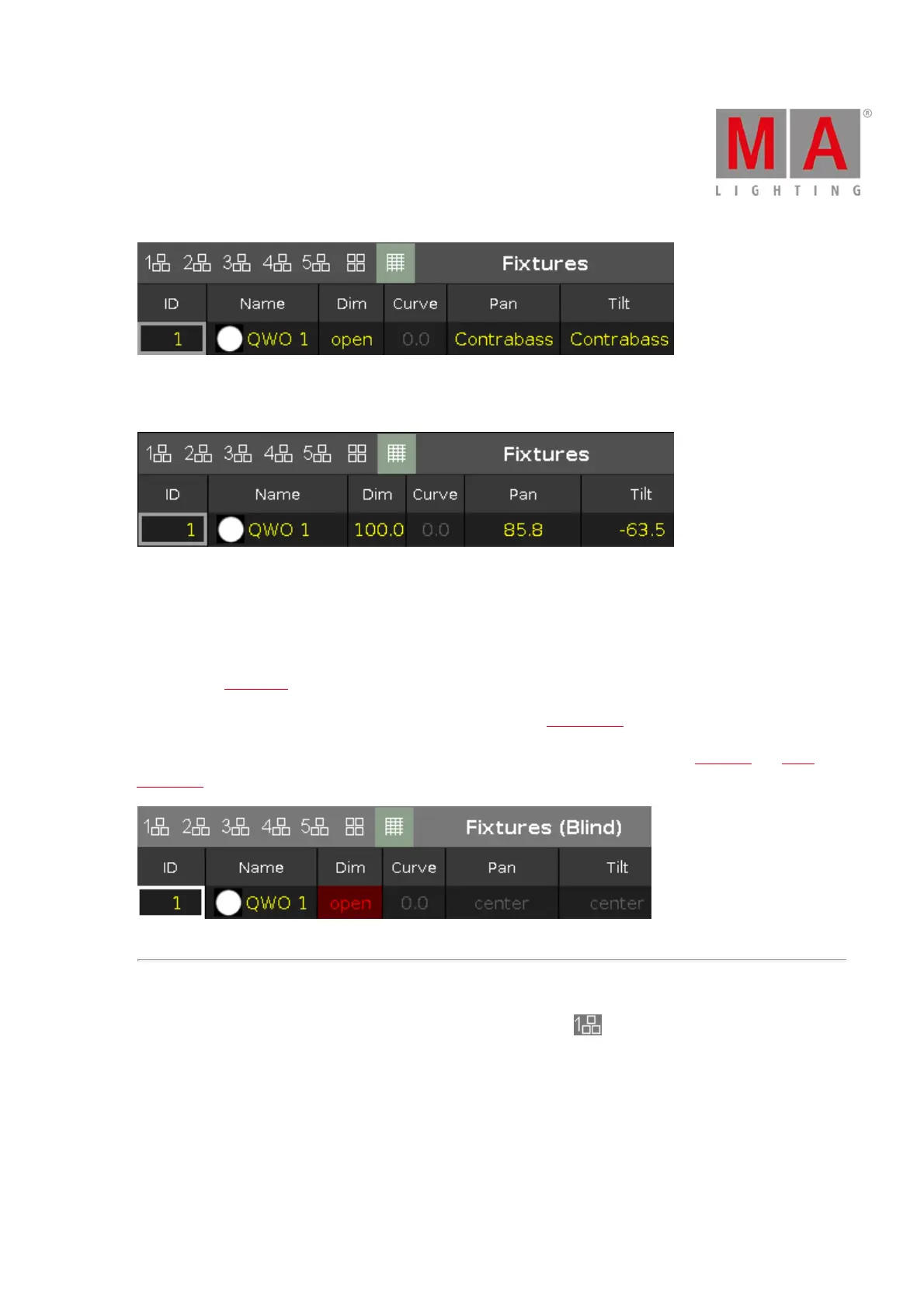
Figure 7: Fixtures sheet view with used preset contrabass
To toggle to values, tap the symbol "Values Only" on the left of the pin.
Figure 8: Fixture sheet view with values of the preset contrabass
To adjust the column width, press and hold the vertical column line next to the column header and move the
column.
To edit attribute values in the fixtures sheet view, select a fixture and tap and hold the value cell from the
attribute. The calculator opens.
To learn more about the different colors in the sheet view, refer to value colors.
If blind is on, the blind values are only visible in the sheet view. For more information, see Blind key and Blind
command.
Figure 9: Fixtures sheet in blind
Layout View
To go to one of the fixtures layout view, tap at one of the layout icons .



 To Next Page