© 2018 MA Lighting Technology GmbH - Dachdeckerstr. 16 - 97297 Waldbüttelbrunn - Germany
Phone +49 5251 688865-27 - support@ma-dot2.com - www.malighting.com
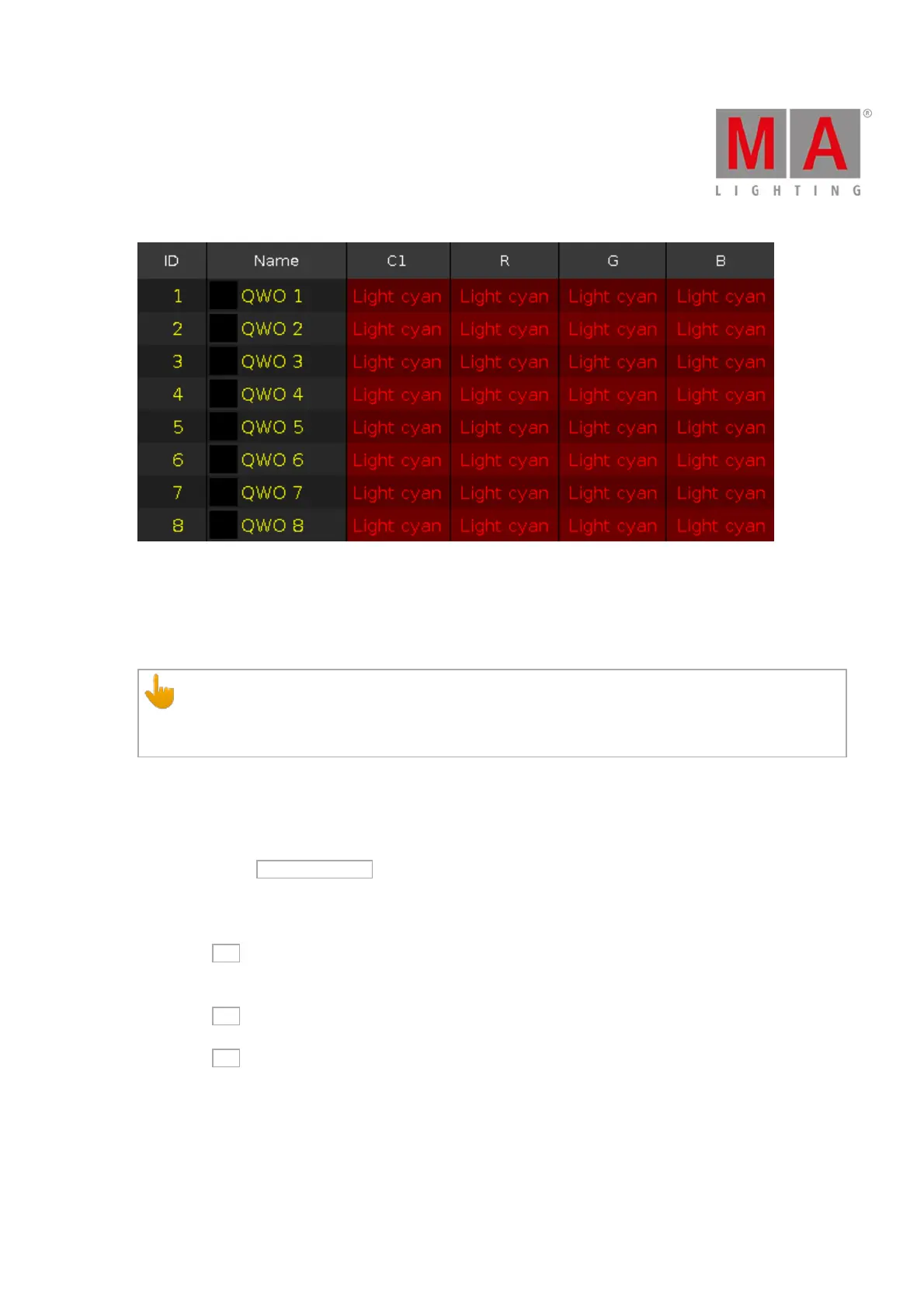
Figure 5: Fixtures sheet view - fixture 1 thru 8 uses color preset light cyan
13. Clone all Presets:
Clones all presets from one fixture to another fixture.
Useful if you have an existing show and you get additional fixtures in the show.
Important:
If you clone all presets, double-check the position presets. If the fixture doesn´t have exactly the same
position, you need to adjust the position presets.
Example:
Fixture 1 thru 4 were already existing. Fixture 5 thru 8 are new in the show and they should use all the same
presets than fixture 1 thru 4.
1. Tap macro Clone all Presets .
A pop-up asks from what fixture you like to clone.
2. Type 1 for fixture 1.
One of the fixtures using the preset is enough.
Tap Ok in the title bar.
A pop-up asks to what fixture you like to clone.
3. Type 5 thru 8.
Tap Ok in the title bar.
A pop-up informs you about how many objects will be cloned.
4. Tap Ok .
Fixture 5 thru 8 uses all the same presets than fixture 1.
14. Clone Fixture in Executor:
Clones the fixture only on the entered executor. If the source fixture is using a preset, the preset will be cloned as
well.



 To Next Page