This makes sense, if you need to add one more fixture on an executor what does exactly the same as another
fixture.
15. Export all Executor to USB:
A shorted version of the cues view of all executors will be exported to the inserted USB stick as an .xml file. The
.xml files are in the folder dot2\importexport. To open the .xml file use a browser or import the .xml file in a
calculation program.
16. Export Patch to USB:
The console asks to enter the file name. Export a shorted version of the patch & fixture schedule to the inserted
USB stick as an .xml file. The .xml files are in the folder dot2\importexport. To open the .xml file use a browser or
import the .xml file in a calculation program.
17. IfActive:
Selects only fixtures in the fixtures view, if they have active programmer values. Refer to, What is a Programmer?
18. if output:
Selects only fixtures in the fixtures view, if they have a dimmer value bigger than 0.
19. IfProg:
Selects only fixtures in the fixtures view, if they have values in the programmer. Refer to, What is a Programmer?
20. Invert:
Enters the Invert Command in the command line.
21. Knockout Invert:
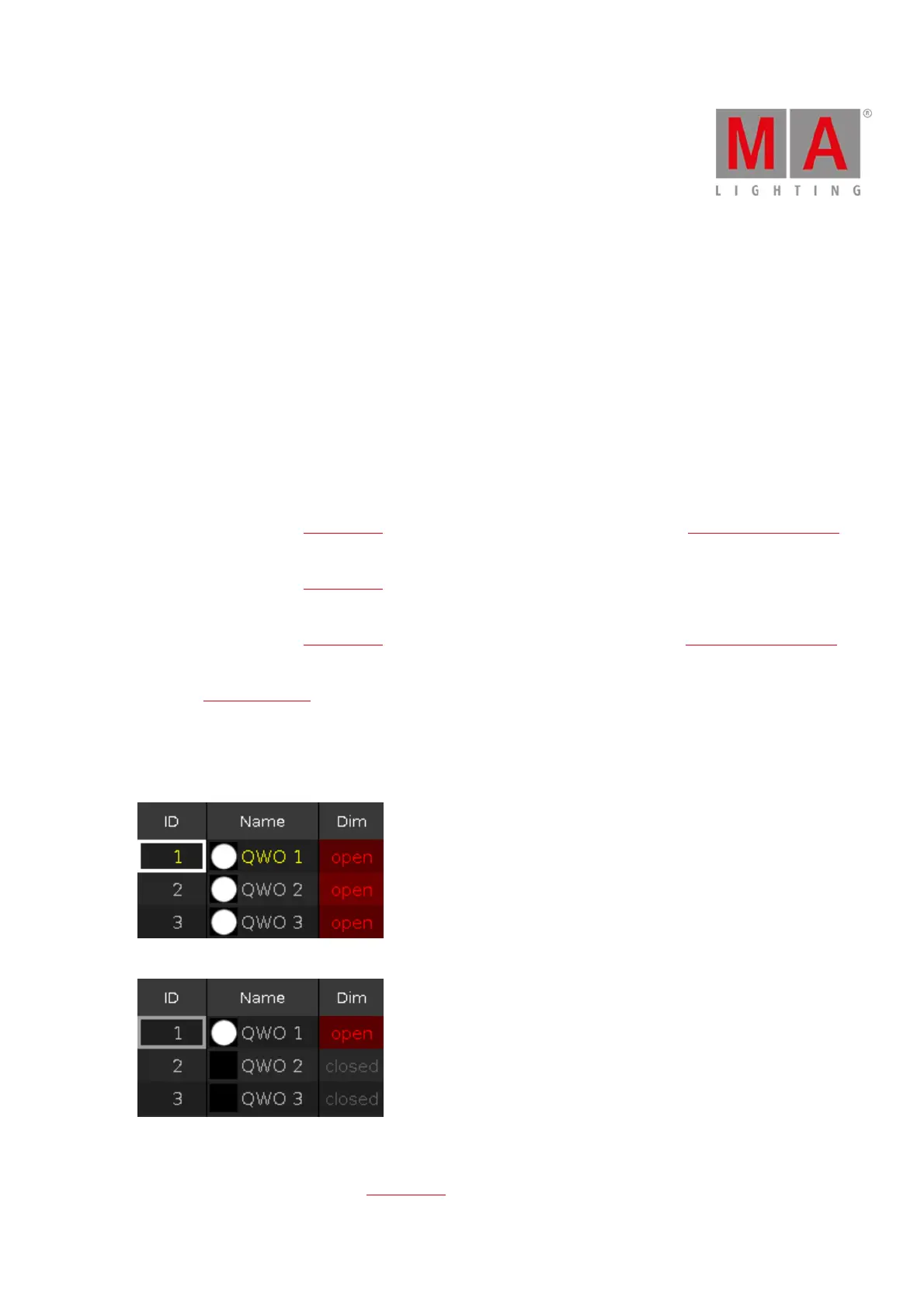
Inverts at fist the selection and removes the inverted selection from the programmer.
This is useful if you have a lot of values in the programmer but you want to store only the current selected values.
Figure 6: Fixture selection and values before knockout invert
Figure 7: Fixture selection and values after knockout invert
22. Knockout Selection:
Deselects the selected fixtures in the fixtures view and remove their values from the programmer.



 To Next Page