© 2018 MA Lighting Technology GmbH - Dachdeckerstr. 16 - 97297 Waldbüttelbrunn - Germany
Phone +49 5251 688865-27 - support@ma-dot2.com - www.malighting.com
Displays to who the MSC messages will be transmitted.
By default, Send to All is selected. To select an other send option, tap at the three dots in the edit line.
The drop-down list opens. There are three send options available:
Group - Transmit the MSC messages to the selected MSC Out Group ID.
Device - Transmit the MSC messages to the selected MSC Out Device ID.
All - Transmit the MSC messages to the selected MSC Out Group ID and Device ID.
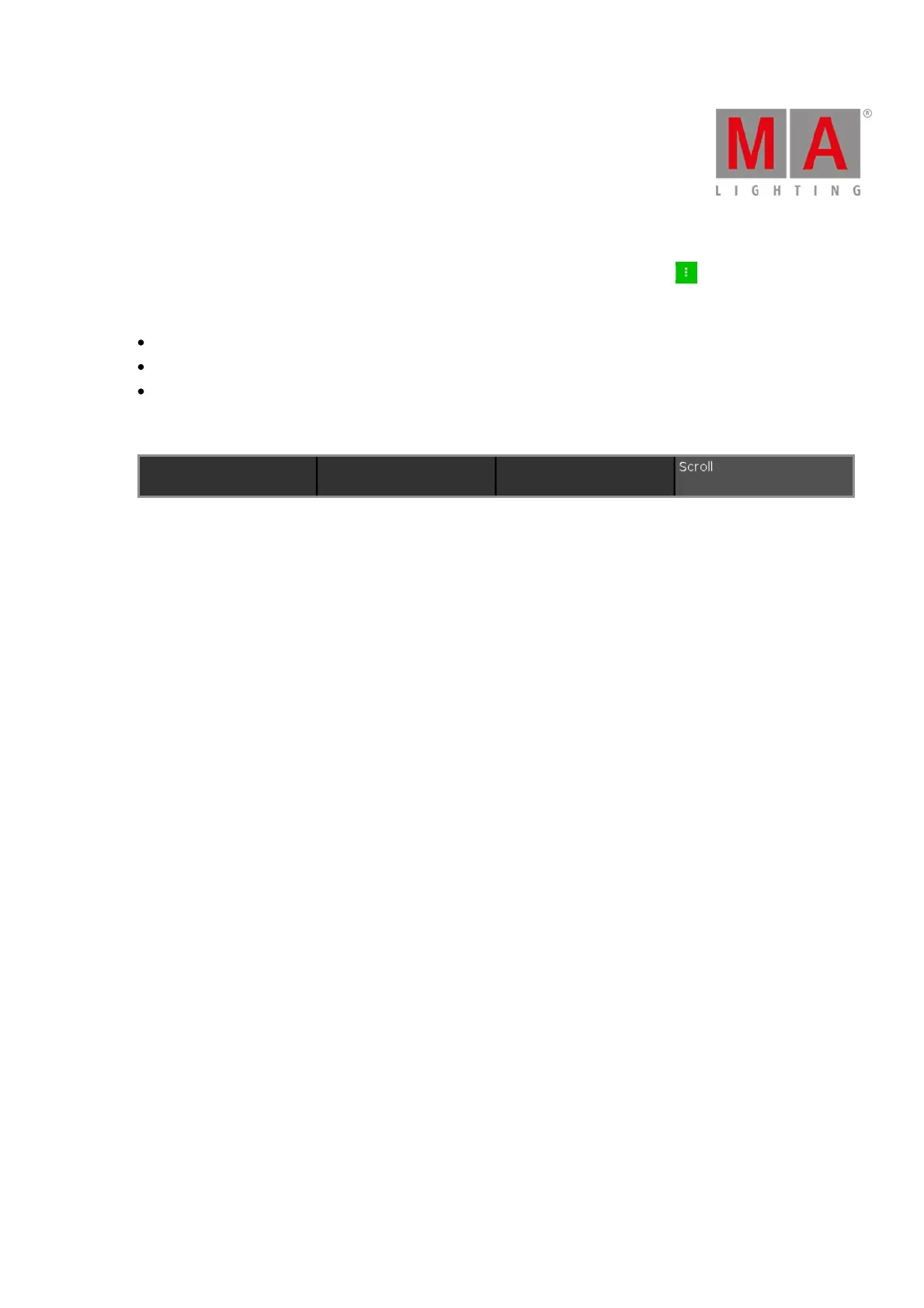
Encoder Bar Functions
Figure 2: MIDI Show Control Window - Encoder Bar
Scroll:
To select an ID or scroll in the drop-down lists, turn the encoder left or right.



 To Next Page