In this window, you can enable or disable Art-Net or sACN.
Art-Net and sACN are an addition to the default network protocol dot2-Net.
The network protocols transport DMX via wired network connection (Ethernet).
sACN Priority:
The sACN priority in the dot2 is set to 100.
The green check mark symbolizes that this network protocol is enabled.
The red prohibition sign symbolizes that this network protocol is disabled.
To enable or disable a network protocol, tap the network protocol type.
The IP address, which sends the network protocol, is displayed below the network protocol.
The Art-Net IP address is visible as soon as Art-Net has been enabled and a session is active.
To change the IP address, use the SetIP command.
The following columns are available:
Active:
Displays if Art-Net or sACN is on or off for the respective universe.
To turn Art-Net or sACN on or off for the respective universe, tap and hold the cell or press the Scroll Active
encoder.
Mode:
Displays the supported mode of the network protocol.
Art-Net = Output Broadcast (Art-Net 1)
sACN = Output Multicast
dot2 Universe:
Displays the dot2 universes from 1 to 8.
Art-Net universe / sACN universe:
Displays the Ethernet universe.
Art-Net = 0:0 - 0:7
sACN = 1 - 8
Encoder Bar Functions
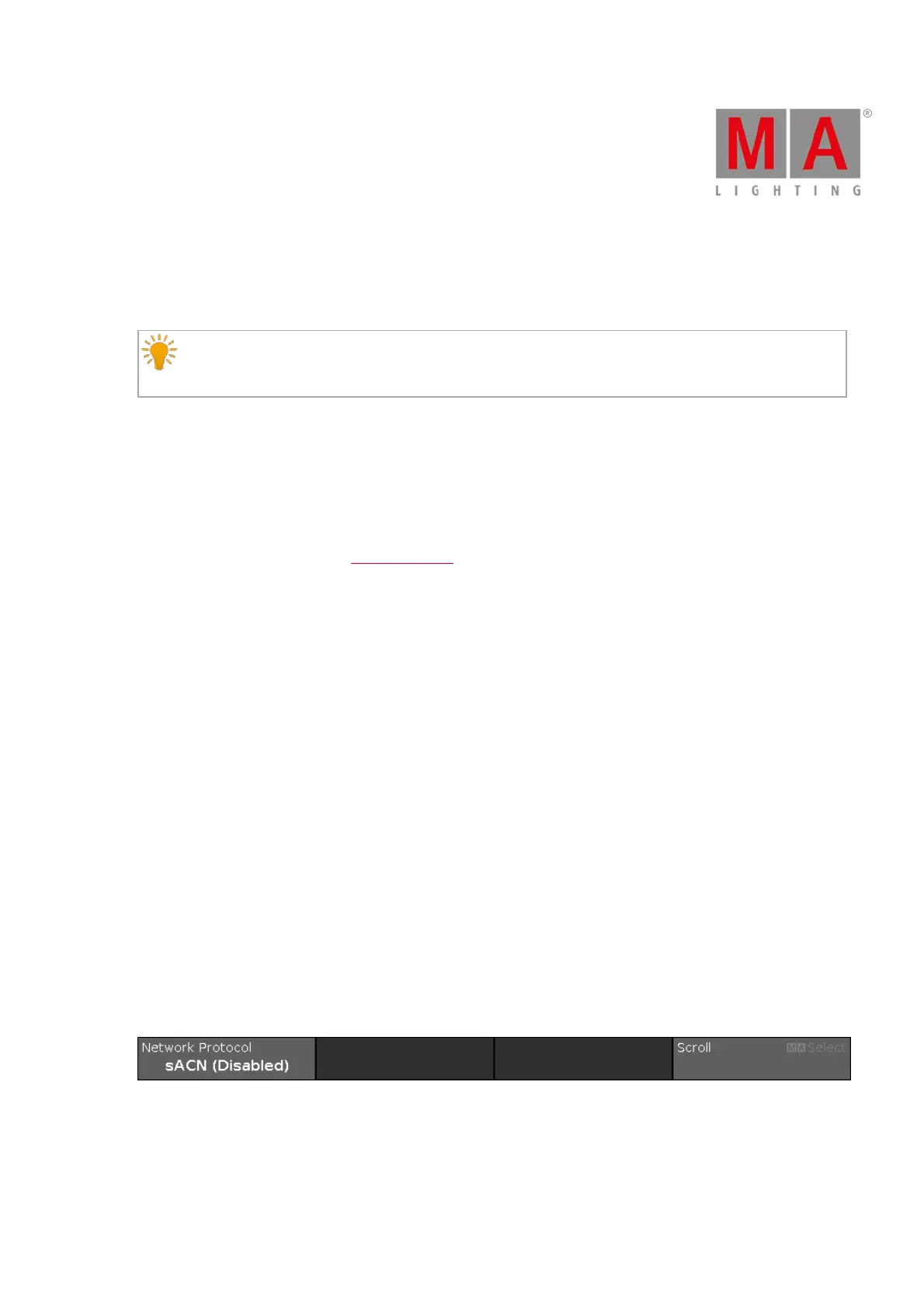
Figure 6: Network Protocol – Encoder Bar
Network Protocol:
To select a network protocol, turn the encoder left or right.
To enable or disable a network protocol, press the encoder. The current status is displayed in brackets.



 To Next Page