© 2018 MA Lighting Technology GmbH - Dachdeckerstr. 16 - 97297 Waldbüttelbrunn - Germany
Phone +49 5251 688865-27 - support@ma-dot2.com - www.malighting.com
Unpatch Selected:
Tap to unpatch the selected fixtures.
Delete Selected:
Tap to delete the selected fixture from the Patch & Fixture Schedule.
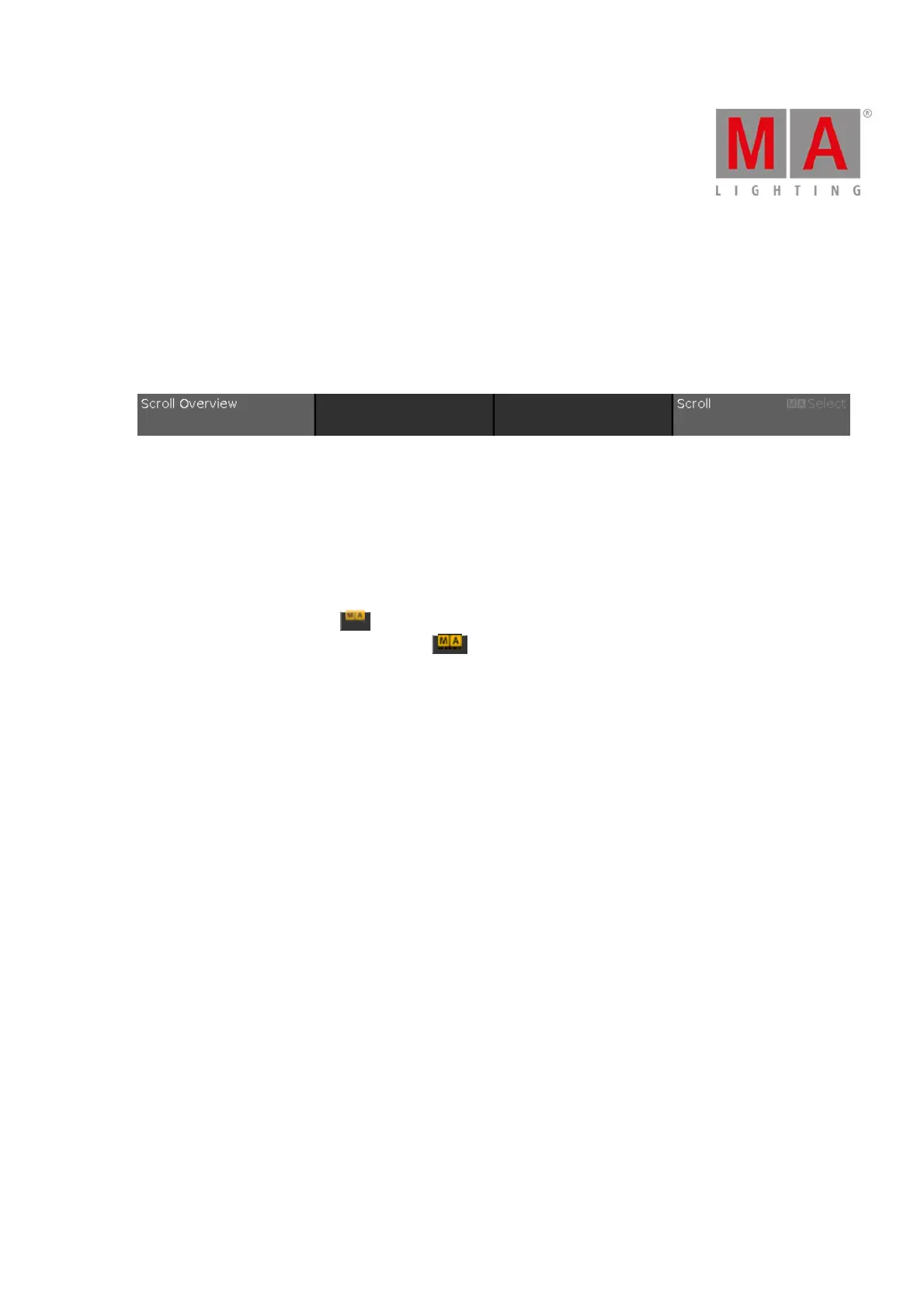
Encoder Bar Functions
Figure 4: Encoder Bar Functions - Patch and Fixtures Schedule
Scroll:
To scroll up or down, turn the encoder left or right.
To scroll left or right, press and turn the encoder left or right.
To edit a selected cell, press the encoder. The respective window opens.
Select:
To select fixture types, press the key and turn the encoder left or right.
To cancel a selection of fixture types, press the key and press the encoder.



 To Next Page