© 2018 MA Lighting Technology GmbH - Dachdeckerstr. 16 - 97297 Waldbüttelbrunn - Germany
Phone +49 5251 688865-27 - support@ma-dot2.com - www.malighting.com
To bring the fixture type into the center position, tap Center .
Rightmost of the view are several buttons to adjust the position values.
There are two functions to adjust pan and tilt together.
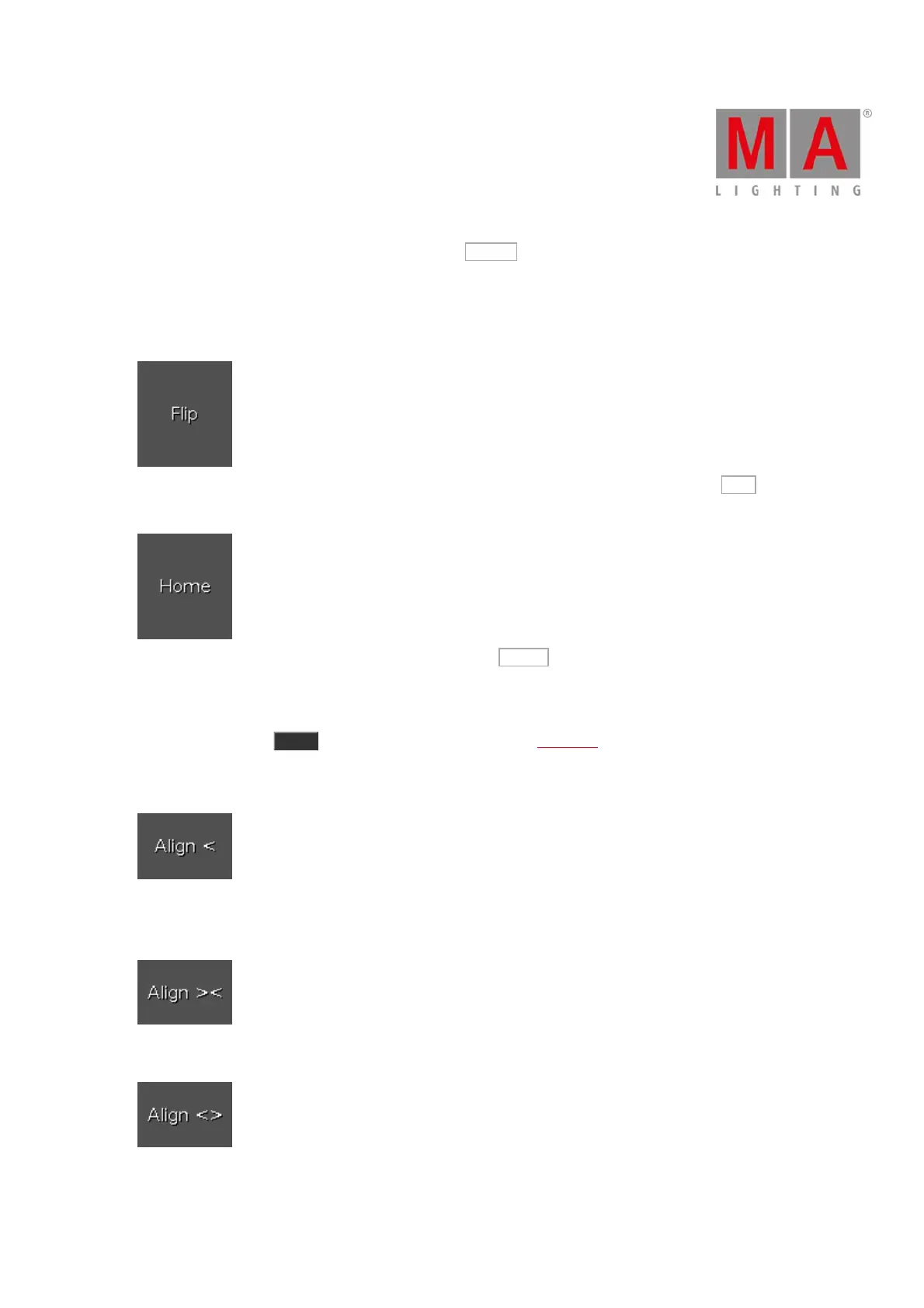
Flip: To change the pan and tilt combination and point your fixture in the same direction, tap Flip . The values
are active in the programmer.
Home: To bring the pan and tilt to the center position, tap Home . The values are active in the programmer.
There are six different align functions.
Align is a function to adjust the position values from the fixtures in the selected order. The Align buttons have the
same function as the Align key. For more information, refer to Align Key.
Align >: To adjust from high to small.
Align <: To adjust from small to high.
Align ><: To adjust from the high to small to the middle and from the middle from small to high.
Align <>: To adjust from the small to high to the middle and from the middle from high to small.



 To Next Page