© 2018 MA Lighting Technology GmbH - Dachdeckerstr. 16 - 97297 Waldbüttelbrunn - Germany
Phone +49 5251 688865-27 - support@ma-dot2.com - www.malighting.com
Wings: This is only for pan attributes to split from the middle into two groups.
The first fixture type is in group 1 and follows the entered pan values.
The last fixture type is in group 2 and acts mirror inverted.
No align: To adjust equally. Align function is off.
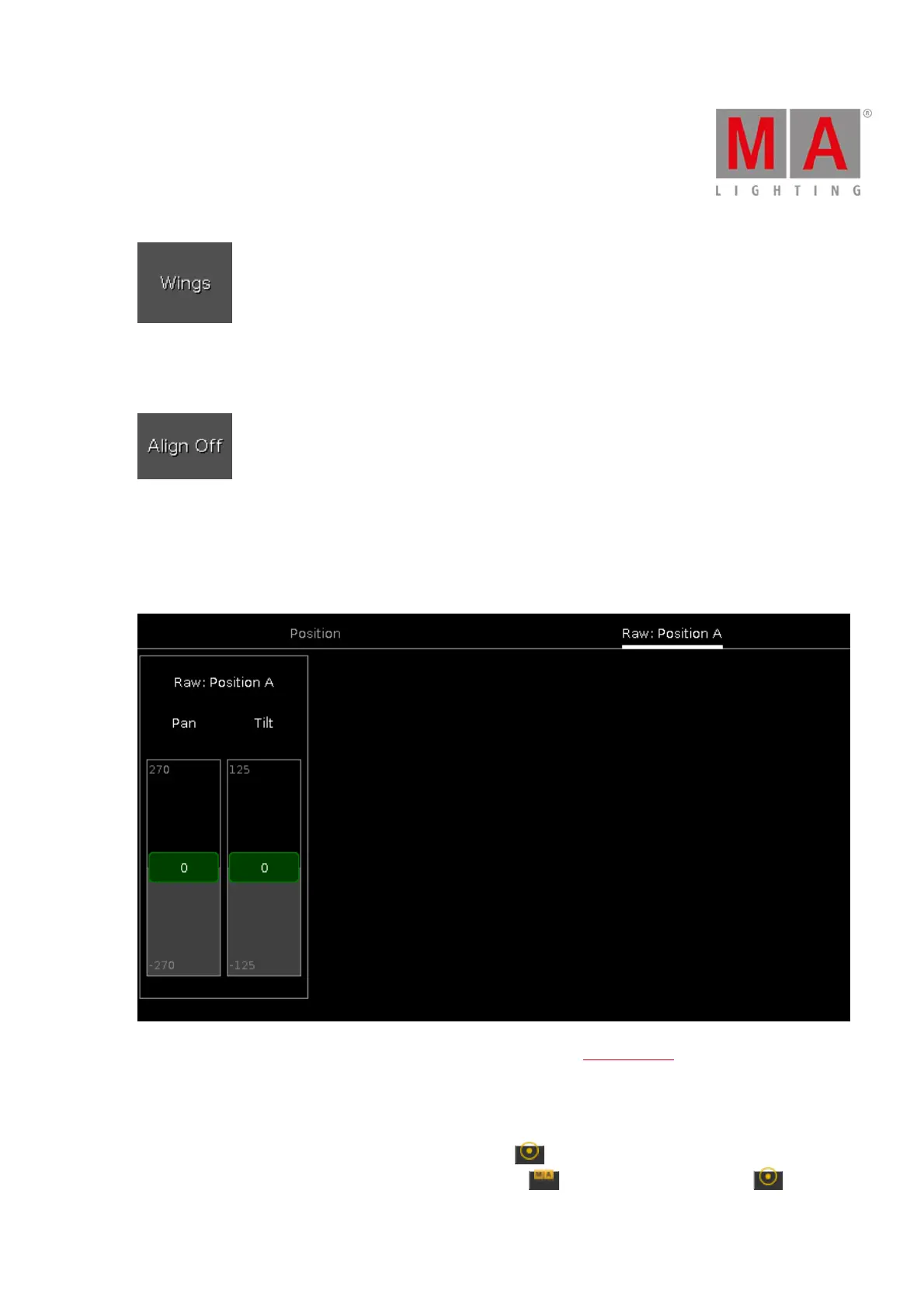
Raw Position View
The raw position view is located in the second tab of the position preset type view.
In the raw position view, you control the raw position channel values in natural values of the selected fixtures.
Encoder Bar Functions
The default encoder speed is without decimal place.
To change the encoder speed to slow, press the encoder key . The encoder speed is with decimal place.
To change the encoder speed to ultra slow, press and hold the key and press the encoder key . The



 To Next Page