© 2018 MA Lighting Technology GmbH - Dachdeckerstr. 16 - 97297 Waldbüttelbrunn - Germany
Phone +49 5251 688865-27 - support@ma-dot2.com - www.malighting.com
Example Preset Markers
Preset markers indicate presets that are fully or partly applicable to a current selection.
Figure 10: Presets – Green Marker
The green marker indicates that all of the fixtures that are selected can be applied to the preset.
Figure 11: Presets – Yellow Marker
The yellow marker indicates that only a number of the fixtures selected are applied to the preset.
All Presets Pool
Additional to the presets pools for the several preset types, there is an All presets pool.
To go to the All Presets Pool, tap All in the preset type bar or press and hold + 0 .
In the All Presets Pool, you can store preset objects with values above all preset types.
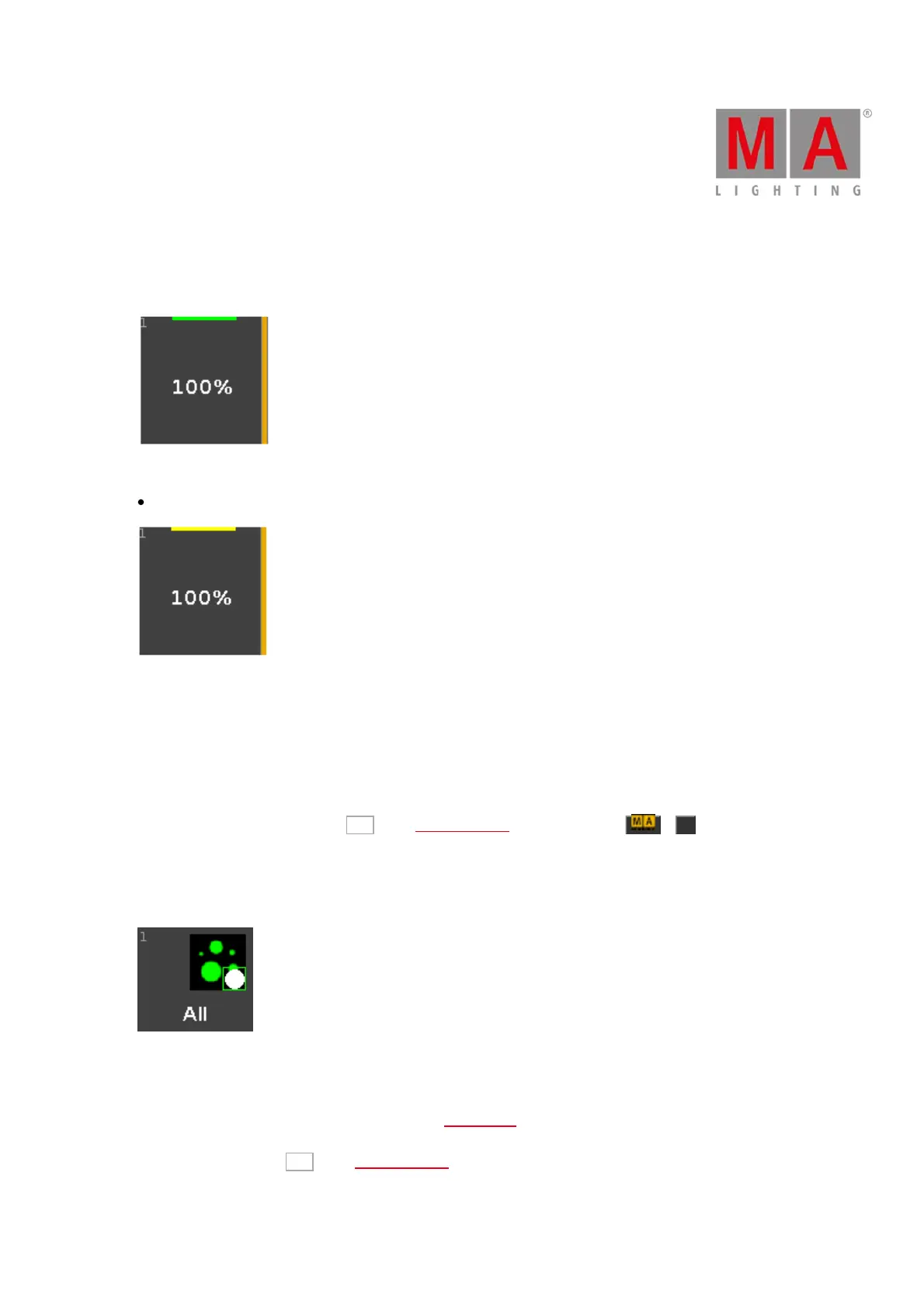
Example All Presets
Figure 12: All Preset - Gobo, Color and Focus
Let´s assume, you will store a preset object for all Alpha Spot QWO fixtures with a gobo, a color and a focus.
1. Select the Alpha Spot QWO fixtures in the fixture view.
2. Select the gobo, color, and the focus.
3. Press Store, tap All in the preset type bar and tap on an empty preset type tile.



 To Next Page