For using the MIDI remote, you have to connect a MIDI remote on the MIDI In connector at the back of the
console.
Refer to, physical setup and layout.
If you assigned in the column type an executor, and in the column button a fader, the velocity controls the fader
level.
Additional to the four standard columns, the MIDI remote control has the Note column.
Note:
Displays the available MIDI notes from 0 - 127.
DMX
To use the DMX remote, connect a DMX remote either to the DMX In connector on the back of the console, or to
one of the network protocols – Art-Net input and sACN input.
Refer to physical setup and layout.
Important:
Incoming DMX vlaues are displayed in the DMX view in universe 9.
To trigger a button or command by DMX in, a DMX value between 128 and 255 is necessary.
The green indicator is only visible if a DMX value above 0 is sent to trigger faders, or above 127 is sent to trigger
buttons or commands.
Additional to the four standard columns, the DMX remote control has the DMX column.
DMX:
Displays the DMX address. This column is read only.
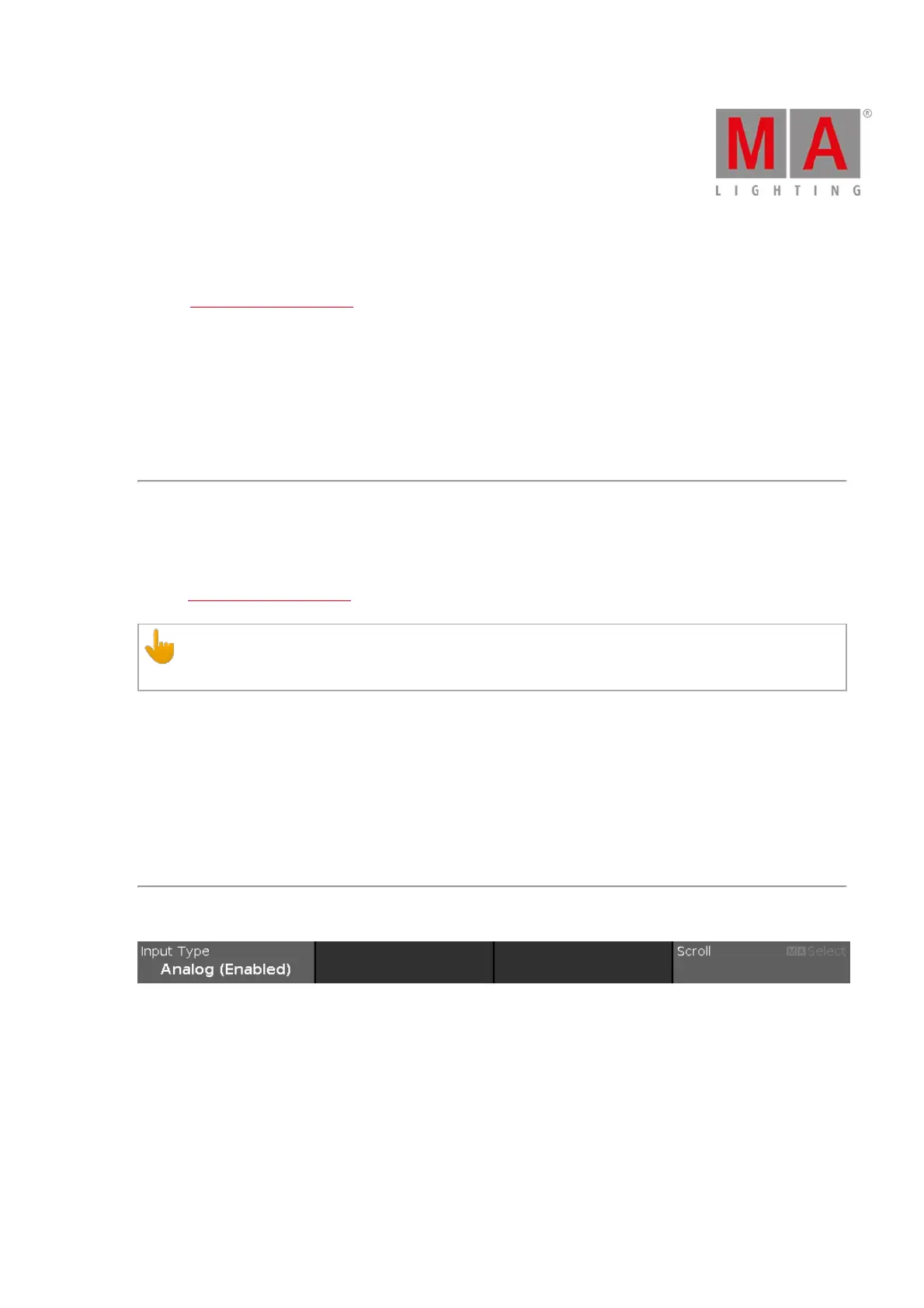
Encoder Bar Functions
Figure 2: Encoder Bar Functions - Remote Inputs Configuration Window
Input Type:
To select a remote input type, turn the encoder left or right.
To enable or disable a remote input type, press the encoder. The current status is displayed in brackets.
Scroll:
To scroll up or down, turn the encoder left or right.
To scroll left or right, press and turn the encoder left or right.
To edit a selected cell, press the encoder. The respective window opens.



 To Next Page