© 2018 MA Lighting Technology GmbH - Dachdeckerstr. 16 - 97297 Waldbüttelbrunn - Germany
Phone +49 5251 688865-27 - support@ma-dot2.com - www.malighting.com
If an executor does not use master speed, the master speed fader does not control this executor. Effects use the
stored effect speed.
For more information refer to Magic Speed View.
Use Master Rate
To deactivate master rate for an executor, tap the tick mark.
If an executor uses the master rate, the master rate controls the speed of the cue fade and cue delay timings.
If an executor does not use the master rate, the master rate does not control this executor.
For more information refer to Magic Speed View.
Super Priority (!)
To set the priority, tap the prohibition sign.
Set priority only if the executor is disabled.
Important:
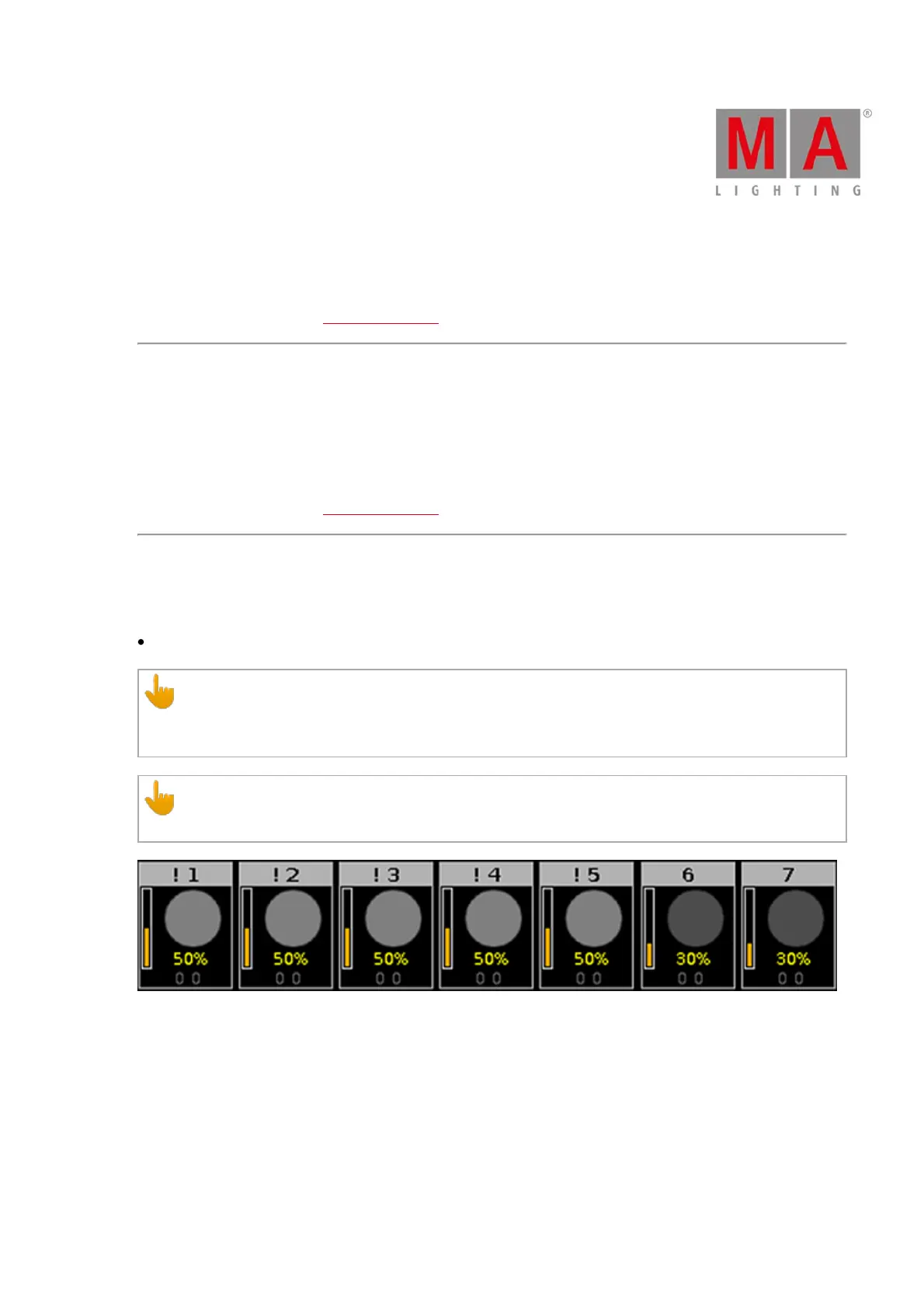
If at least one attribute of a fixture comes from an executor with the Super Priority (!), the fixtures are
displayed with an exclamation mark on the left of the ID numbers in the fixture sheet.
Important:
The Super Priority (!) has a higher priority than that of other playbacks and the programmer.
Figure 3: Super Priority (!) displayed in fixtures



 To Next Page