Example 1
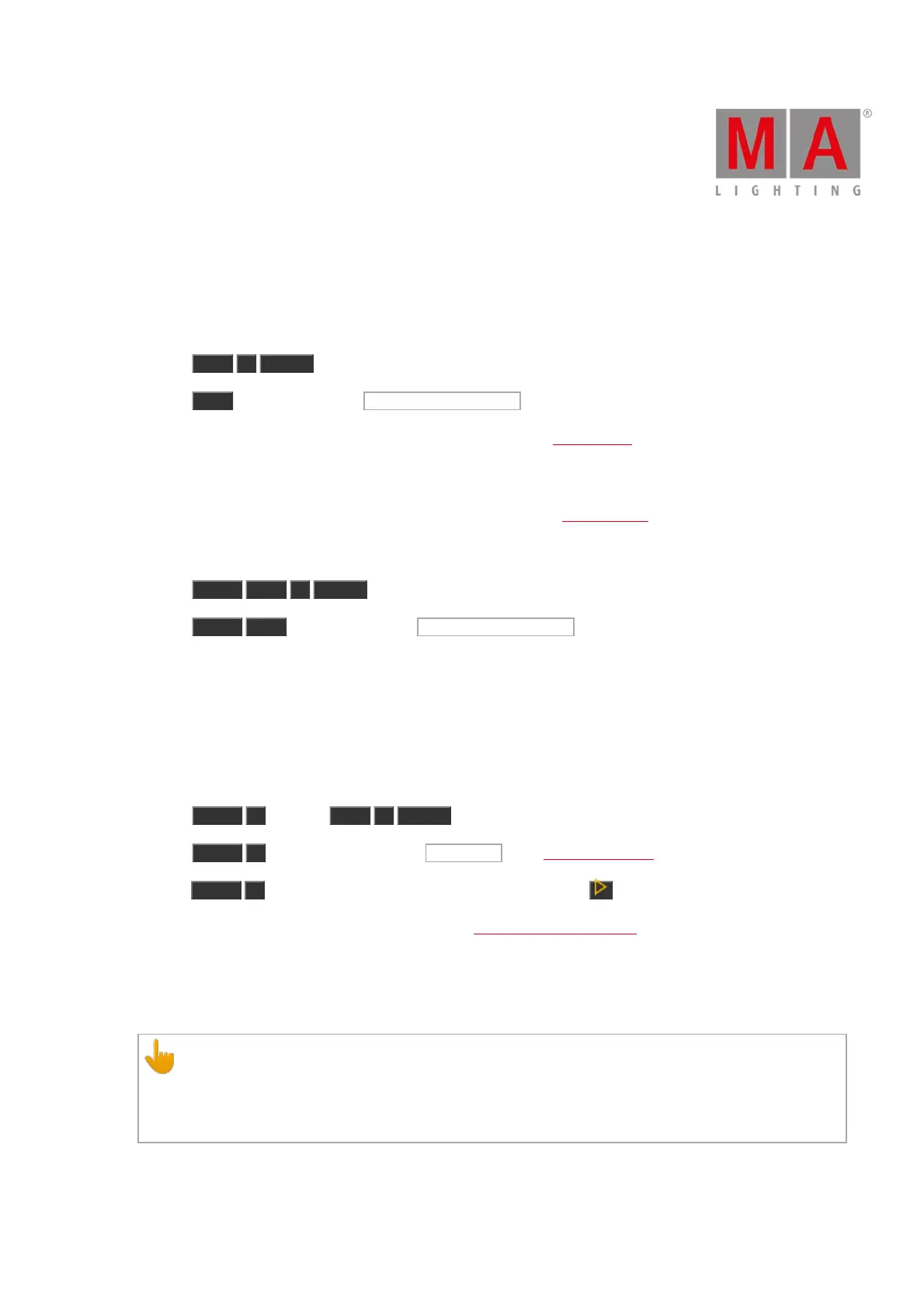
Let´s assume, you will select all fixtures used in the cue list of executor 1.
There are two ways to do this.
a) Press Exec 1 Please .
b) Press Exec and then tap on the object tile of executor 1 .
All fixtures stored in the cue list of executor one are selected in the fixtures view.
Example 2
Let´s assume, you will delete executor 1 from the actual page of the executor pool.
There are two ways to do this.
a) Press Delete Exec 1 Please .
b) Press Delete Exec and then tap on the object tile of executor 1 .
Executor 1 is deleted from the actual page of the executor pool.
Example 3
Let´s assume, you will delete cue 1 from a executor button 1.
There are three different ways to do this.
a) Press Delete 1 (= Cue 1) Exec 1 Please .
b) Press Delete 1 (= Cue 1) and tap on the executor 1 in the executor bar view.
c) Press Delete 1 (= Cue 1) and press the respective executor button on the console.
If a cue list is stored on executor 1, the console ask to choose the delete method.
Example 4
Let´s assume, you will set intensity of executor 1 at 50 %.
Important:
The physical fader doesn´t move.
To grab the fader again, you have to move the fader once to the actual value.
The fader is working.



 To Next Page