HIGH DATA RATE RECEIVER
HDR-4G+ USER’S MANUAL
Ref. DTU 100782
Is.Rev 3.5
Date: June 1, 2021
© Safran Data Systems – IMP000074 e14r1
This document is the property of Safran Data Systems.
It cannot be duplicated or distributed without expressed written consent.
is done through the TCP/IP Control TCP/IP port of the HDR unit. Detailed instructions to program the
functionality are given in the “Recording and FTP Recovery” User Manual DTU 100381.
Data files structure 3.4.11.4.1.2
The recorded data files are binary files.
A data file contains a variable number of TM blocks.
The maximum number of TM blocks per file is defined by the current configuration of the CORTEX
HDR. The effective number of TM blocks per file can be less that the maximum only when the
recording session is stopped.
TM Block 1
TM Block 2
TM Block N
Telemetry Frame :
Synchronization Word
& Data Words
(8 Bytes aligned)
Time Tag
(8 Bytes)
Status
(8 Bytes)
Optionnal spare field
(0 to 8 words
of 8 Bytes)
… /…
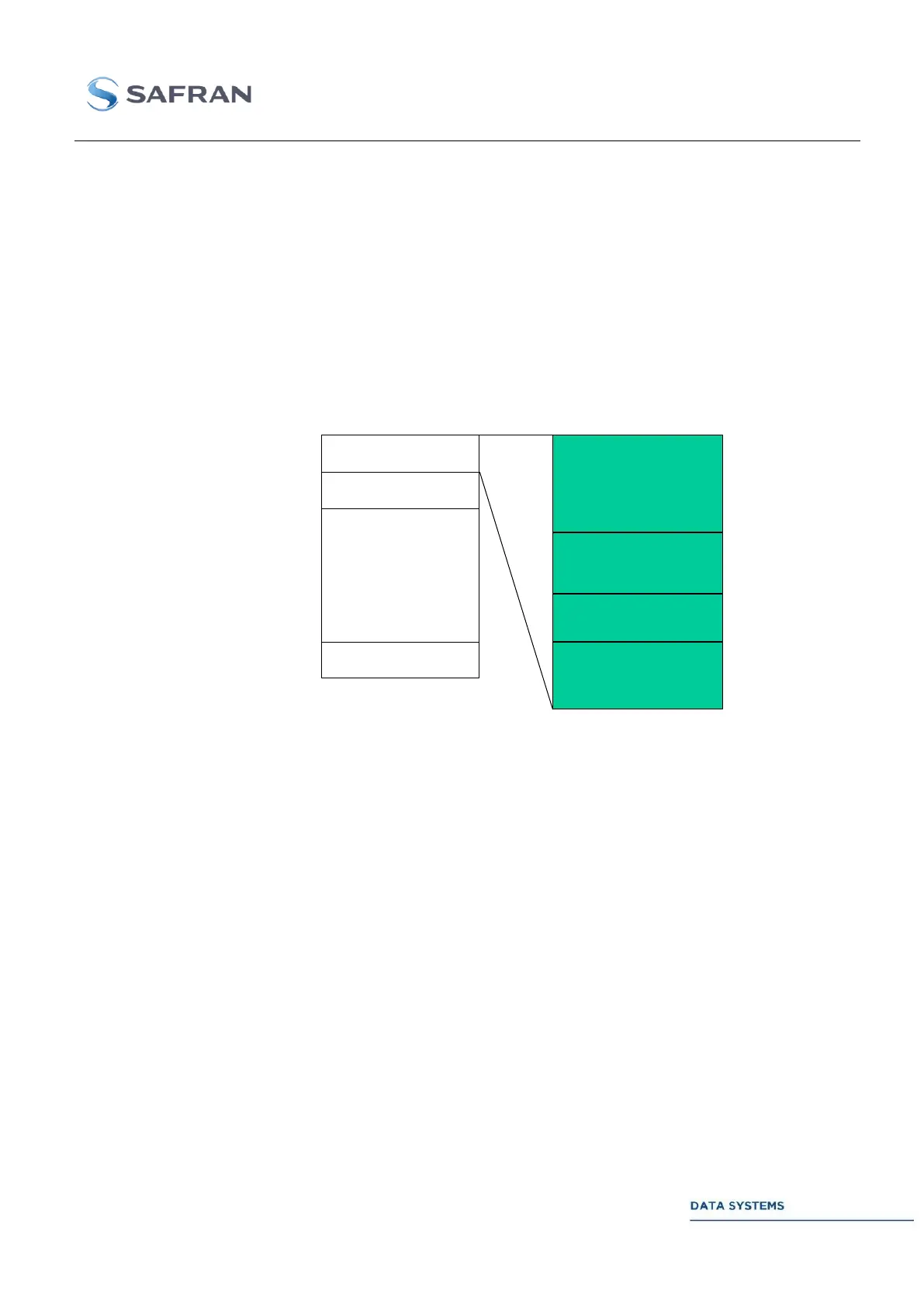
Figure 43: Recorded Data File Structure
When the frame synchronizer is disabled, the Status field is never included inside the TM blocks. On
the other hand and independently, the insertion of the Time Tag field can be disabled or not (it is a set-
up parameter, refer to the “Real Time” window in chapter 4).
For example, in order to record raw data without any added bytes inside the binary files, the following
set-up conditions must be satisfied:
1. the frame synchronizer must be disabled
2. the selected TM data block size must be set to N x 8 bytes (example: 1024 bytes)
3. the insertion of the Time Tag must be disabled
4. the number of added spare words must be set to 0.
Report files structure 3.4.11.4.1.3
The pass report files are ASCII files.
The CORTEX HDR generates a pass report file in the result passes directory. The name of the report
file is reconstructed as the TM file name, except for its extension.



 To Next Page