HIGH DATA RATE RECEIVER
HDR-4G+ USER’S MANUAL
Ref. DTU 100782
Is.Rev 3.5
Date: June 1, 2021
© Safran Data Systems – IMP000074 e14r1
This document is the property of Safran Data Systems.
It cannot be duplicated or distributed without expressed written consent.
Control 4.5.8.2.2.3
Enable or not the VCM mode for the modulation
If VCM mode is enabled, the modulation and coding modes sequence are
described inside a simulation ASCII File. This field allows selecting the File
Number. The file are available in D:\ZDS\Data\HDR\SPS\VCM
The file contains 1 line per ACM.
It begins with #frame# when the VCM is frame-based. If not, it is time-based.
Each line must have the following syntax:
Nb Frames ; modulation OFF ; stop ; ACM nb ; pilot ; short
frame (Frame-based mode)
time (seconds); noise level (dBm/Hz) ; ACM nb ; pilot ;
short frame (Time-based mode)
Lines beginning with ‘#’ character and blank are ignored.
ACM number (describing modulation and rate, or DUMMY frames)
Enable or disable the encoding
Enable or disable the insertion of pilots inside the frames
Enable or disable the randomization of the frames
Enable or Disable custom values of Back-Off
Allows to select the file (ASCII file) defining the back off setting. The files are
available in D:\ZDS\Data\HDR\SPS\VCM\backoff
Please refer to provided example file for reference.
Lines beginning with ‘#’ character and blank are ignored.
Enable or disable custom values of Gamma(s)
Allows to select the file (ASCII file) defining the gamma(s) setting. The files are
available in D:\ZDS\Data\HDR\SPS\VCM\gamma
Please refer to provided example file for reference.
Lines beginning with ‘#’ character and blank are ignored.
Enable or disable the “filtering” of frames.
For BER test purposes BER can be evaluated in VCM mode on a single ACM.
The filter ensures continuity of the data generated from the DGU
When ACM Filter is enabled, this field indicates the ACM which is actually
transmitted (with continuity of data). For any other ACM, padding frames are
inserted.
Enable or disable the insertion of BB Headers inside DVB-S2 Frames
Long or Short Frames can be selected for DVB-S2 Mode
Status & Warnings 4.5.8.2.3
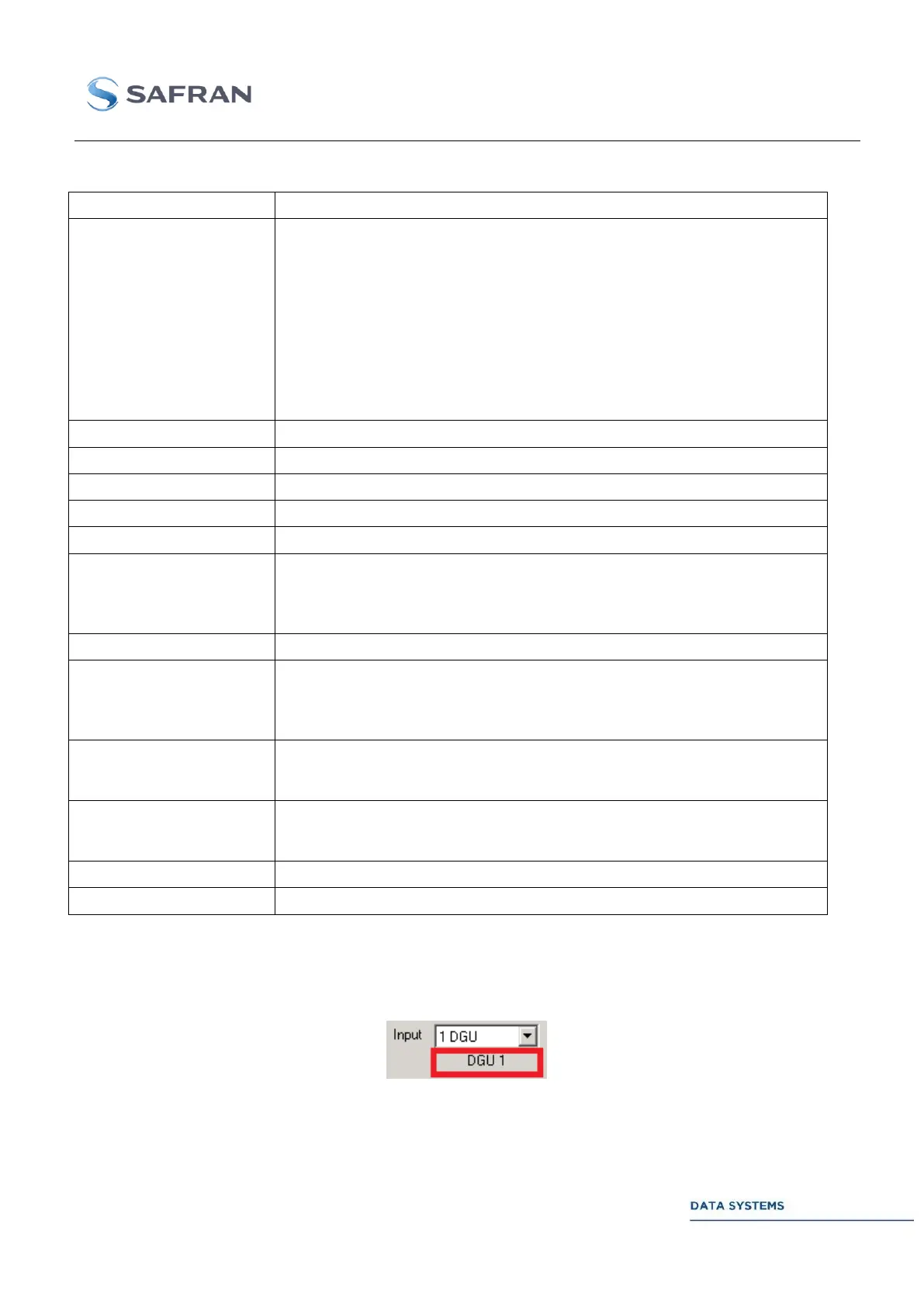
When the input of the MDU is selected, a status indicates which DGUs are actually connected to the
MDU or if the MDU is connected to the Format Input.
Figure 163: Status: Input of the MDU



 To Next Page