HIGH DATA RATE RECEIVER
HDR-4G+ USER’S MANUAL
Ref. DTU 100782
Is.Rev 3.5
Date: June 1, 2021
© Safran Data Systems – IMP000074 e14r1
This document is the property of Safran Data Systems.
It cannot be duplicated or distributed without expressed written consent.
CORTEX HDR Specific Data 4.3.5.4.2
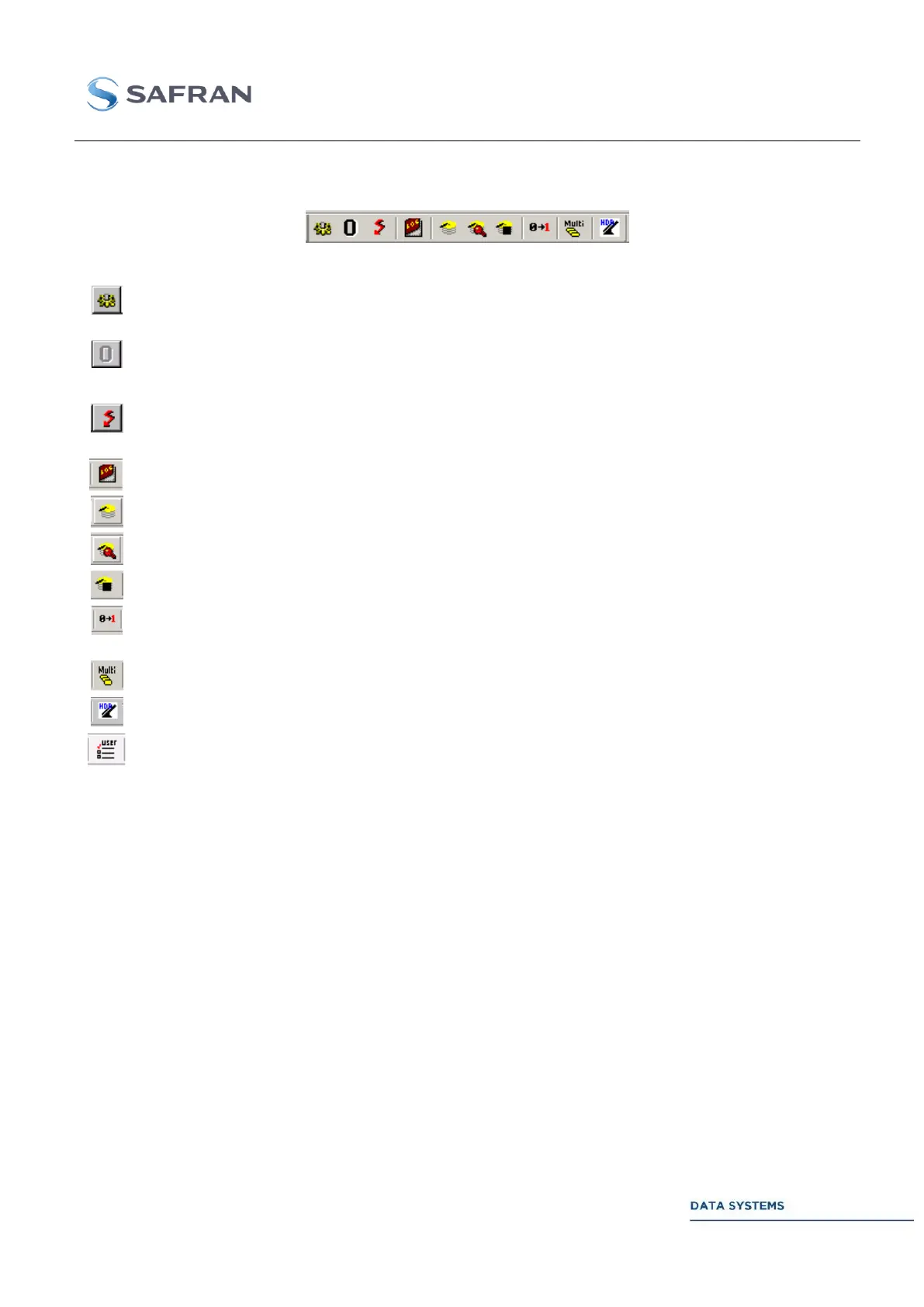
Restart signal acquisition by the Demodulator. Turns to yellow when the Demodulator is locked.
Turns to gray when the Demodulator is unlocked (see SPECIAL COMMAND - RESTART IFR).
Reset the BER counter for the active Demodulator Unit window or
Restart the status counter for the active Data Processing Unit window.
Close the TCP-IP connection for the active window. Turns to red when the connection is active and
to gray when the connection is closed (see SPECIAL COMMAND - CLOSE TCP)
Open the data logging set-up window (refer to Logging window)
Open the Disk Partitioning & Memory Allocation window.
Toggle command: select the Configuration or Acquisition mode.
In Acquisition mode, close all open data acquisition processes to toggle in Configuration mode.
Invert one bit in the simulated data pattern (pseudo-random pattern or file). Bit inversion takes
place before convolutional encoding (if enabled).
Allows the setting of a same parameter in all the active channels from a single window.
Recall the MCS Login window.
Load a User Configuration MCS file



 To Next Page