HIGH DATA RATE RECEIVER
HDR-4G+ USER’S MANUAL
Ref. DTU 100782
Is.Rev 3.5
Date: June 1, 2021
© Safran Data Systems – IMP000074 e14r1
This document is the property of Safran Data Systems.
It cannot be duplicated or distributed without expressed written consent.
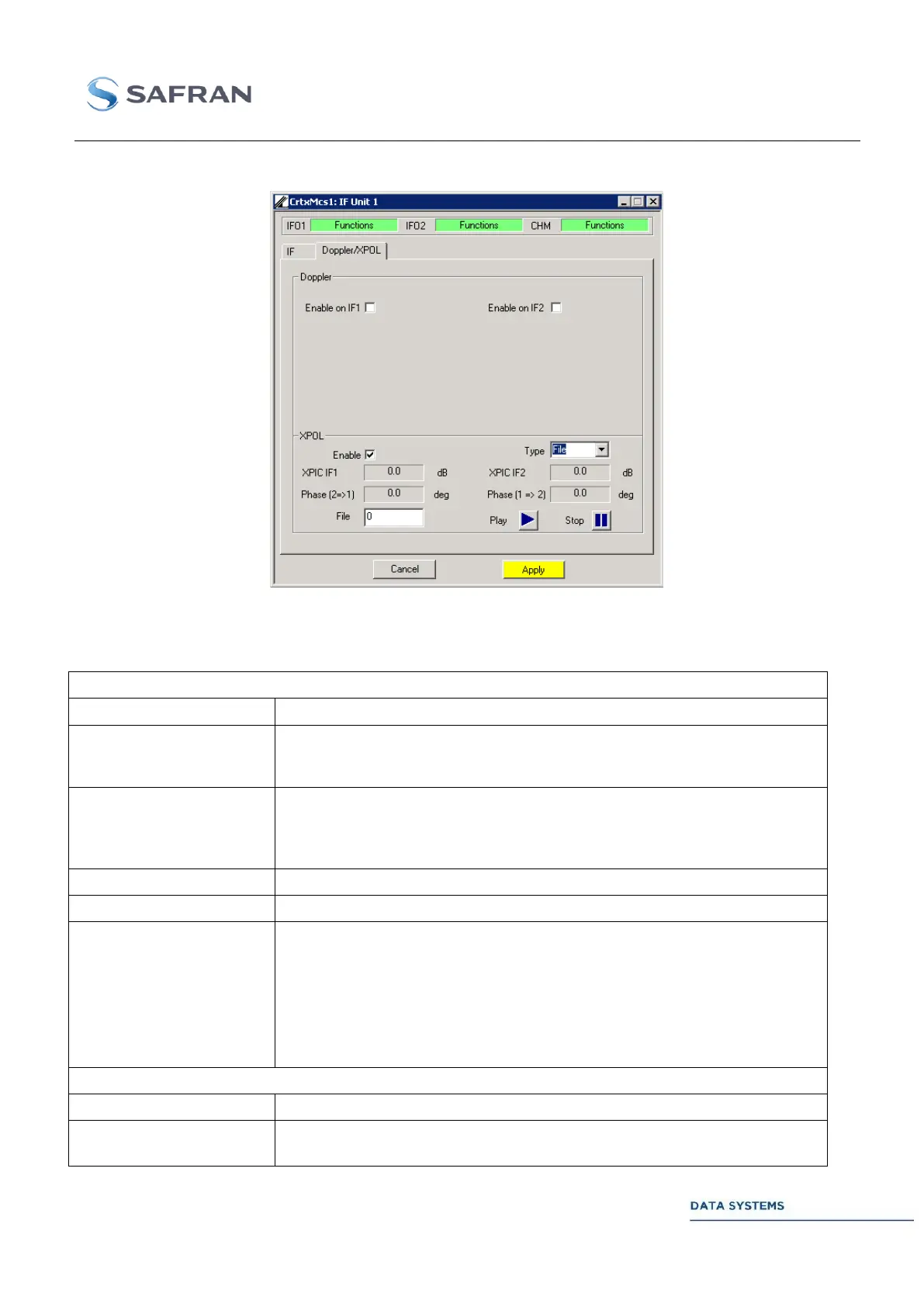
XPOL Configuration: File 4.5.8.3.2.3
Figure 169: XPOL Configuration: File
Control 4.5.8.3.2.4
Enable or disable Doppler (Frequency Sweeping) on IF 1 and/or IF 2
Only when Doppler is available on both IF 1 & 2
Same: Same Doppler scheme on both IF
Independent: Independent Doppler schemes
Triangle
Sinusoidal
Atan
File
When File Mode is enabled, this is the number of the selected File
The files can be found in D:\ZDS\DATA\HDR\SPS\DOPPLER\ and are named as
follows:
- File 1 will be named doppler1.csv
The files contain two columns: “time” and “offset”
- “time” is the time offset in seconds
- “offset” is the frequency offset
You can add “#REWIND#” at the end to loop on the file
Enable or disable Cross-Polarization



 To Next Page