HIGH DATA RATE RECEIVER
HDR-4G+ USER’S MANUAL
Ref. DTU 100782
Is.Rev 3.5
Date: June 1, 2021
© Safran Data Systems – IMP000074 e14r1
This document is the property of Safran Data Systems.
It cannot be duplicated or distributed without expressed written consent.
Protected Mode 4.3.6.4.2
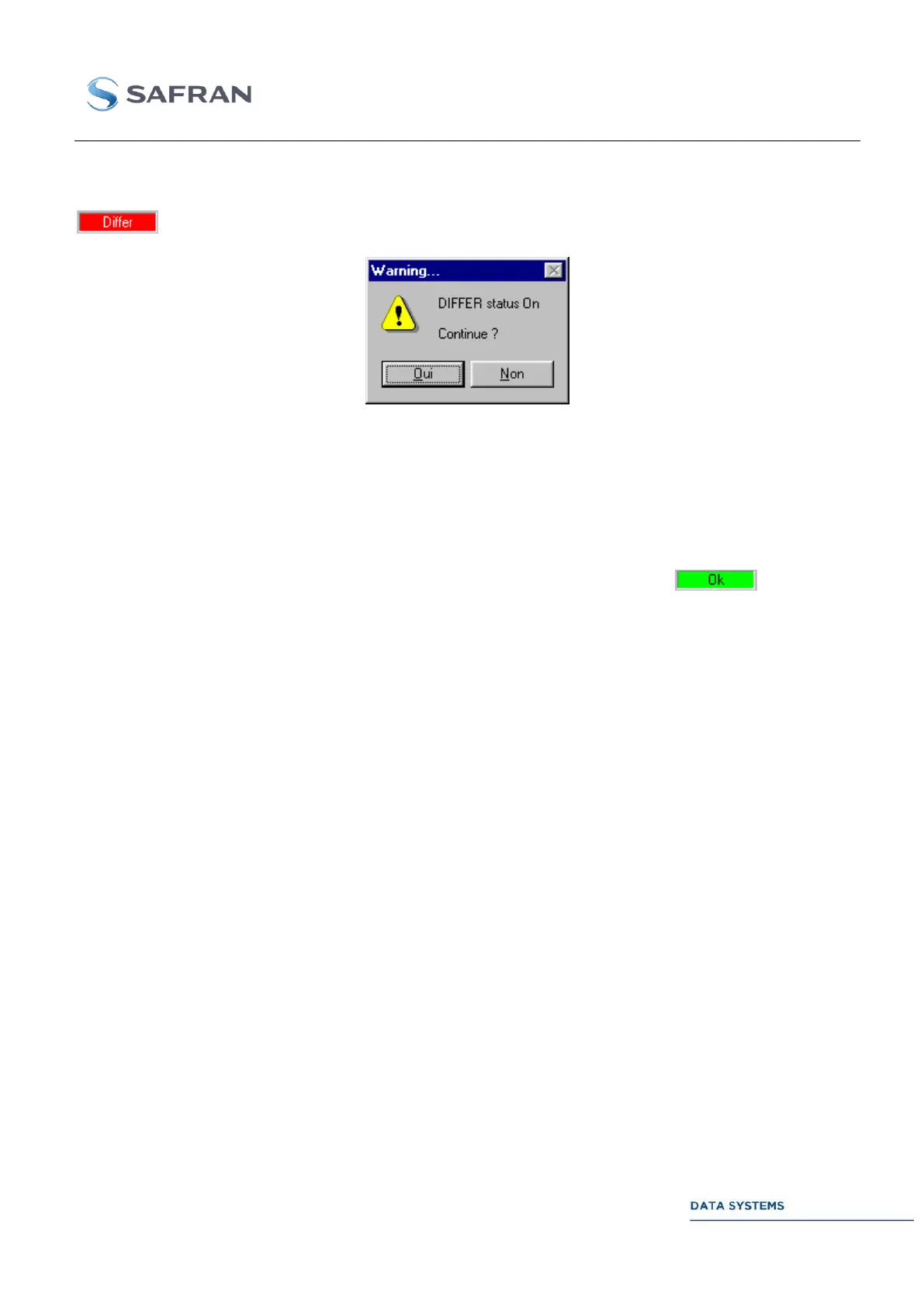
This mode is identical to the Standard mode above except that, if the MCS control status were
before clicking on CONFIG, a confirmation message is displayed on the screen when the
APPLY button is pressed:
This message is to warn the Operator that the CORTEX will be re-configured from the MCS Table and
that one or several parameters, else than those modified by the Operator, will be changed, thus
affecting other remote CORTEX Operators. Click on NO to abort or YES to re-configure the machine.
Automatic Mode 4.3.6.4.3
In this mode, the MCS Table is automatically updated whenever a change in the configuration is made
by the operator. Consequently, the MCS control status remains permanently to , indicating
that the contents of the MCS Table and the contents of the monitoring tables always match.



 To Next Page