HIGH DATA RATE RECEIVER
HDR-4G+ USER’S MANUAL
Ref. DTU 100782
Is.Rev 3.5
Date: June 1, 2021
© Safran Data Systems – IMP000074 e14r1
This document is the property of Safran Data Systems.
It cannot be duplicated or distributed without expressed written consent.
REMOTE USERS
CORTEX SPS
Start ApplicatiStart ApplicationStart Application
Set CTX Document ID status to 0
Set Update CTX Document status to 0
Last Active CTX Document
(Disk)
Load CTX Document in RAM
CTX Document # N
(disk)
CTX Document Name Table
(Disk)
Accept
Store CTX Document #N with Label
Set CTX Document ID status to N.
Set Update CTX Document status to 0.
Update label to CTX Document #N
in CTX Document Name Table
Accept
Configuration Request
Saved
Set Update CTX Document status to 1
Accept
Load CTX Document #N
Load CTX Document #N to Active CTX Table (*)
Loaded
Set CTX Document ID status to N.
Set Update CTX Document status to 0
Apply all configuration parameters
(*) If file error: set all parameters
to their default value
Saved
Every 10 seconds : save Active CTX Table to the disk
Save CTX Document Name Table
Save Active CTX Table to CTX Document # N
Loaded
Load CTX Document Name Table
Saved
Loaded
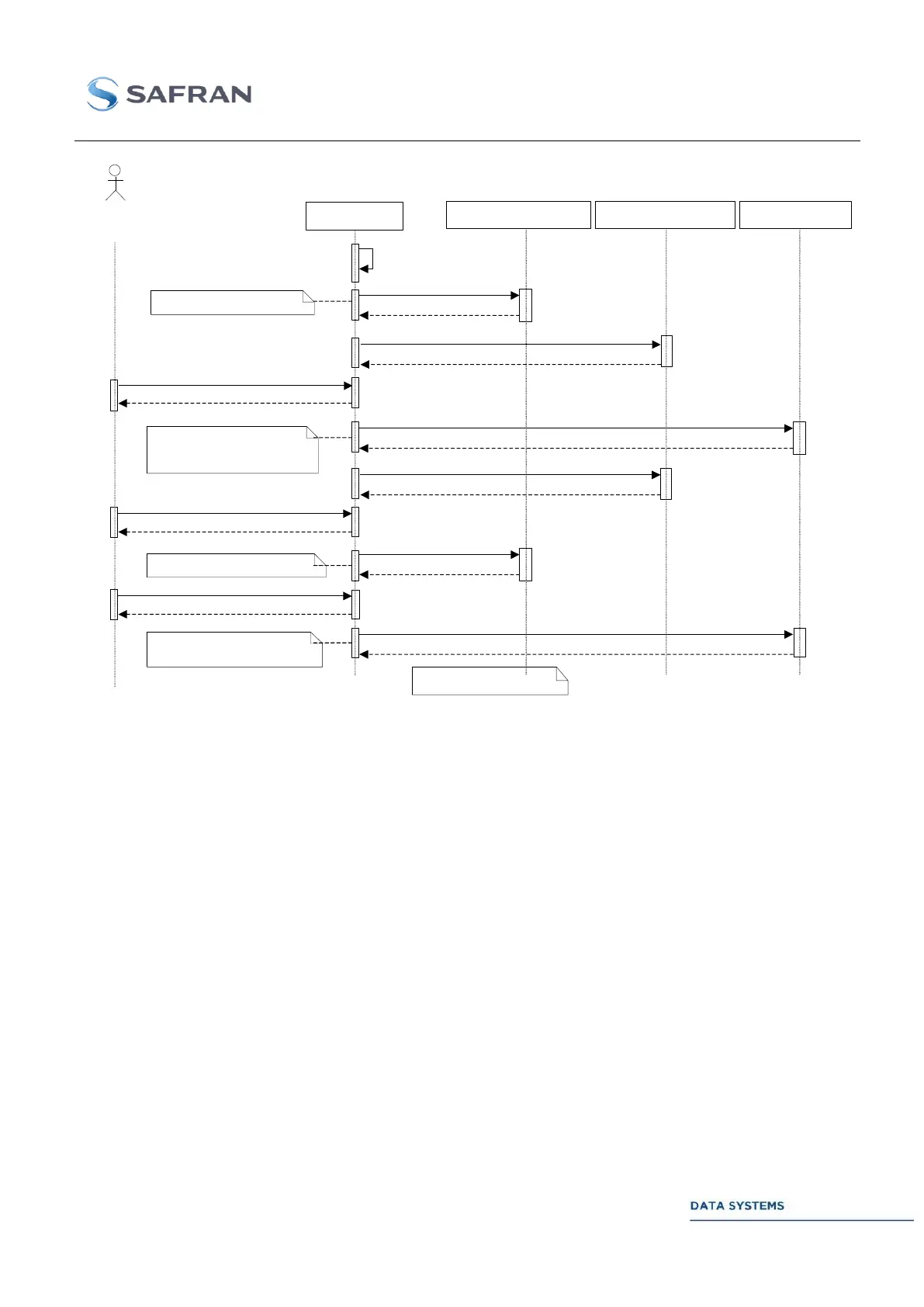
Figure 77: CTX Document Management
Start-up Menu Selection by Remote Access Control (RAC) 4.2.4
The RAC functionality is supported by all CORTEX products (CRT, HDR, ACS, …) from SPS Kernel
version 2.7 and MCS kernel version 1.9.
General 4.2.4.1
On some CORTEX products (CORTEX CRT, CORTEX HDR, etc…) a start-up menu offers several
high-level architectures (combination of hardware and software resources) corresponding to different
mission requirements.
When starting up the CORTEX software, menu selection can be done either locally (user interface
described hereafter) or remotely (Remote Access Control) by sending control commands to a specific
RAC data server on the CORTEX machine (RAC port # 3003). Control commands are described in the
Ethernet ICD STI 100013, section 2.6.
Starting a new menu while the CORTEX is running takes only a few seconds (2 seconds best case, up
to 20 seconds when a new FPGA software needs to be downloaded from the hard disk to the target
FPGA).



 To Next Page