HIGH DATA RATE RECEIVER
HDR-4G+ USER’S MANUAL
Ref. DTU 100782
Is.Rev 3.5
Date: June 1, 2021
© Safran Data Systems – IMP000074 e14r1
This document is the property of Safran Data Systems.
It cannot be duplicated or distributed without expressed written consent.
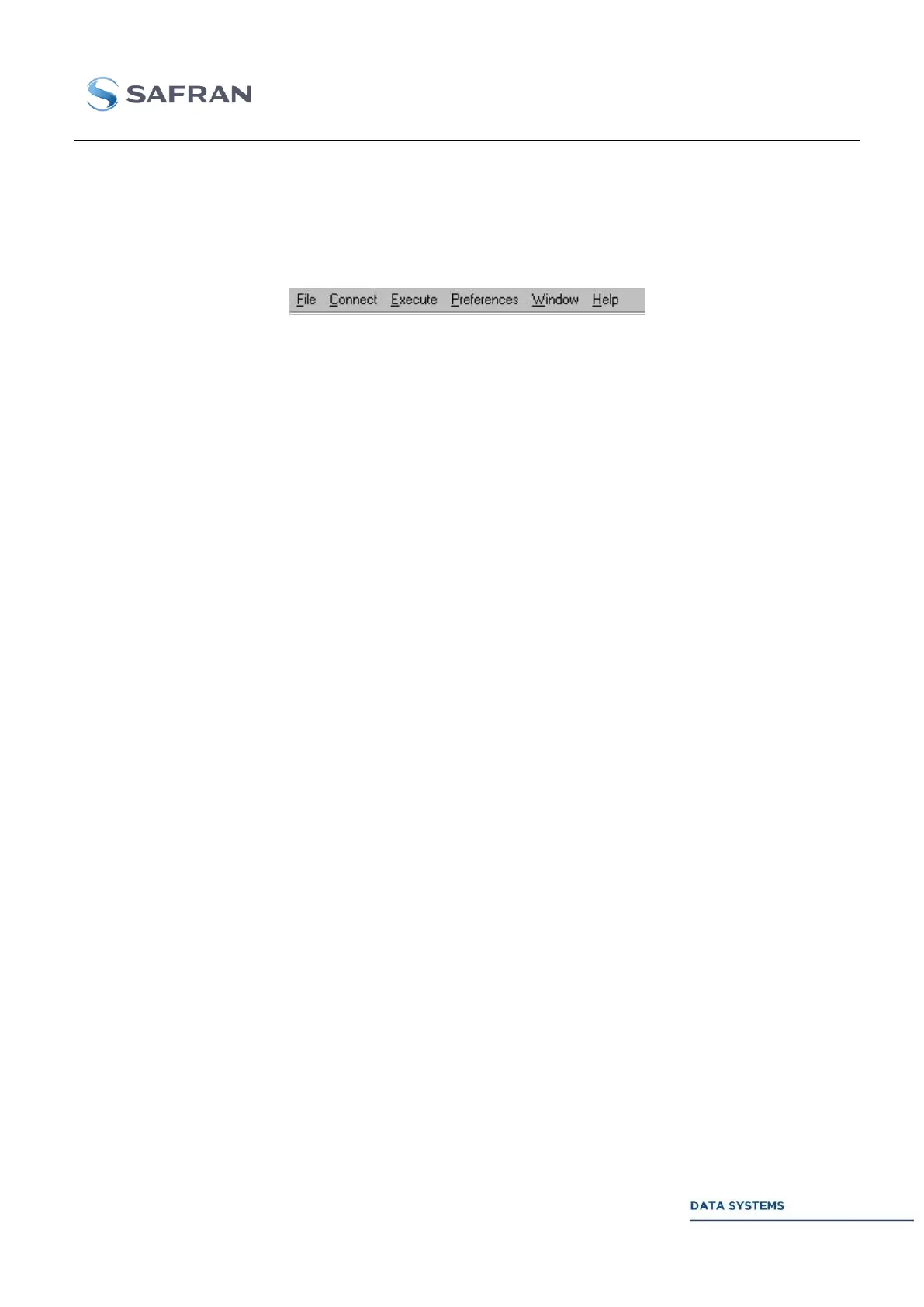
Upper Toolbar 4.3.5.3
Common Data 4.3.5.3.1
The following commands are common to all of the CORTEX products. For product specific commands,
see next section.
NEW: Create a new MCS Document to open a new M&C session.
OPEN: Open an M&C session from an existing MCS Document on the disk
CLOSE: Close the current M&C session and document. If the document is not saved, a
messages proposes to save it. The workspace is closed too.
SAVE: Save the active MCS Document to the original document on the disk.
SAVE AS: Save and rename the active MCS Document to the disk.
PRINT: Print out the contents of the active MCS Table.
PRINT PREVIEW: Display the contents of the active MCS Table.
PAGE SETUP: Change the printer and printing options.
EXIT: Exit the MCS.
<file_list >: Select an existing MCS document from the list.
CONNECT TO: Connect the MCS to the monitoring port of a CORTEX. Command
available only if an IP address is provided in the host identification zone.
DISCONNECT: Close the monitoring connection to the CORTEX.
CONTROL ACCESS: Activate or inhibit the configuration mode.
OPEN CONTROL PORT: Open a TCP-IP connection to the Control port. Opening the
connection will inhibit access to the Control port by other remote Control Clients.
CLOSE CONTROL PORT: Close the TCP-IP connection to the Control port.
SPECIAL COMMANDS
INITIALISATION: Re-program the CORTEX to boot up state.
RESTART DEMODULATOR: Restart the acquisi11tion of the demodulator.
CLOSE TCP: Close the TCP-IP connection for the active window.
INITIALISATION: Re-program the CORTEX to boot up state.
LOAD CONFIGURATION: Load a User configuration



 To Next Page