HIGH DATA RATE RECEIVER
HDR-4G+ USER’S MANUAL
Ref. DTU 100782
Is.Rev 3.5
Date: June 1, 2021
© Safran Data Systems – IMP000074 e14r1
This document is the property of Safran Data Systems.
It cannot be duplicated or distributed without expressed written consent.
Monitoring (Transport Layer Window) 4.5.5.2.2
Unless otherwise specified, status & alarms in this window are described in DPU.
Number of frame drop-out events at transport layer level
Number of bits corrected by the decoder at transport layer level
Bit error rate at transport layer level
Number of received idle frames at transport layer level
Number of bad frames (could not be corrected)
Frame Synchronizer status. From left to right:
Search, Check, Locked or Flywheel
Data or Idle frames
Note: When the frame synchronizer of the CADU layer is lock, the status of the counters in the
Transport layer can be updated or not. That is controlled by a Registry key
(PermanentTransportStatus).
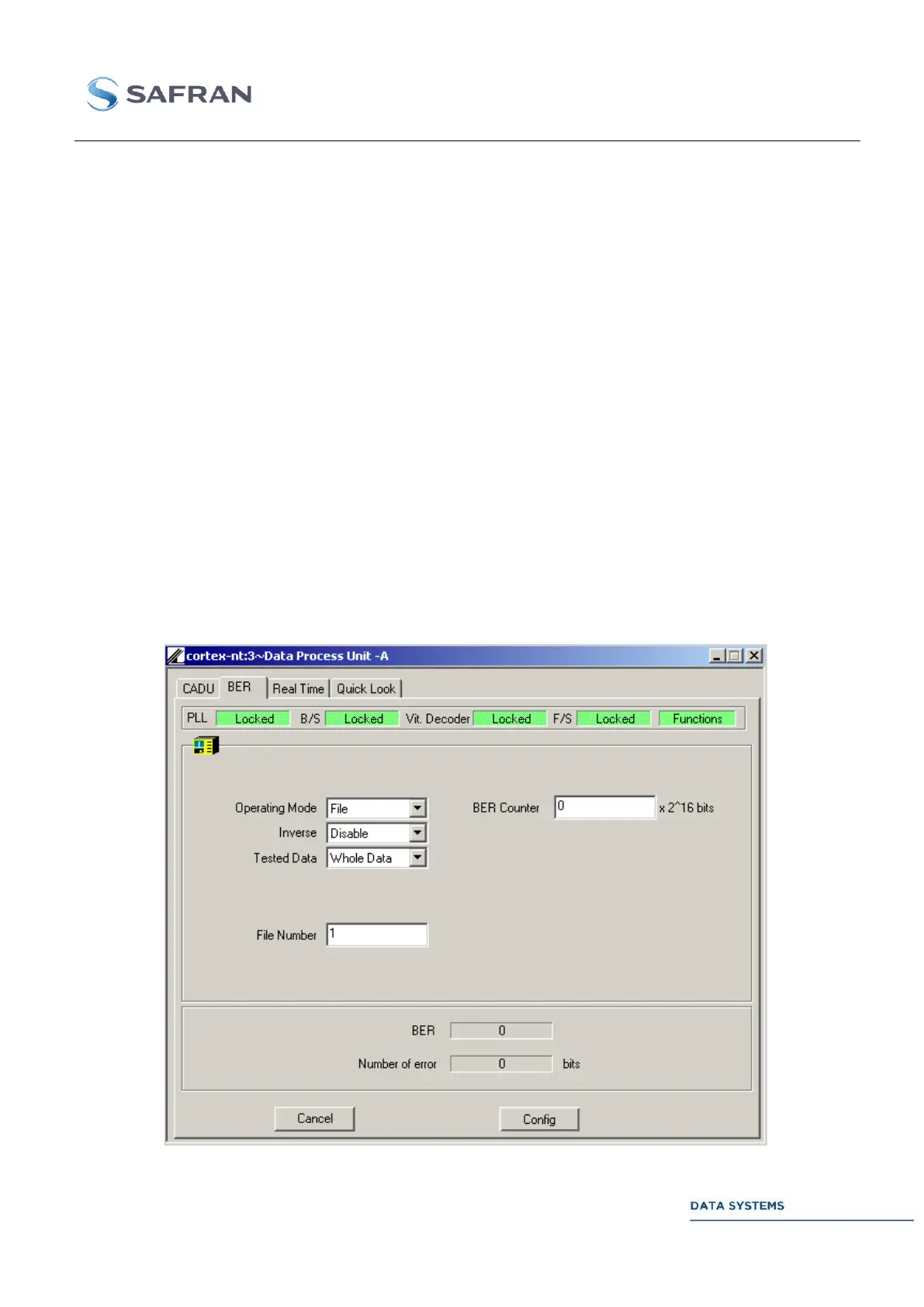
“BER” Windows 4.5.5.3
Figure 134: DPU: BER Window



 To Next Page