HIGH DATA RATE RECEIVER
HDR-4G+ USER’S MANUAL
Ref. DTU 100782
Is.Rev 3.5
Date: June 1, 2021
© Safran Data Systems – IMP000074 e14r1
This document is the property of Safran Data Systems.
It cannot be duplicated or distributed without expressed written consent.
Files associated with the Cortex HDR Hardware 4.4.2.3
C:\Program Files\ZDS\Drivers
(and subdirectories)
C:\Program Files\IN-SNEC\Drivers
(and subdirectories)
C:\Program Files\ZDS\hdr
(and subdirectories)
C:\Program Files\IN-SNEC\hdr
(and subdirectories)
C:\Program Files\ZDS\Tools\Monitor
C:\Program Files\IN-SNEC\Tools\Monitor
Other Files 4.4.2.4
D:\ZDS\Data\HDR\DOC
(and subdirectories)
C:\Program Files\IN-SNEC\DOC
(and subdirectories)
C:\Program Files\ZDS\Tools\createCFDP
C:\Program Files\IN-SNEC\Tools\createCFDP
D:\ZDS\Data\HDR\Tools\createCFDP\Files
(and subdirectories)
C:\Program Files\IN-SNEC\Tools\createCFDP\Files
(and subdirectories)
C:\Program Files\ZDS\Tools\magicTEST
C:\Program Files\IN-SNEC\Tools\magicTEST
C:\Program Files\ZDS\uihm
C:\Program Files\IN-SNEC\uihm
C:\Program Files\ZDS\Tools\FileZillaServer
C:\Program Files\IN-SNEC\Tools\FileZillaServer
C:\Program Files\ZDS\Tools\doshdr
C:\Program Files\IN-SNEC\Tools\doshdr
C:\Program Files\ZDS\Tools\disks
C:\Program Files\IN-SNEC\Tools\disks
D:\ZDS\Data\HDR\Upgrade.txt
C:\Program Files\ZDS\Upgrade.txt
C:\Program Files\IN-SNEC \Upgrade.txt
Windows 7 Tools & Functionalities 4.4.3
With Windows 7, the following tools and functionalities are available to the Cortex User:
- Network Connections (Desktop – Network Connections): Offers the possibility to modify the IP
address, subnet, gateway of the Cortex Unit.
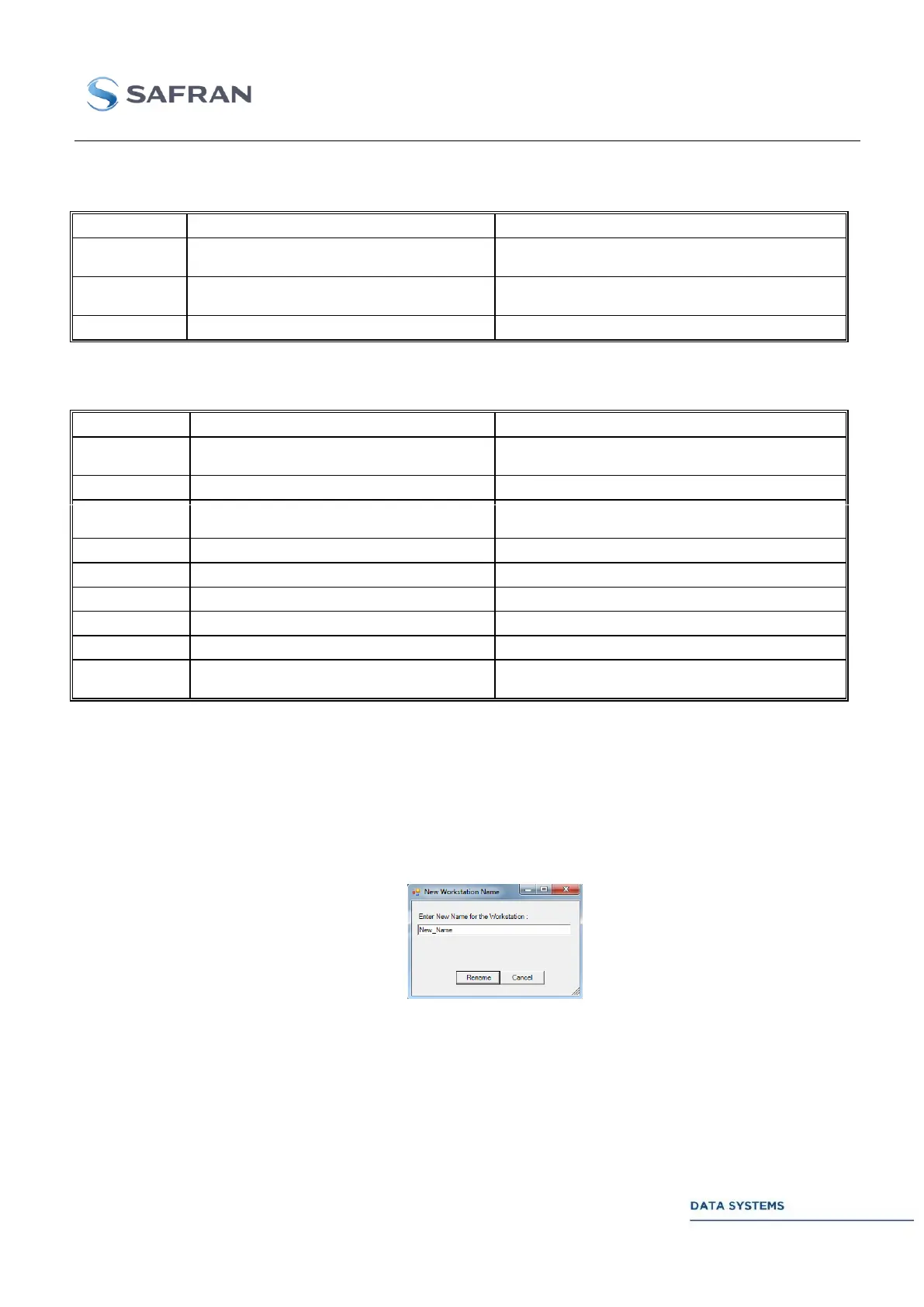
- Rename Workstation Utility (Start Menu – All Programs – Rename Workstation): Offers the
possibility to change network name of the Cortex Unit.
Procedure: Enter the new network name and click on rename (Cortex unit will restart
automatically with its new name).
- Notepad (Start Menu – All Programs – Accessories – Notepad).
- Calculator (Start Menu – All Programs – Tools – Calculator).



 To Next Page