HIGH DATA RATE RECEIVER
HDR-4G+ USER’S MANUAL
Ref. DTU 100782
Is.Rev 3.5
Date: June 1, 2021
© Safran Data Systems – IMP000074 e14r1
This document is the property of Safran Data Systems.
It cannot be duplicated or distributed without expressed written consent.
MCS Version Identification 4.3.7
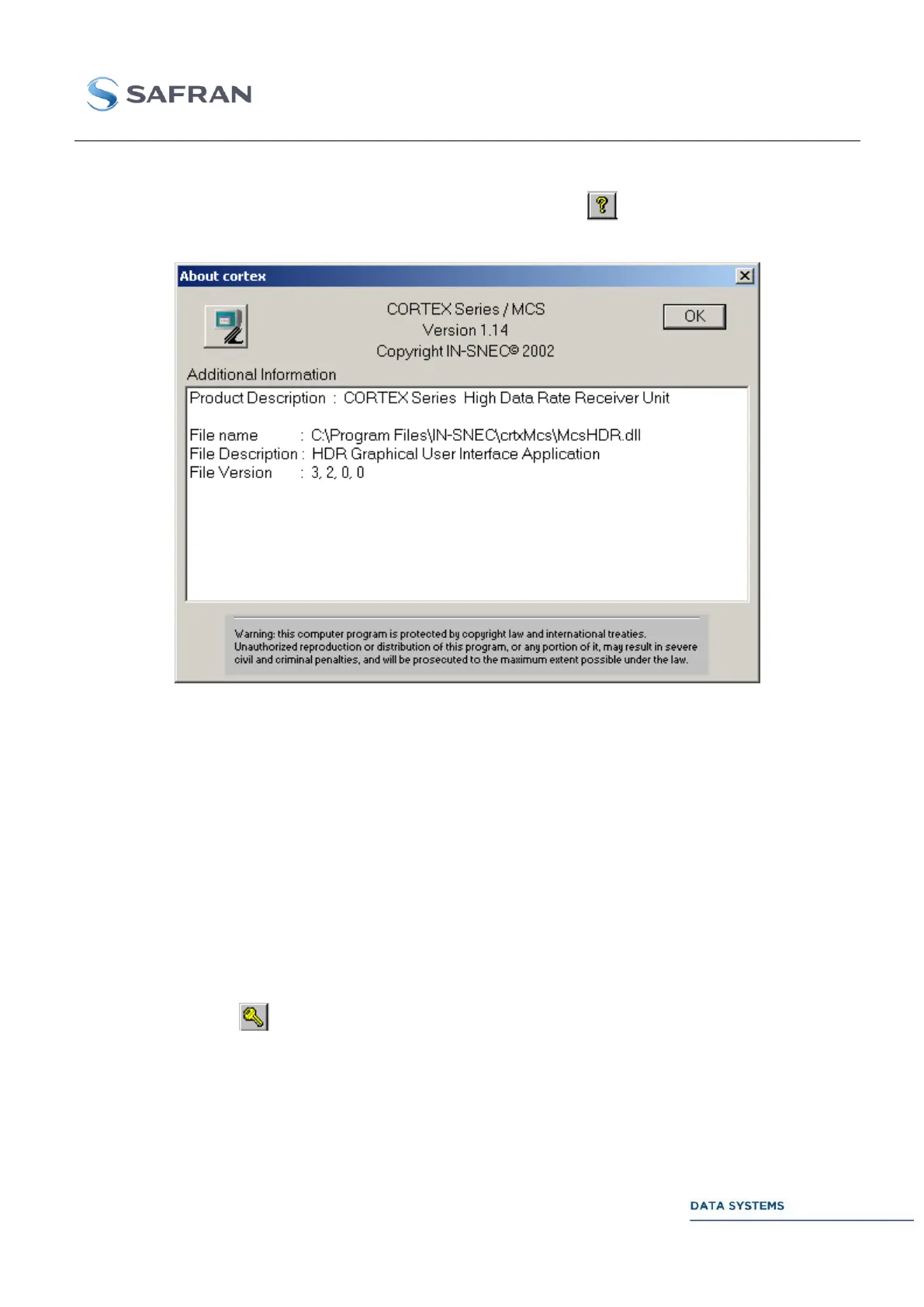
To know the Monitoring & Control Software (MCS) version, click on or click on Help in the top-level
window, then select About.
Figure 84: Cortex MCS About: Software Version
The MCS is built around an MCS kernel (supporting multiple CORTEX products such as the CORTEX
CRT, CORTEX HDR, CORTEX ACS, CORTEX RTR, etc…) and a product-specific MCS software
layer.
The header of the above window shows the version of the MCS kernel.
The inner window shows the version of the MCS software layer specific to the CORTEX HDR product.
Changing a Password 4.3.8
The following procedure applies to all passwords except the user login password.
To change a password:
1. Click on icon , or select button ‘Change’
2. Click on CHANGE,
3. Enter and confirm new password.



 To Next Page