HIGH DATA RATE RECEIVER
HDR-4G+ USER’S MANUAL
Ref. DTU 100782
Is.Rev 3.5
Date: June 1, 2021
© Safran Data Systems – IMP000074 e14r1
This document is the property of Safran Data Systems.
It cannot be duplicated or distributed without expressed written consent.
Software Exit & CORTEX HDR Shutdown 4.1.3
Exiting the Monitoring & Control Software 4.1.3.1
To exit the Monitoring & Control Software, click on File menu and select Exit. or click on in the
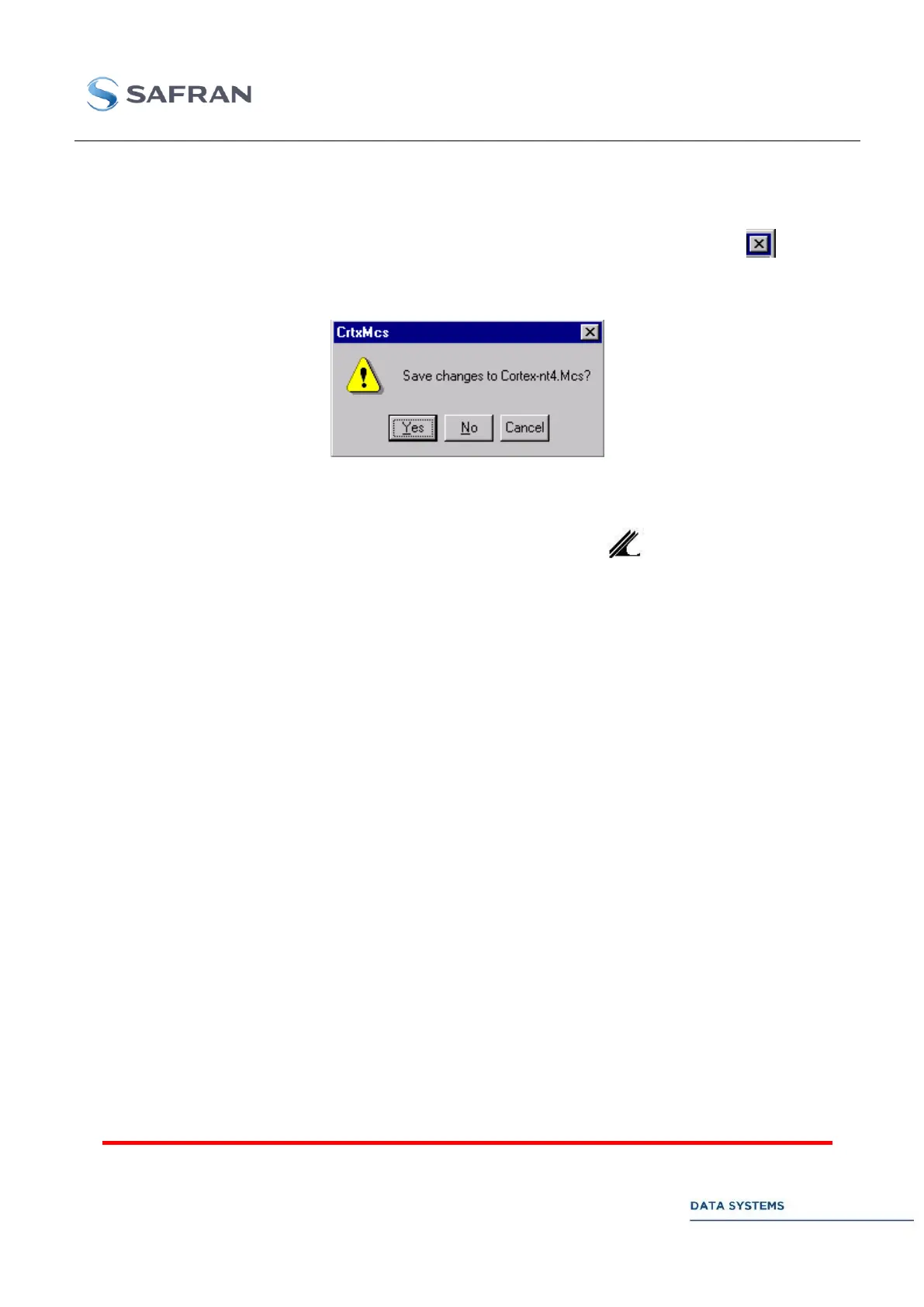
upper right corner of the MCS window. If any configuration parameter has been changed since the
MCS Document was updated on the disk, the following message is displayed:
Click on Yes to update the MCS File on the disk. Otherwise, click on No or Cancel the command.
Exiting the Signal Processing Software 4.1.3.2
To exit the Signal Processing Software (SPS), click on the SPS icon at the lower right part of
the screen and select Exit.
Restarting the SPS & MCS 4.1.3.3
Assuming the application software (SPS + MCS) has been stopped, click on shortcut menu Start / All
Programs / Startup / crtxstart to restart it.
To restart the MCS only, click on shortcut menu Start / All Programs / Cortex Application / MCS.
To restart the SPS only, click on shortcut menu Start / All Programs / Cortex Application / SPS.
CORTEX HDR Shutdown 4.1.3.4
PRIOR TO SWITCHING OFF YOUR CORTEX PRODUCT
SHUT DOWN THE PC-COMPATIBLE WORKSTATION (CLICK ON Start / Shutdown / Shut down the computer).
FAILURE TO OBSERVE THIS PROCEDURE CAN AFFECT DATA ON THE DISK AND THE SYSTEM ITSELF.
Screen Saver 4.1.4
WARNING:
THE SCREEN SAVER INSTALLED AT DELIVERY ENABLES TO SWITCH THE LCD BACKLIGHT OFF.
TO AVOID PREMATURE AGEING / FAILURE OF THE LCD AND DATA TRANSFER PROBLEMS ON THE PCI BUS,
DO NOT CHANGE THE SCREEN SAVER SETTING.



 To Next Page