HIGH DATA RATE RECEIVER
HDR-4G+ USER’S MANUAL
Ref. DTU 100782
Is.Rev 3.5
Date: June 1, 2021
© Safran Data Systems – IMP000074 e14r1
This document is the property of Safran Data Systems.
It cannot be duplicated or distributed without expressed written consent.
Other status and alarms 4.5.6.1.3
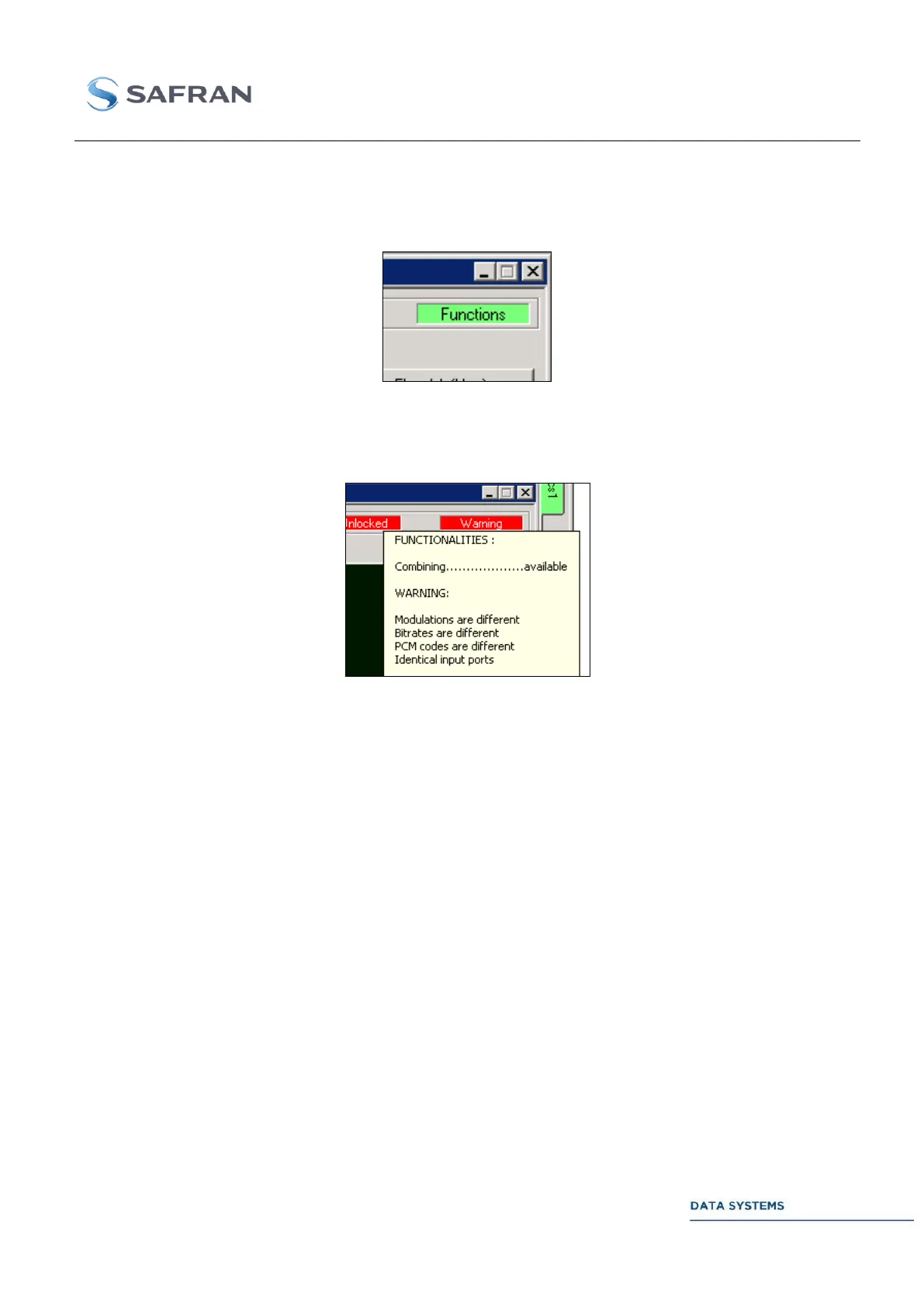
The upper right part of the window gives general information concerning the DCU. When everything is
configured right, it displays.
When an incorrect configuration is detected (different bitrates of both demodulators, same IF input…),
the box displays “Warning” (red). A tool tip is displayed when the pointer stops on the box. Below
stands an example of an incorrect configuration:
“BER” Window 4.5.6.2
This window enables the user to monitor the BER at the output of the combining system. Please refer
to the Demodulator Unit section for further details on this feature.
“Decoding” Window 4.5.6.3
This window enables the user to control and monitor the decoding features (Viterbi, TCM) at the output
of the combining system. Please refer to the Demodulator Unit section for further details on this feature.
“Vector” Window 4.5.6.4
This window enables the user to monitor the constellation at the output of the combining unit. It is the
same as the standard demodulator Vector windows, with the exception of three status (IF level,
Amplitude Error, Phase Error) that do not apply to the combining feature. Please refer to the
Demodulator Unit section for further details on this window.



 To Next Page