HIGH DATA RATE RECEIVER
HDR-4G+ USER’S MANUAL
Ref. DTU 100782
Is.Rev 3.5
Date: June 1, 2021
© Safran Data Systems – IMP000074 e14r1
This document is the property of Safran Data Systems.
It cannot be duplicated or distributed without expressed written consent.
The contents of the data files are defined in the paragraph 3.4.6.4.1.2.
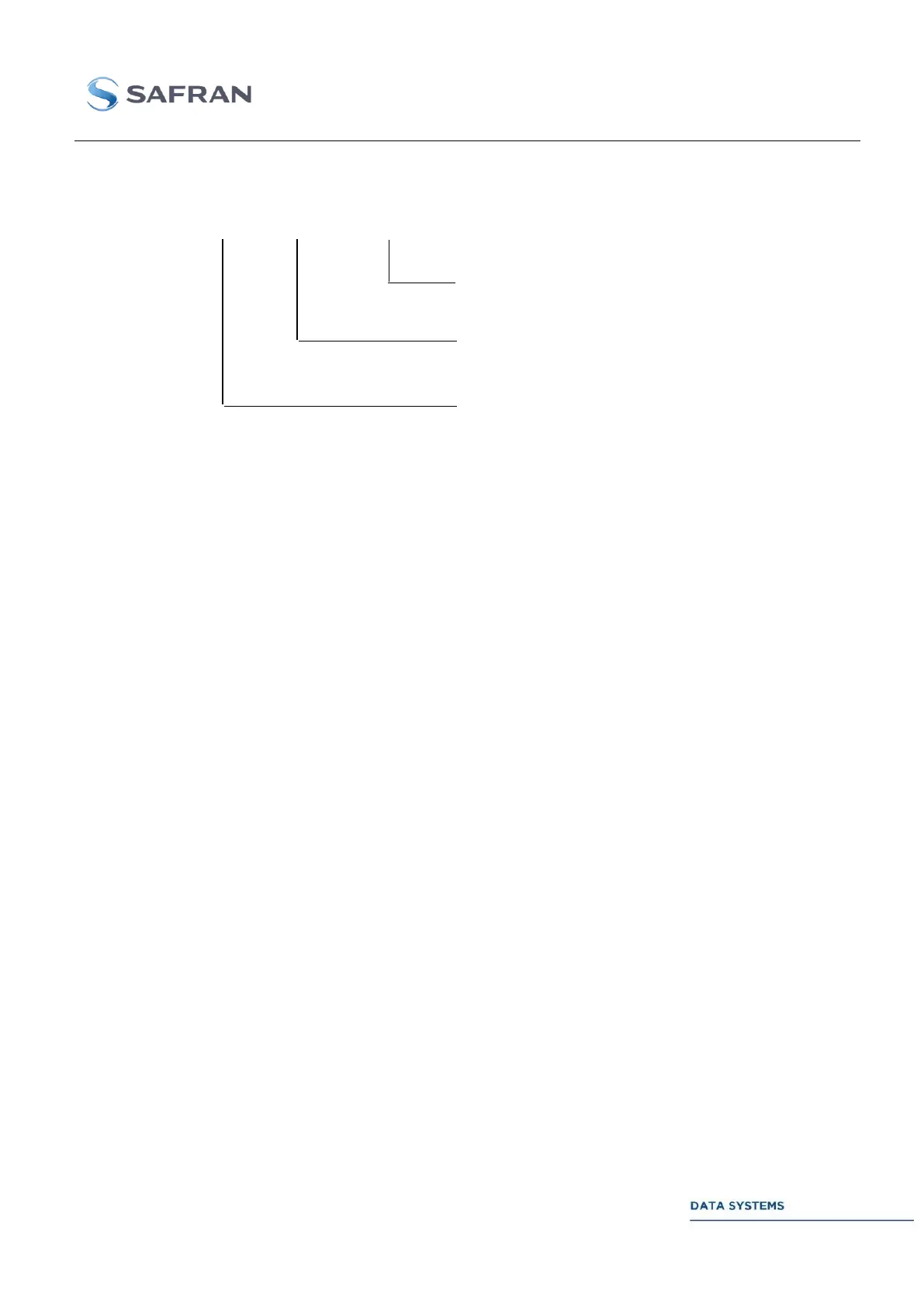
The names of the session report files are defined by the set-up in the FTP window:
The contents of the session report files are defined in the paragraph 3.4.6.41.3.
FTP user defined mode 3.4.11.4.3
The FTP functionality is fully programmable and open device: filtering and sorting operations,
directories arborescence and names of the files. The previously described standard CCSDS mode is a
simple example from which a number of more complex modes can be constructed.
For detailed explanation on how to program and operate the FTP functionality refer to the “Recording
and FTP Recovery” User Manual DTU 100381.
Report File extension defined in the
FTP window set-up
Date of the creation of the file (default
name)
W_: the file is currently being writing
R_: the file is available and can be get
Marker enable in the FTP window set-up



 To Next Page