Identification of the monitoring data flow. This value is reported in all TCP-IP
messages transmitted over the Monitoring port (MON). Enter any hexadecimal
value from 0 to FFFFFFF. The Flow ID value in the incoming monitoring
requests must match the programmed value.
Determines the evaluated loss (in dB) due to cables among the propagating path.
This value is reported in the calculation of the compensating filter’s coefficients.
Enter any value from 0 to 12 (Option)
The easier way to configure the unit is to load the selected MCS file (refer to
paragraph 4.3). As soon as the MCS file is loaded, the unit can automatically
load the firmware corresponding to this MCS file.
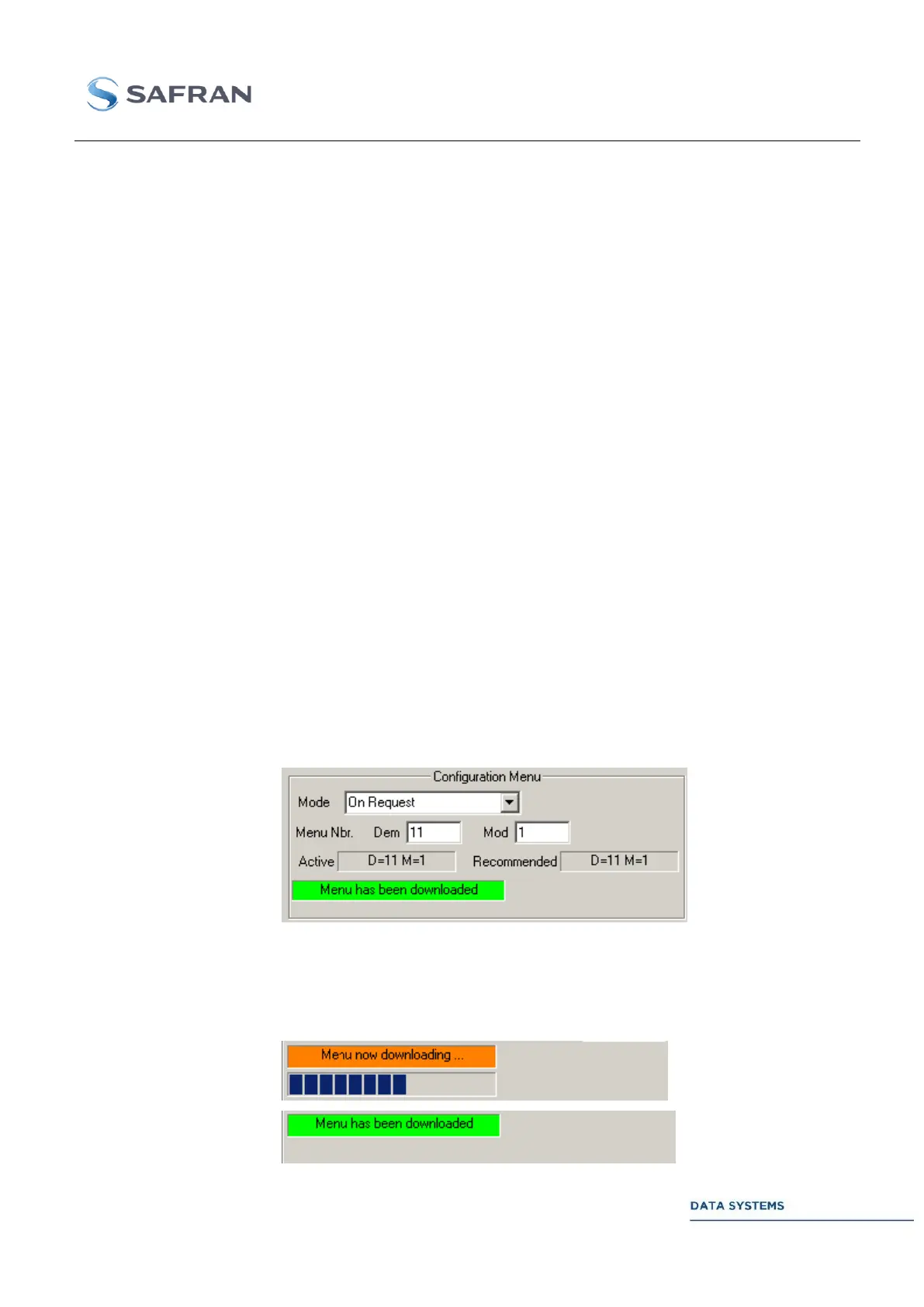
The Configuration Window allows the User to force the selection of a basic
menu and gives also indications about the status of the selection an loading
operations.
In manual mode (Mode: On Request or On Accept) the operator can input in the
field: Menu Nbr the numbers of a basic menus (Demodulator, test Modulator
and the optional Extension board when present). If the operation mode is set to
On Accept, the loading will be effective only after having clicked the button
Accept Request Menu
In automatic mode (Automatic or Automatic with Accept) the basic menu
corresponding to the current configuration is selected automatically and its
number is displayed in the Recommended status field. If the operational mode is
set to Automatic with Accept, the loading will be effective after having clicked
the button Accept Requested Menu.
In all cases the number of the current and active basic menu is displayed in the
Active status field.
A status field indicates if the menu is being loaded or has been loaded and is
ready to operate. This status is displayed in the Configuration Window and in
the upper right corner of the Global Window:



 To Next Page