HIGH DATA RATE RECEIVER
HDR-4G+ USER’S MANUAL
Ref. DTU 100782
Is.Rev 3.5
Date: June 1, 2021
© Safran Data Systems – IMP000074 e14r1
This document is the property of Safran Data Systems.
It cannot be duplicated or distributed without expressed written consent.
Starting the Spectrum Analyzer:
In the Demodulator Spectrum window, click on Enable. A TCP-IP connection is opened to
the Spectrum port (SPA). To close the connection, click on Disable or click on icon or
exit the Spectrum window.
Selecting the video average display mode:
In the Demodulator Spectrum window, click on Vid Avg En.. The averaging mode display is
selected. To return to the non averaging display mode , click on Vid Avg Dis..
Level Scale Adjust:
Adjust the signal level scale (vertical toolbar) from 0.1 to 10 dB/division.
Reference Level Adjust:
Adjust the reference signal level from 0 dBm to –60 dBm.
Marker Setting & Center Frequency Selection:
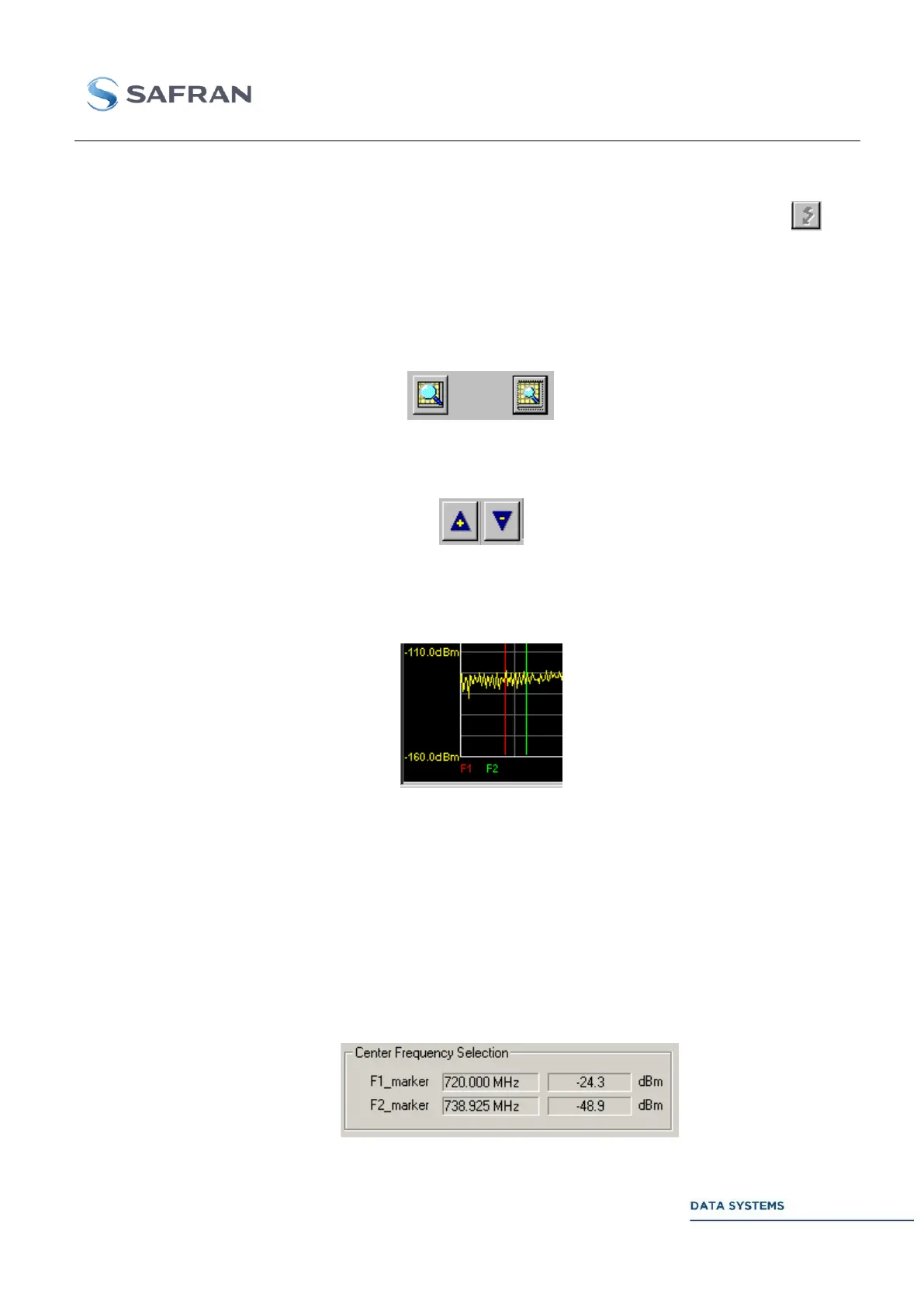
Clicking in the spectrum, with the left key of the mouse, will set a red marker. The signal
frequency and level at this point is displayed in the window entitled Center Frequency
Selection (F1 marker).
To center the spectrum on frequency F1:
- Click on CONFIG,
- Set the red marker with the left key of the mouse,
- Click on F1 marker,
- Click on APPLY.
Clicking in the spectrum, with the right key of the mouse, will set a green marker. The signal
frequency and level at this point are displayed in the next window under F2 marker. To
center the spectrum on frequency F2, follow the above procedure using F2 marker.



 To Next Page