Introduction
2.2 Operator panel fronts
Turning
Operating Manual, 01/2015, 6FC5398-8CP40-5BA2
31
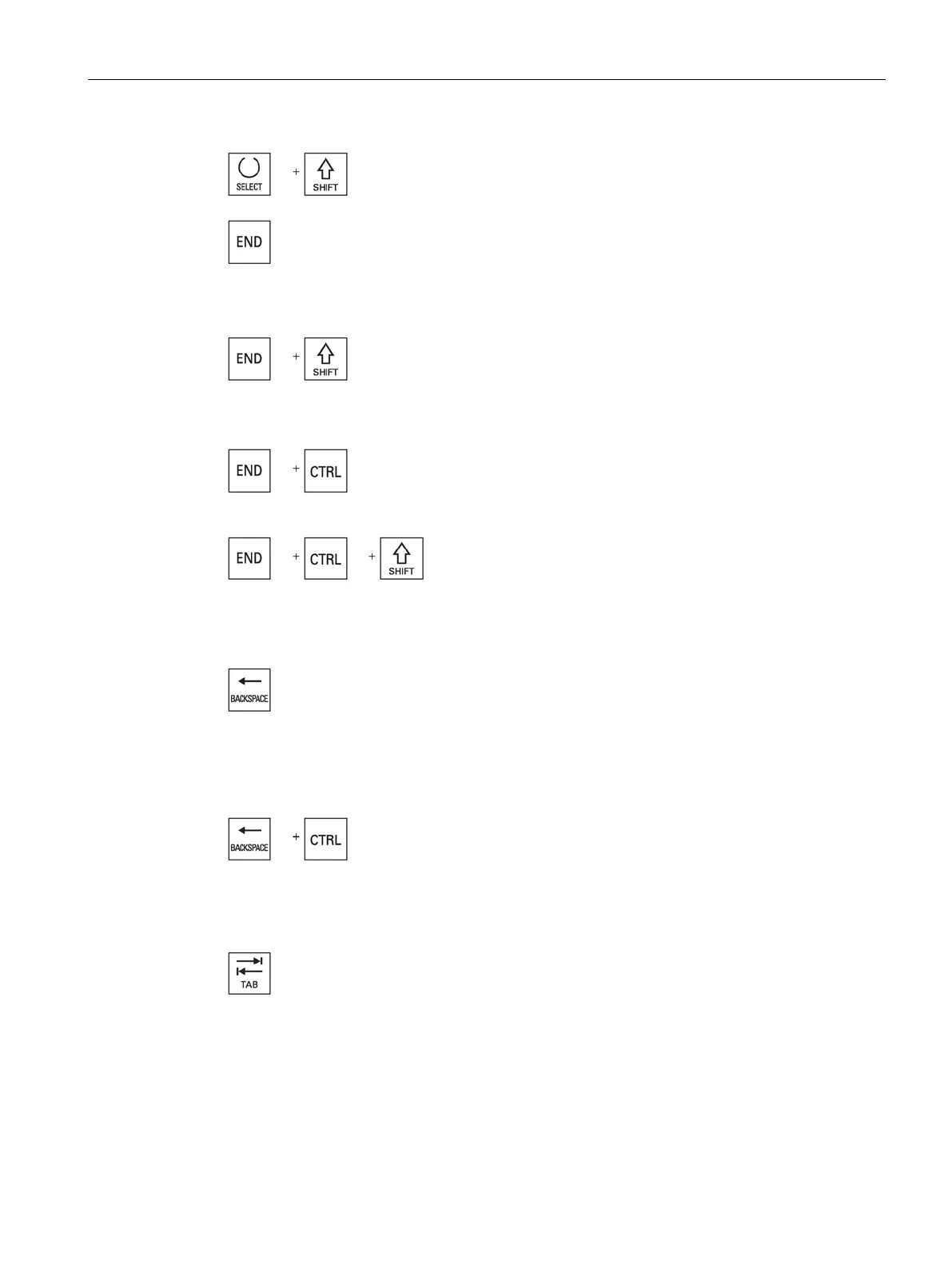
Selects in selection lists and in selection boxes the previous
entry or the last entry.
Moves the cursor to the last entry field in a window, to the e
nd
of a table or a program block.
Selects the last entry in selection lists and in selection boxes.
Moves the cursor to the last entry.
Selects a contiguous selection from the cursor position up to the
end of a program block.
Moves the cursor to the last entry
in the last line of the actual
lumn or to the end of a program.
Moves the cursor to the last entry in the last line of the actual
co
lumn or to the end of a program.
Selects a contiguous selection from the cursor position up to the
end of a program block.
Editing box
Deletes a character selected to the left of the cursor.
Navigation
Deletes all of the selected characters to the left of the cursor.
Editing box
Deletes a word selected to the left of the cursor.
Navigation
Deletes all of the selected characters to the left of the cursor.
In the program editor, indents the cursor by one character.
In the program manager, moves the cursor to the next entry
to the right.
















 To Next Page