Introduction
2.4 User interface
Turning
44 Operating Manual, 01/2015, 6FC5398-8CP40-5BA2
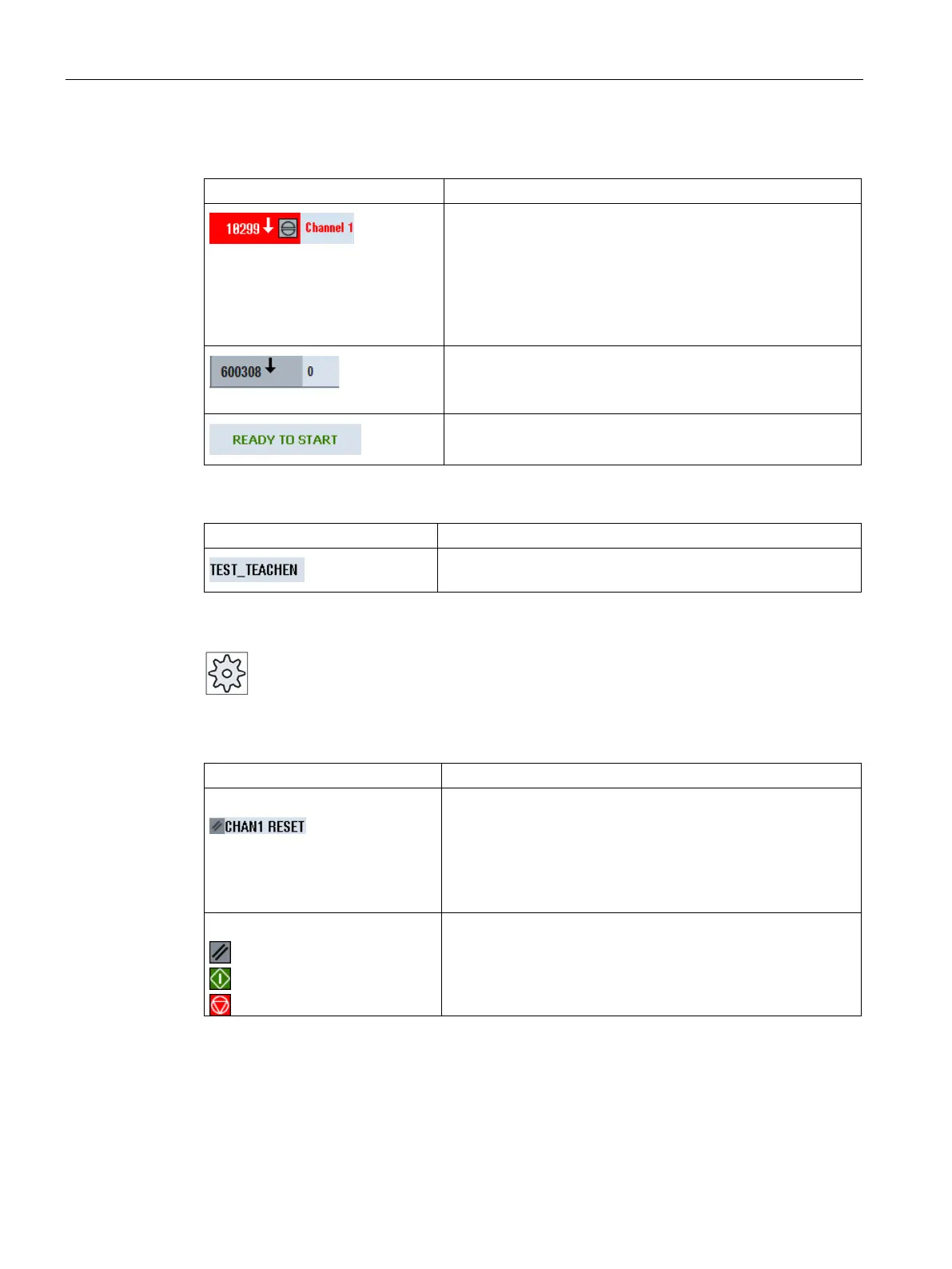
Alarm display
The alarm numbers are displayed in white lettering on a red
background. The associated alarm text is shown in red letter-
ing.
An arrow indicates that several alarms are active.
An acknowledgment symbol indicates that the alarm can be
acknowledged or canceled.
NC or PLC message
Message numbers and texts are shown in black lettering.
An arrow indicates that several messages are active.
Messages from NC programs do not have numbers and appear
in green lettering.
Second line
Program path and program name
The displays in the second line can be configured.
Please refer to the machine manufacturer's specifications.
Third line
Display of channel status.
If several channels are present on the machine, the channel
name is also displayed.
If only one channel is available, only the "Reset" channel status
is displayed.
With touch operation, you can change the channel here.
Display of channel status:
The program was aborted with "Reset".
The program is started.
The program has been interrupted with "Stop".
















 To Next Page