Dolby
®
IMS2000 Installation and User’s Manual
IMS.OM.004730.DRM Issue 3 93
Pass-Through Configuration
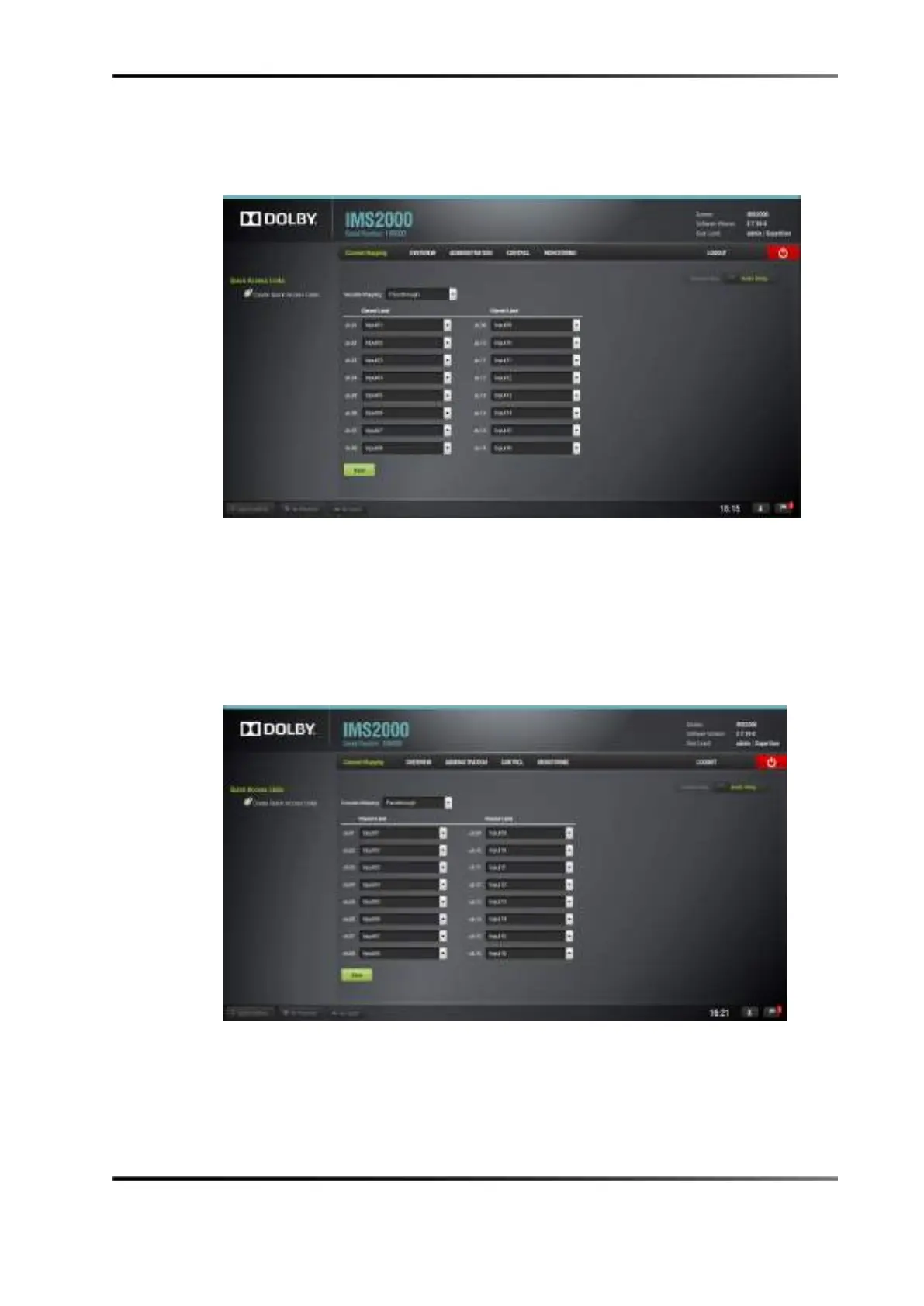
This configuration enables the CPL audio channel to pass through to the processor.
Figure 13-10 Audio Mapping Set to Pass-Through
Custom Mapping Configuration
You can also customize the Channel Mapping settings:
1. Click on the drop-down menu, and select
Custom.
The following window appears.
Figure 13-11 Audio Mapping Set to Custom
2. Click on the drop-down arrow to view the available mapping parameter selection for
each output channel (
Ch.01 through Ch.16) to select the CPL audio channel, using its
label that is to be routed to the processor.



 To Next Page