Dolby
®
IMS2000 Installation and User’s Manual
IMS.OM.004730.DRM Issue 3 191
External Show Playlist
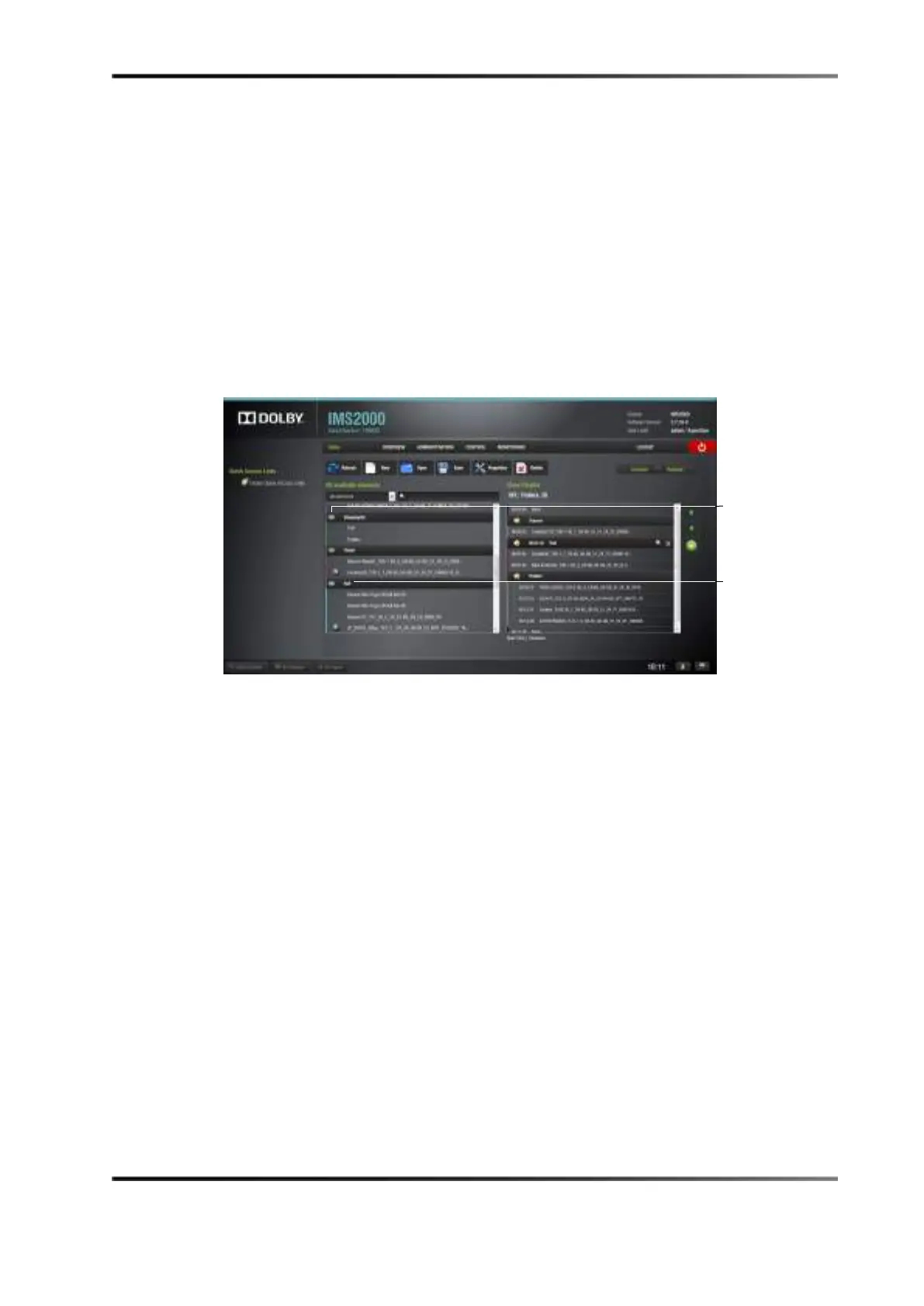
You also have the option of adding a show playlist into another show playlist. These are
called external show playlists. The external show playlist allows the content of that show
playlist to be inserted into the current show playlist. CineLister now lists the available
show playlists on the left area of the editor among the other CPLs.
To include an external show playlist into the current show playlist:
1. Select the show playlist in the left side of the GUI.
It appears as a segment labeled as the title of the added show playlist.
Figure 14-25 External Show Playlist
2. Click on the Save button to save any changes.
show
playlists
show playlist
added



 To Next Page