192 Dolby
®
IMS2000 Installation and User’s Manual
IMS.OM.004730.DRM Issue 3
Skip to Show Playlist Segment Macro
You can also create a macro that will cause playback to jump to a specific segment.
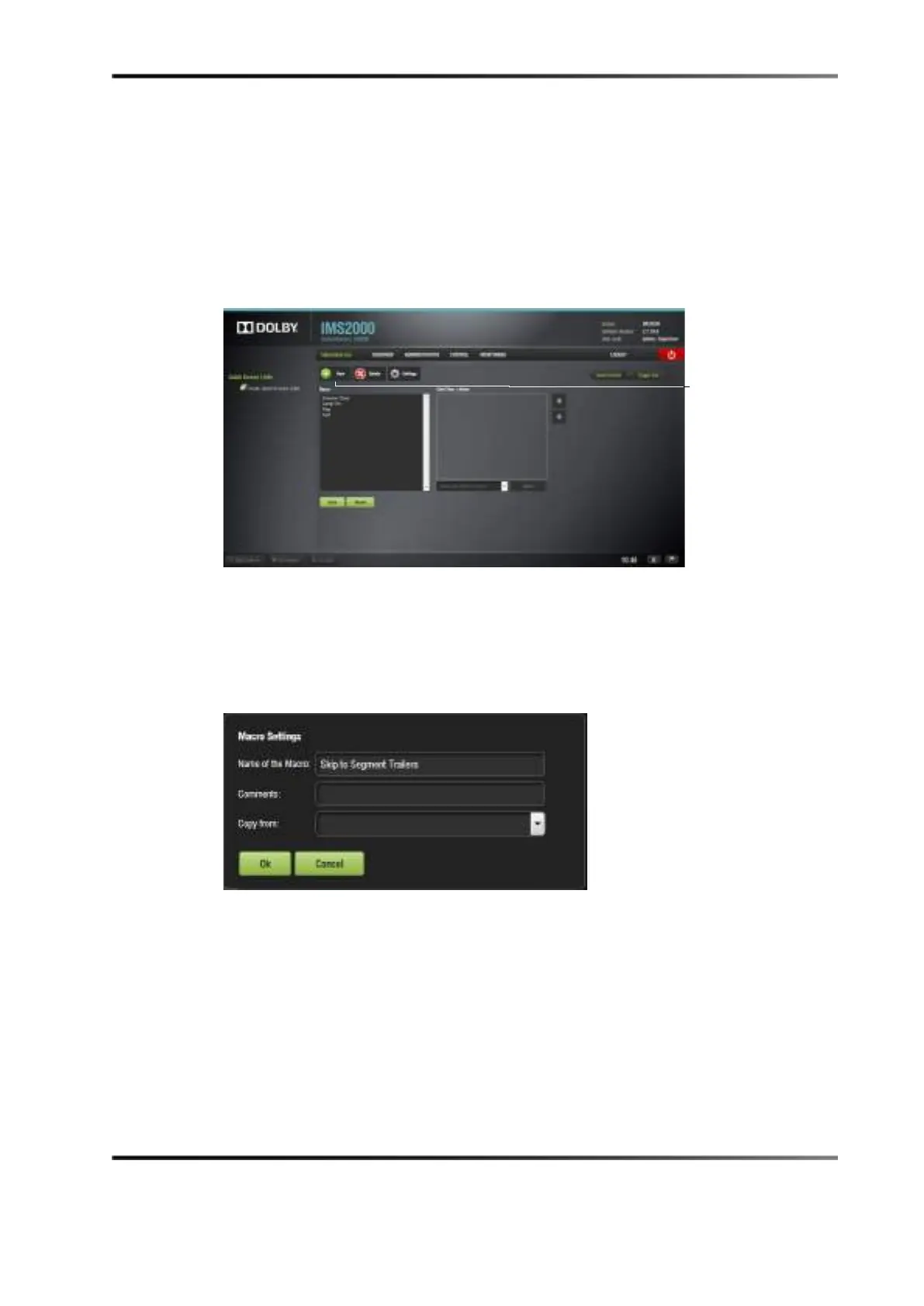
To create the macro, select
Administration > Macro Editor:
1. Click on the
New button.
Figure 14-26 External Show Playlist
2. Name the macro Skip to Segment X.
X is the name of the segment that will begin playing upon execution of the macro.
3. Click the
Ok button.
The macro name appears in the
Macro Settings windo w.
Figure 14-27 Macro Settings
4. Select the macro.
5. Click on
Select an Action to insert it.



 To Next Page