Dolby
®
IMS2000 Installation and User’s Manual
IMS.OM.004730.DRM Issue 3 193
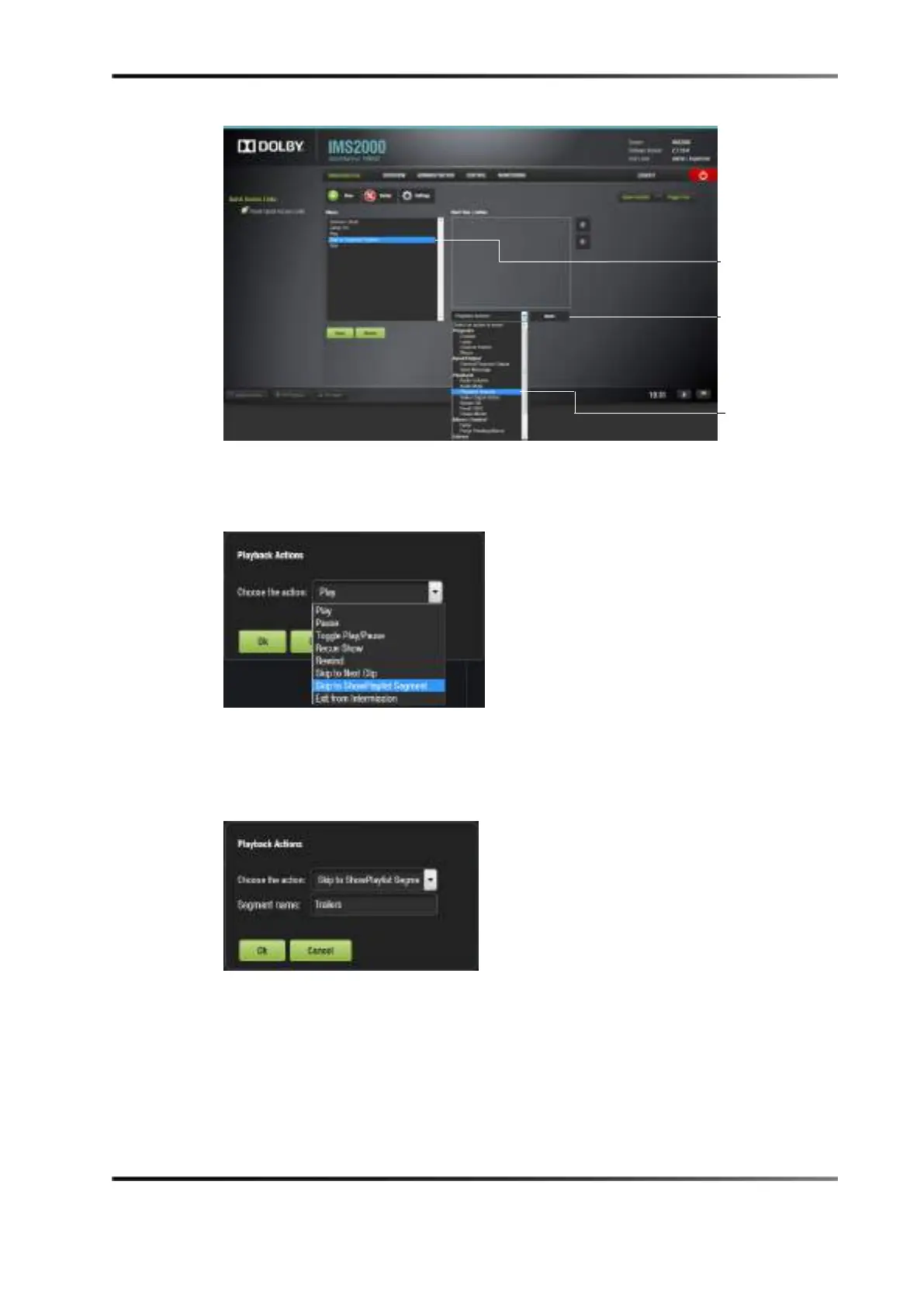
Figure 14-28 Inserting Action
6. Select Playback > Playback Actions, and click on the Insert button.
7. Select the
Skip to Show Playlist Segment from the drop-down menu.
Figure 14-29 Selecting Action
8. Enter the exact name of the segment in the field that appears, and click on the Ok
button.
The newly added macro appears in the macro editor.
Figure 14-30 Segment Named
9. Click on the Save button to save the macro.
10. Click on the
Refresh button.
The macro will also appear in
CineLister after it has been clicked.



 To Next Page