196 Dolby
®
IMS2000 Installation and User’s Manual
IMS.OM.004730.DRM Issue 3
Main Show Playlist
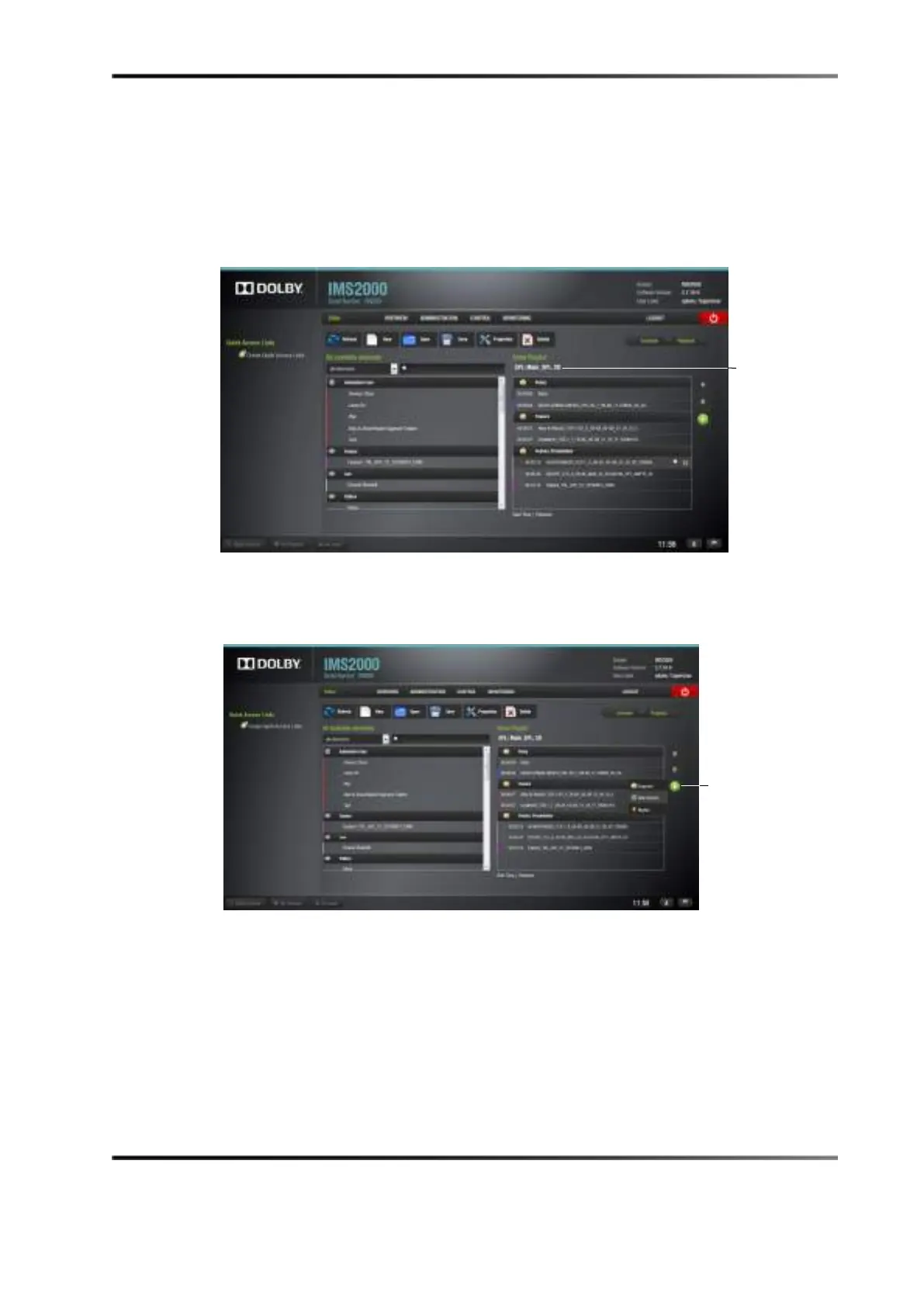
1. Create or open the main show playlist that you wish to attach to the intermission
show playlist.
Figure 14-33 Main Show Playlist
2. Select the CPL to attach the intermission show playlist to, and click the plus button.
3. Select
Intermission.
Figure 14-34 Intermission Drop-Down Menu
4. Select the preferred offset position timecode, the intermission playlist from the drop-
down of show playlists, and the amount of time to rewind the show playlist before
the cut position.
playlist



 To Next Page