Dolby
®
IMS2000 Installation and User’s Manual
IMS.OM.004730.DRM Issue 3 197
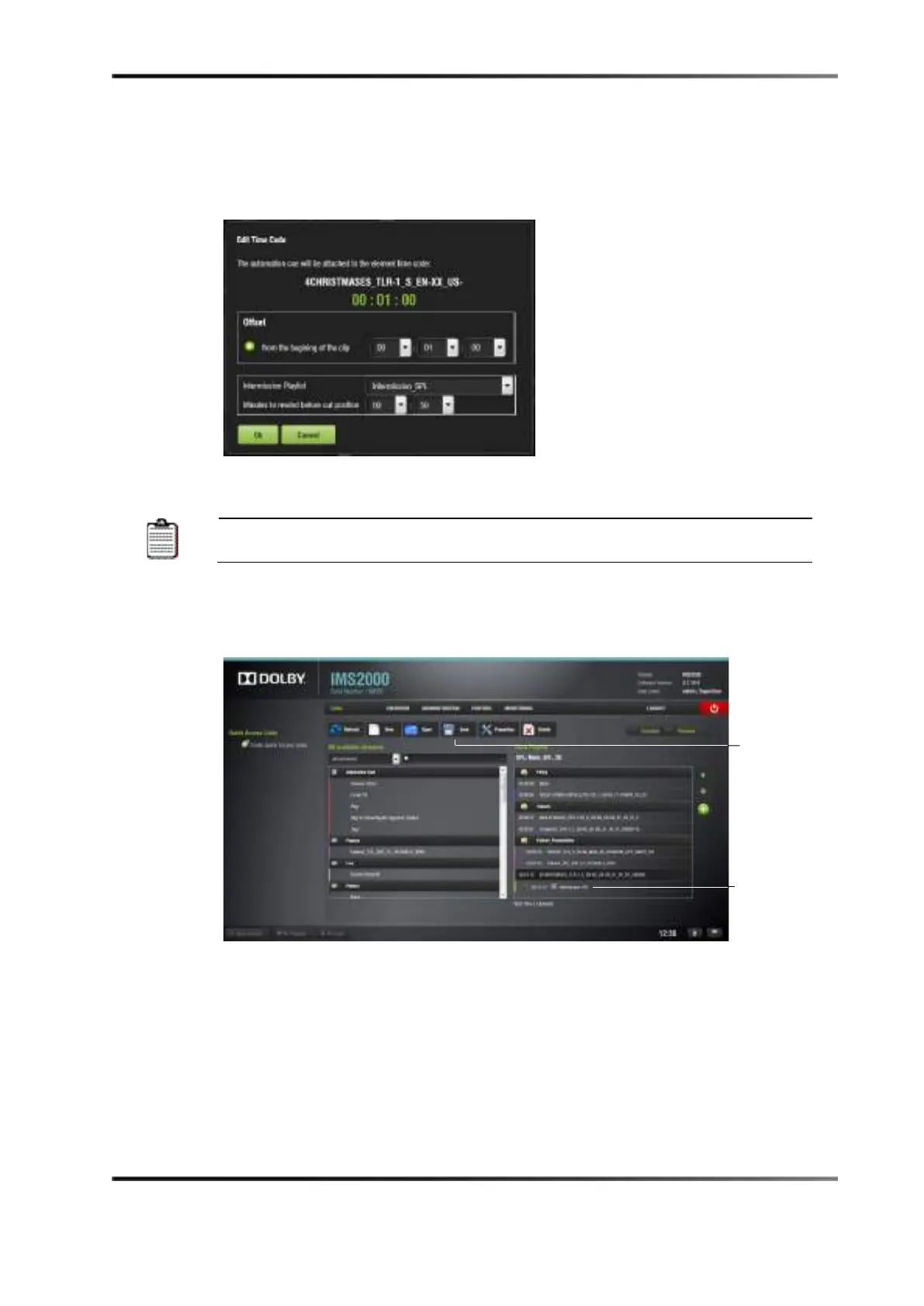
5. Click on the Ok button.
The intermission show playlist has now been added.
Figure 14-35 Edit Intermission Window
The minutes-to-rewind time amount should be smaller than the offset
position time amount.
6. Click on the
Save button, and name the show playlist, if necessary.
The main show playlist appears. The CPL that has the intermission show playlist
attached to it appears as two clips with the intermission CPLs in between.
Figure 14-36 Intermission Show Playlist Added



 To Next Page