198 Dolby
®
IMS2000 Installation and User’s Manual
IMS.OM.004730.DRM Issue 3
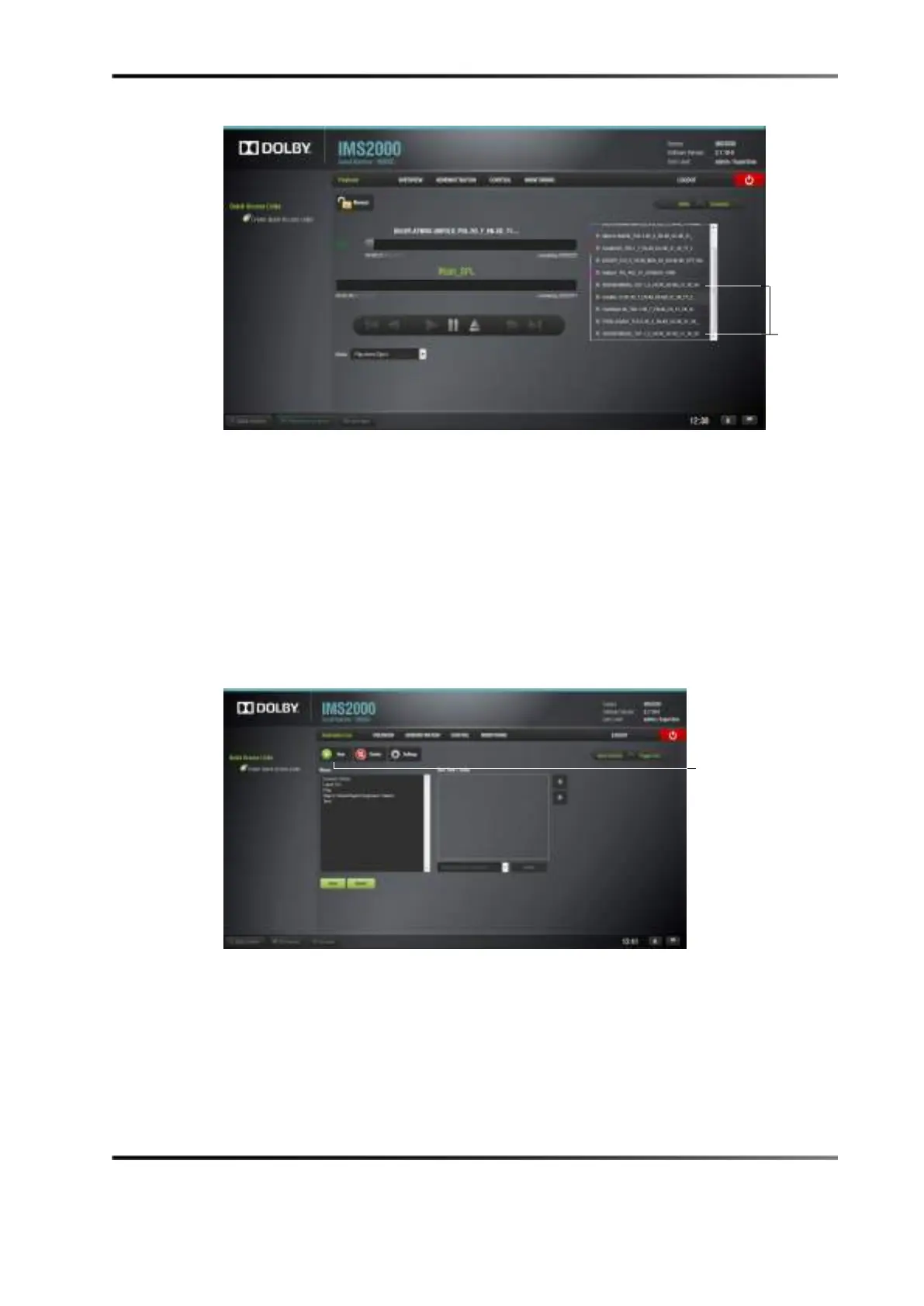
Figure 14-37 Intermission Playback
Creating an Exit from Intermission Macro
An exit from intermission macro can be created in the macro editor application and then
inserted to allow you to quickly end intermission at any point during intermission
playback and either return to the main show playlist or, with a marker, jump to a specific
part of the intermission show playlist.
To create the macro, select the macro editor:
1. Click on the
New button.
Figure 14-38 Macro Editor
2. Name the macro Exit from Intermission.
3. Click the
Ok button.



 To Next Page