200 Dolby
®
IMS2000 Installation and User’s Manual
IMS.OM.004730.DRM Issue 3
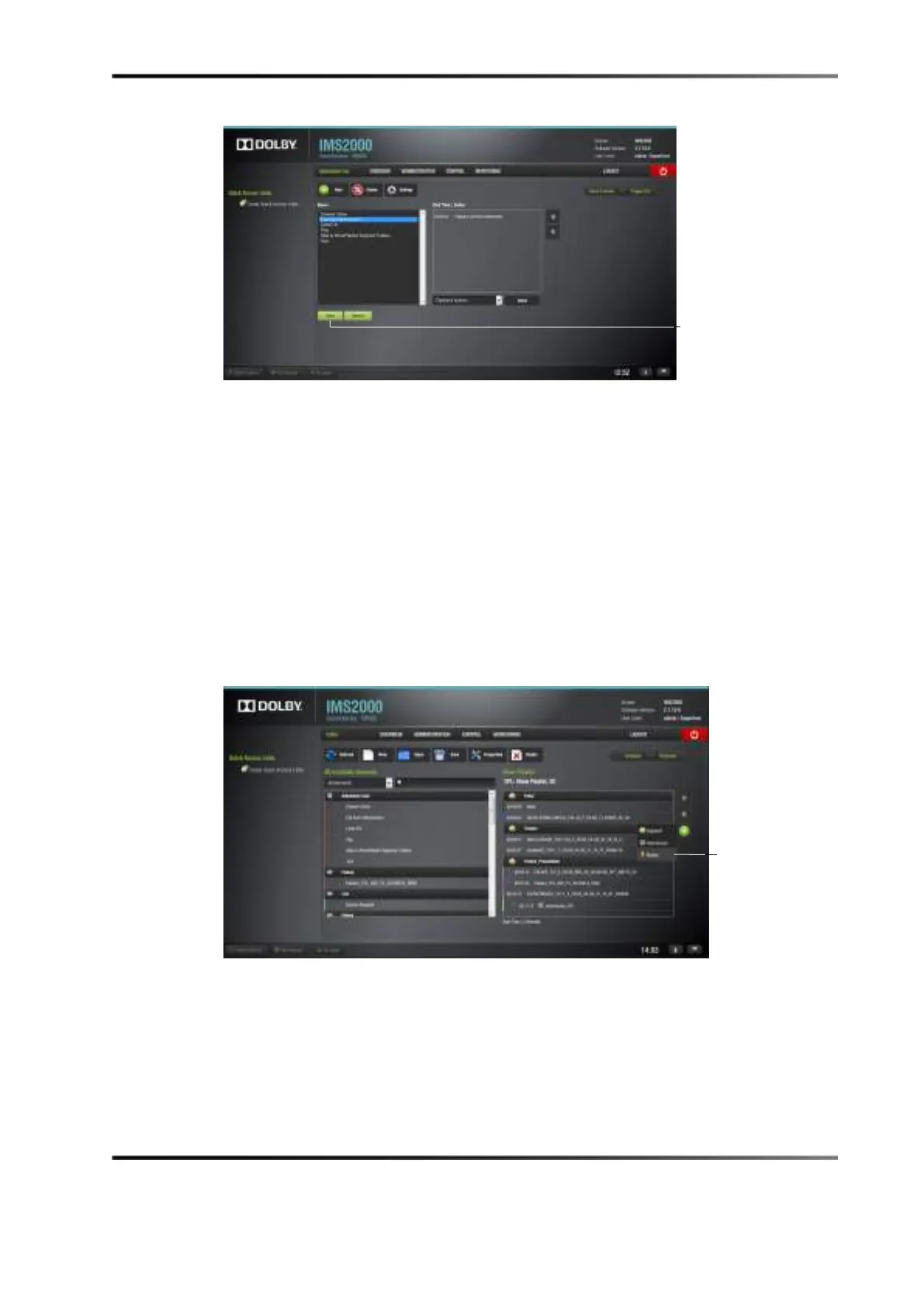
Figure 14-42 Exit from Intermission
Exit Intermission Marker
Executing the macro during intermission will automatically begin playback of part two
of the main show playlist. To cause playback to jump to a specific part of the intermission
show playlist (instead of returning to the main show playlist), you can create a marker
that works with the macro.
To add a marker, in the intermission show playlist:
1. Select the CPL that you want to play when the exit from intermission
macro is
executed.
2. Click on the plus
button, and select Marker.
Figure 14-43 Marker Creation
3. Indicate at what timecode you would like the CPL to play.
4. Click on the
Ok button.
The marker has now been added.



 To Next Page