226 Dolby
®
IMS2000 Installation and User’s Manual
IMS.OM.004730.DRM Issue 3
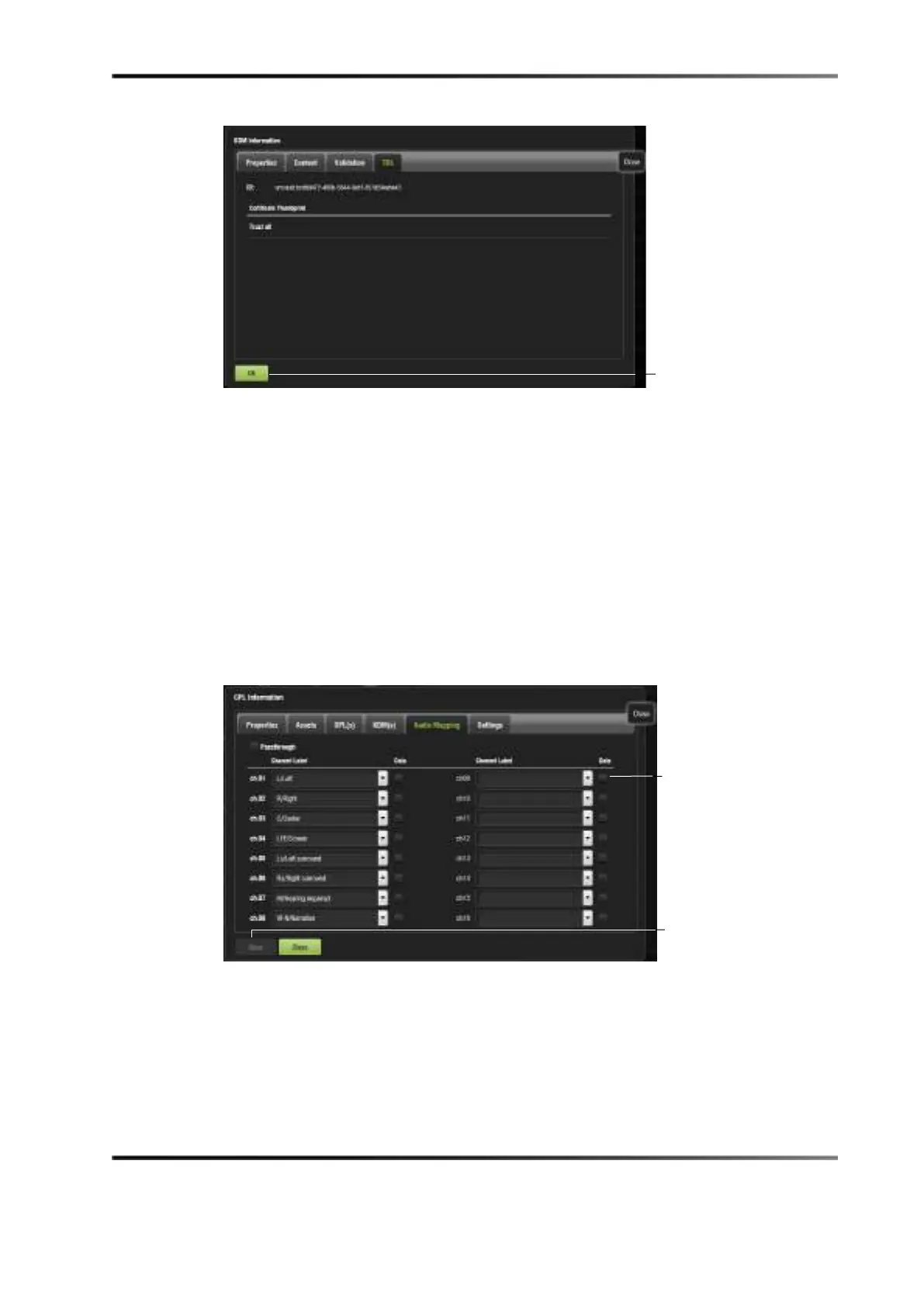
Figure 14-79 Trusted Device List Tab
You can click on the Ok button to return to the CPL properties window.
Audio Mapping Tab
The Audio Mapping tab allows you to save audio settings specific to the CPL. The audio
setting created for the entire unit in the
Audio Settings tab does not carry over into this
tab, allowing you to edit these settings for each CPL, if needed.
You also have the option to enable the data check box for the individual CPL, indicating
that you want the channel to get a data signal, not an audio signal. It is important to click
on the
Save button when the configuration is complete.
Figure 14-80 Audio Mapping Tab
box



 To Next Page