Dolby
®
IMS2000 Installation and User’s Manual
IMS.OM.004730.DRM Issue 3 227
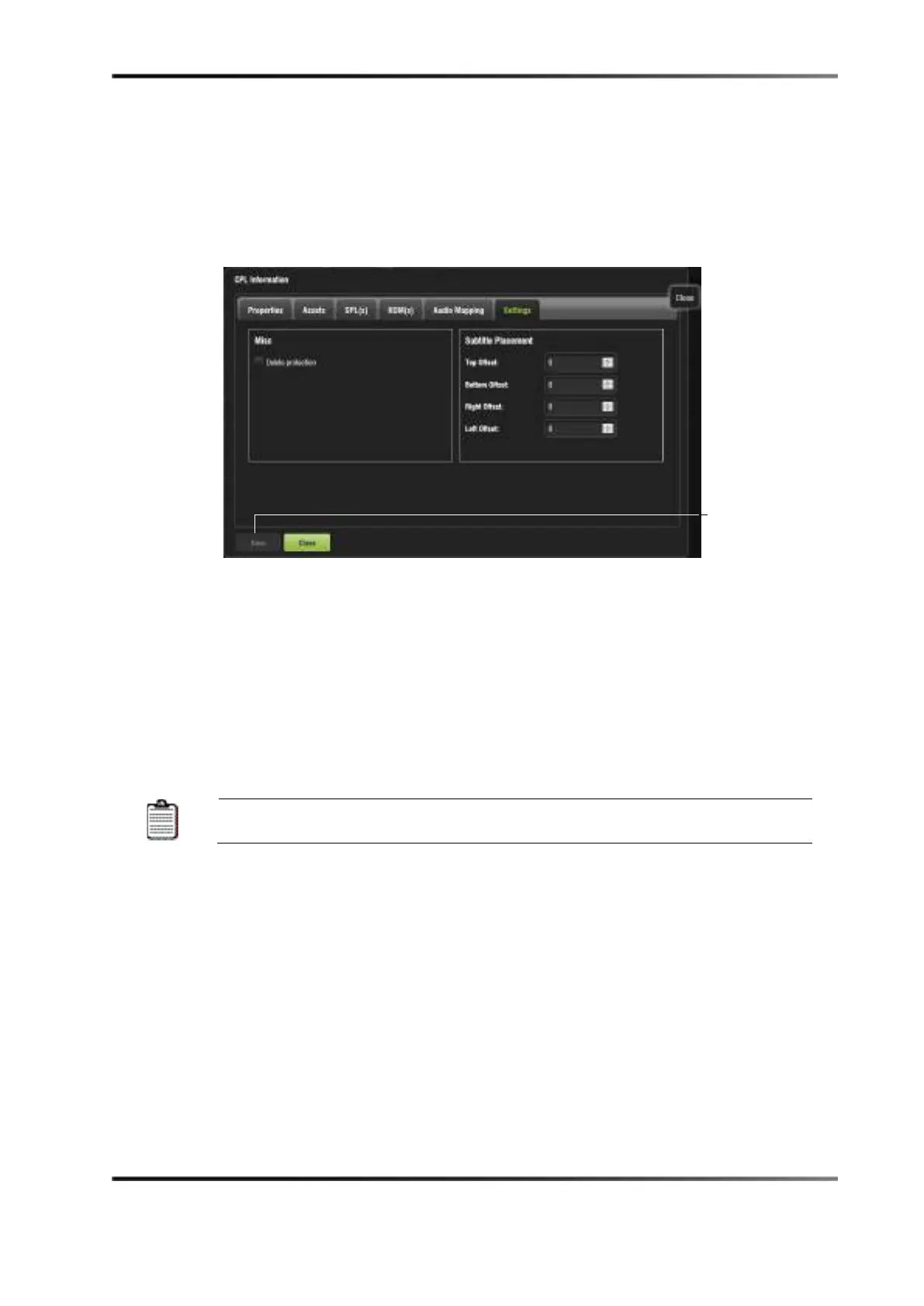
Settings Tab
The Settings tab allows you to alter the subtitle placement for the CPL as well as enable
delete protection, which prevents that CPL from being deleted. If you attempt to delete
the CPL, you will get an error message. Click on the
Save button to save any changes.
Figure 14-81 Settings Tab
Filter Tool
The Content Manager allows you to filter CPLs in the Composition Playlist tab using the
Filter button located on the top portion of the window. The Filter button allows you to
sort the CPLs based on the type of elements that have been ingested. In this case, you can
filter by:
• Incomplete elements, advertisements, feature, live, policy, teaser, test, and trailer
The black-highlighted area indicates whether the content is 3D or has
subtitles.



 To Next Page