236 Dolby
®
IMS2000 Installation and User’s Manual
IMS.OM.004730.DRM Issue 3
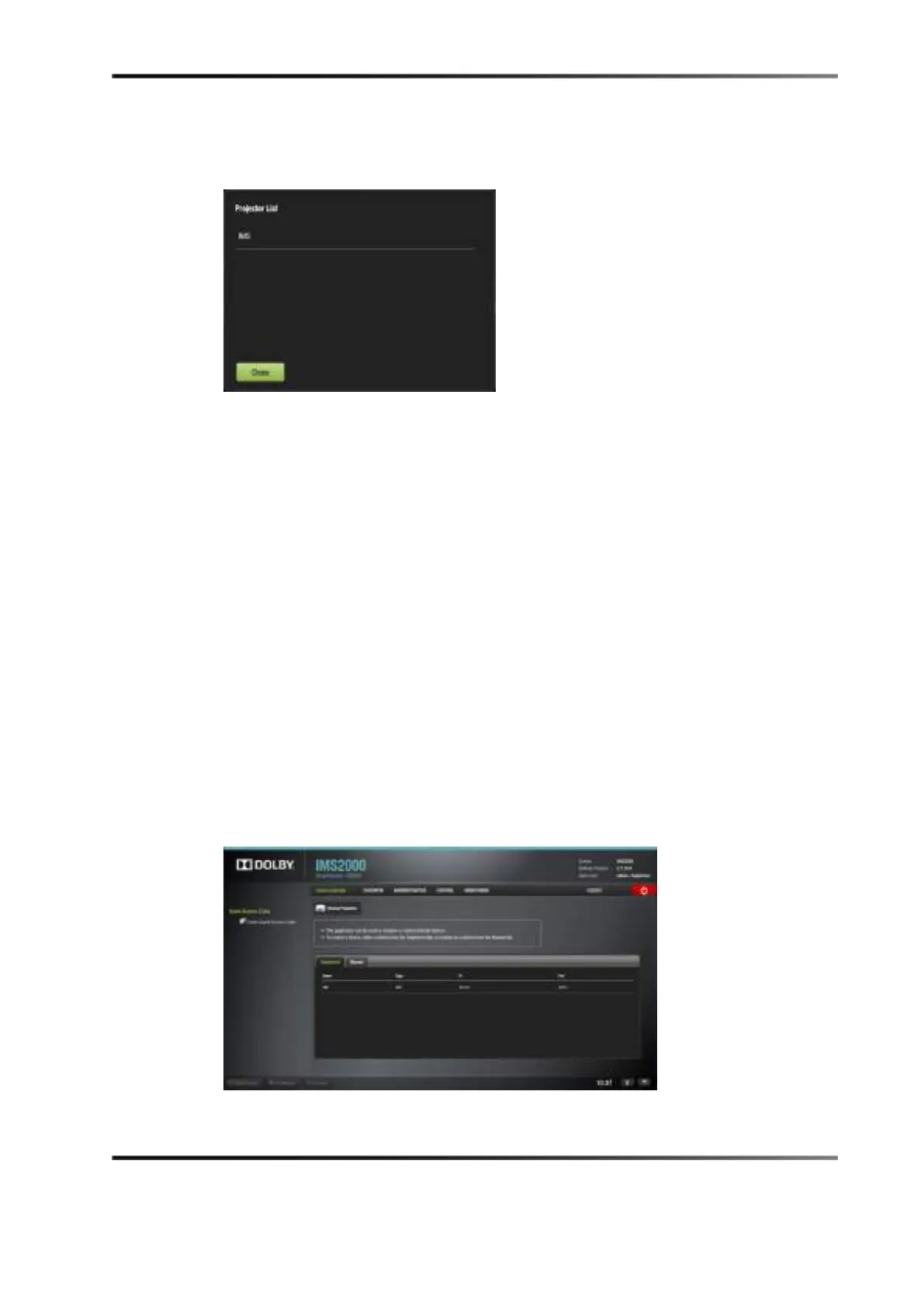
To view existing projectors, click on the Browse Projector button to display the Projector
List
windo w.
Figure 14-91 Browse Projector Window
Registered Tab
If the device was previously created or registered in the Device Manager GUI, then it will
automatically appear in the
Registered tab of the device controller GUI.
An IMB or Sony
®
SRX projector will be automatically detected by the device controller
application when added to the network.
The following parameters are shown in the
Registered tab for the device:
• Name
• Type
• IP
• Port
The port number is automatically populated. Please do not alter this field.
Select the device to control, and then click on it. The
Device Controller window displays
four tabs that will allow you to configure, control, and manage the device.
Figure 14-92 Registered Tab



 To Next Page