Dolby
®
IMS2000 Installation and User’s Manual
IMS.OM.004730.DRM Issue 3 237
General Tab
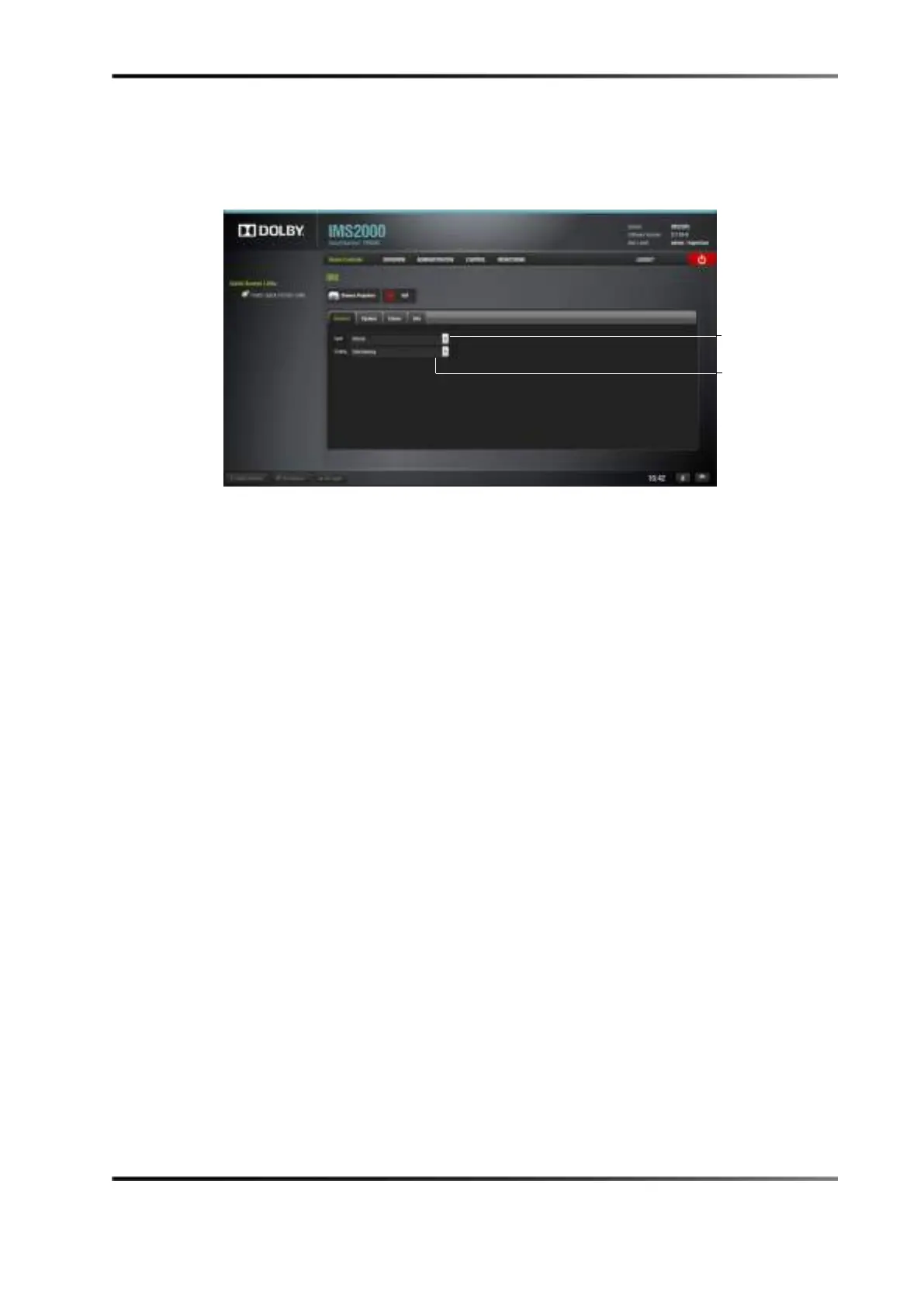
The General tab is the first tab that is presented at the Device Controller window. You can
control the input source and scaling.
Figure 14-93 General Tab
The Input drop-down menu has the following options available:
• Internal: Signal source is the IMS2000 hard drives.
• HDMI™: Signal source is an external device (for example, Blu-ray Disc™ player) that
connects via HDMI cable to the IMS2000.
• SDI: Signal source is an external device that connects via SDI cables to the IMS2000.
•
Scaling: The following masking/scaling is selectable from the drop-down menu:
• Side masking
• Top/bottom masking
• One to one
down menu
down menu



 To Next Page