238 Dolby
®
IMS2000 Installation and User’s Manual
IMS.OM.004730.DRM Issue 3
System Tab
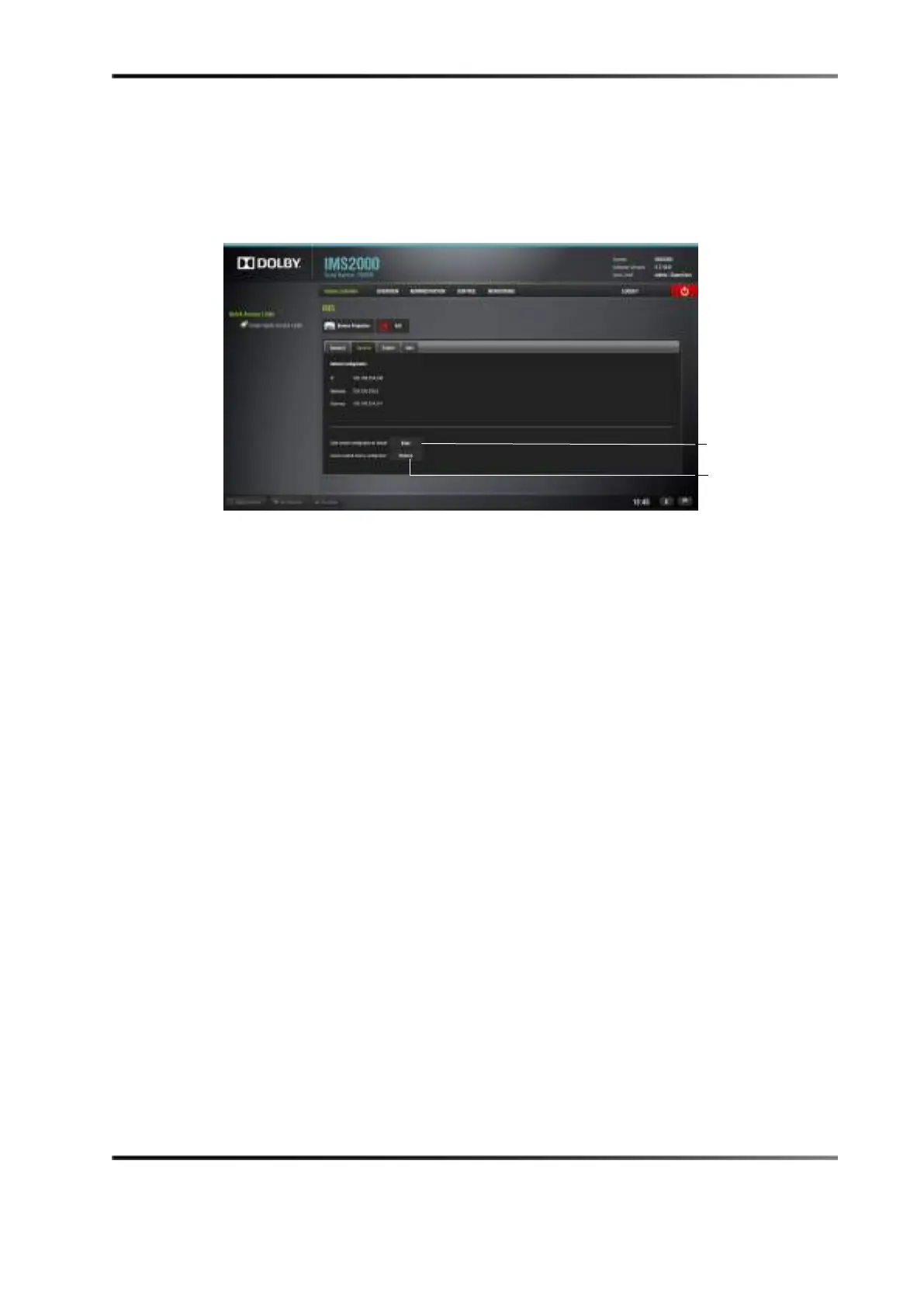
The second tab displays the networking configuration.
Figure 14-94 Systems Tab
The following networking configuration information is displayed:
• IP
• Mask (subnetwork mask)
• Gateway
The factory default settings are:
• IP: 192.168.254.246
• Mask: 255.255.255.0
• Gateway: 192.168.254.1
You can save these settings as default by pressing the
Save button. These configurations
will be effective even after a reboot.
To restore the networking configuration to factory default, click on the
Restore button.



 To Next Page