Dolby
®
IMS2000 Installation and User’s Manual
IMS.OM.004730.DRM Issue 3 239
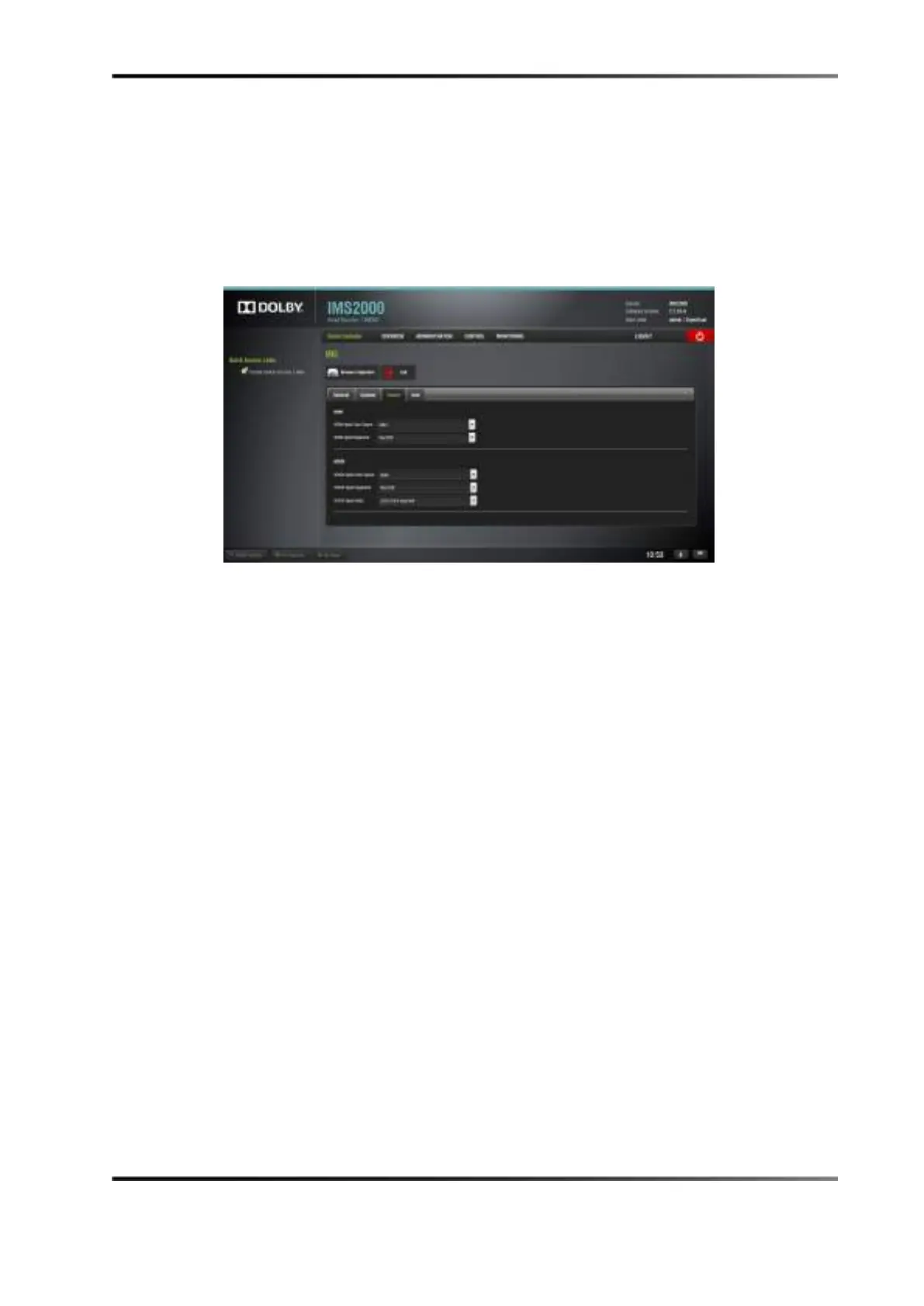
Colors Tab
The Colors tab allows you to modify the color space for HDMI and HD-SDI inputs.
Figure 14-95 Colors Tab
HDMI Color Space Settings
Click on the arrow on the HDMI Input Color Space drop-down menu, and select the color
space standards from the list:
•
Auto
•
YCbCr709
•
RGB709
•
YCxCz
•
X’Y’Z’
Click on the arrow on the
HDMI Input Degamma drop-down menu, and select the
degamma factor from the list:
•
Rec709
•
DCI
•
Custom: Choose the degamma factor value in the numeric field using the arrows.



 To Next Page