Dolby
®
IMS2000 Installation and User’s Manual
IMS.OM.004730.DRM Issue 3 285
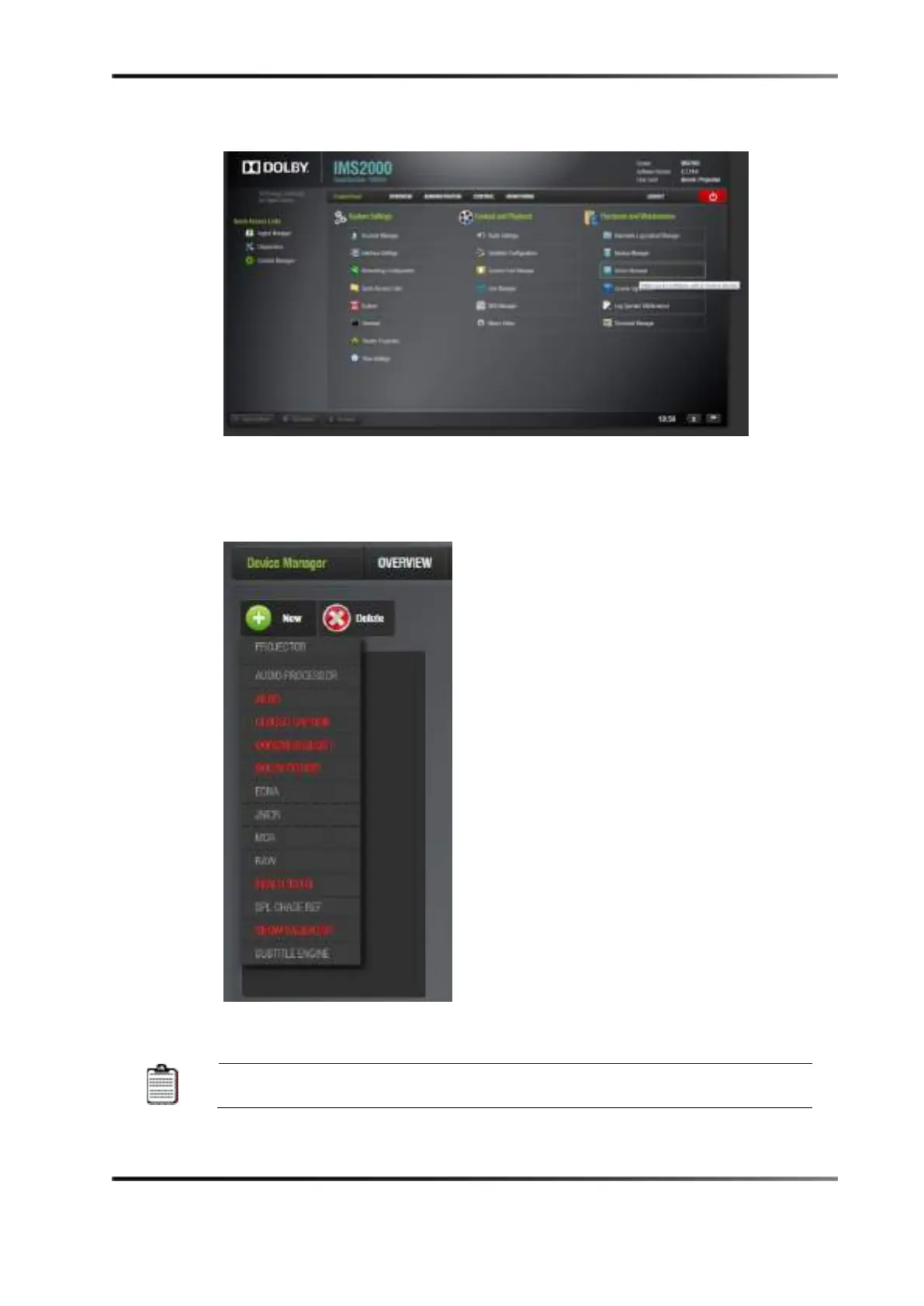
2. Click on the Device Manager application.
Figure 19-6 Control Panel Tab
3. Hover the cursor over the New button.
4. Select
Audio Processor from the list.
Figure 19-7 Device Manger: Device List
Devices displayed in red text specify that the device is not enabled.



 To Next Page