286 Dolby
®
IMS2000 Installation and User’s Manual
IMS.OM.004730.DRM Issue 3
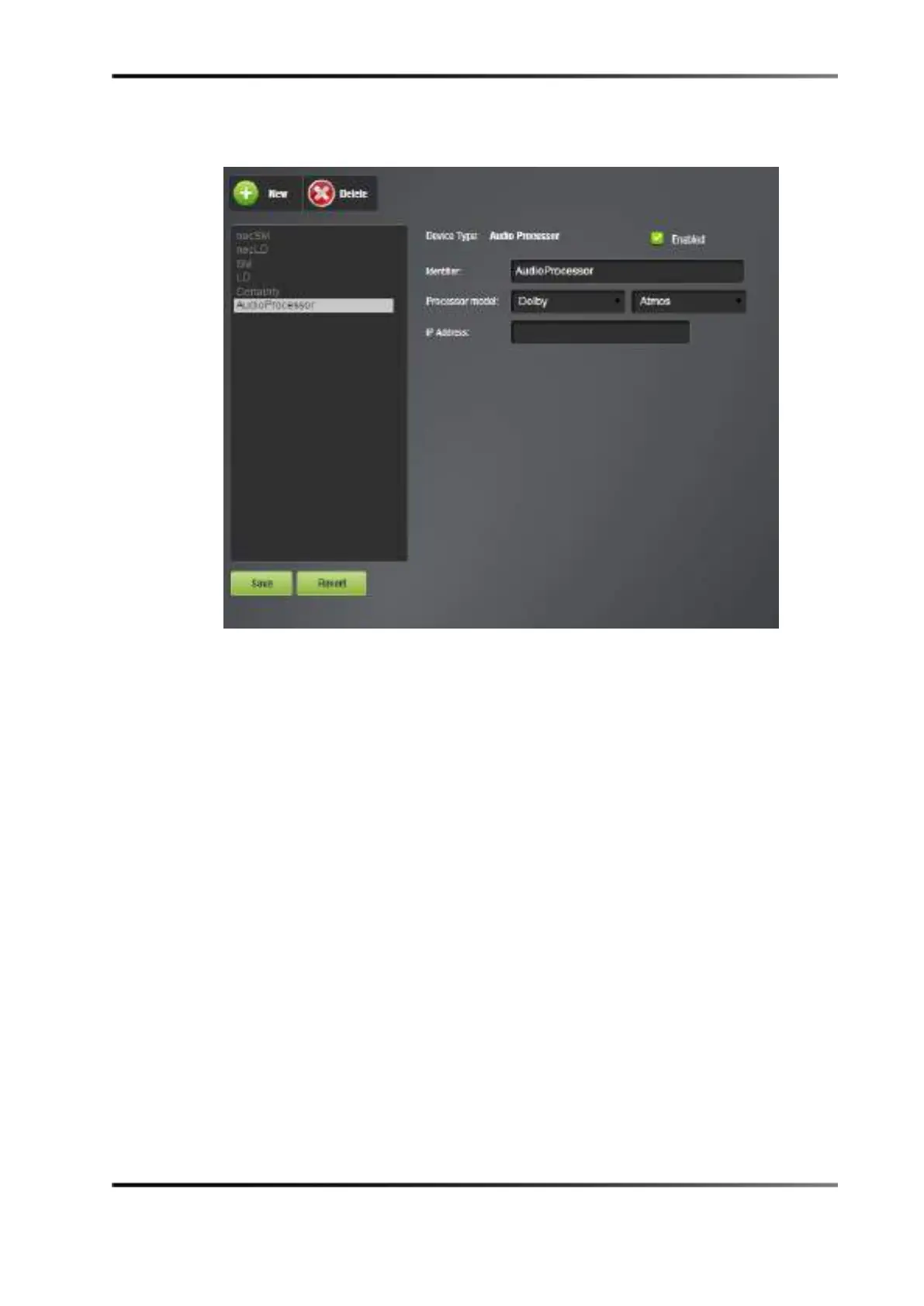
5. Select Dolby and Atmos in the Processor model fields.
Figure 19-8 Selecting Audio Processor Model
6. Input the IP address of the command port for the audio processor.
7. Click the
Save button to save the settings.
The Dolby Atmos feature is ready to use.



 To Next Page