16 Dolby
®
IMS2000 Installation and User’s Manual
IMS.OM.004730.DRM Issue 3
To prepare the projector for the IMS200 installation:
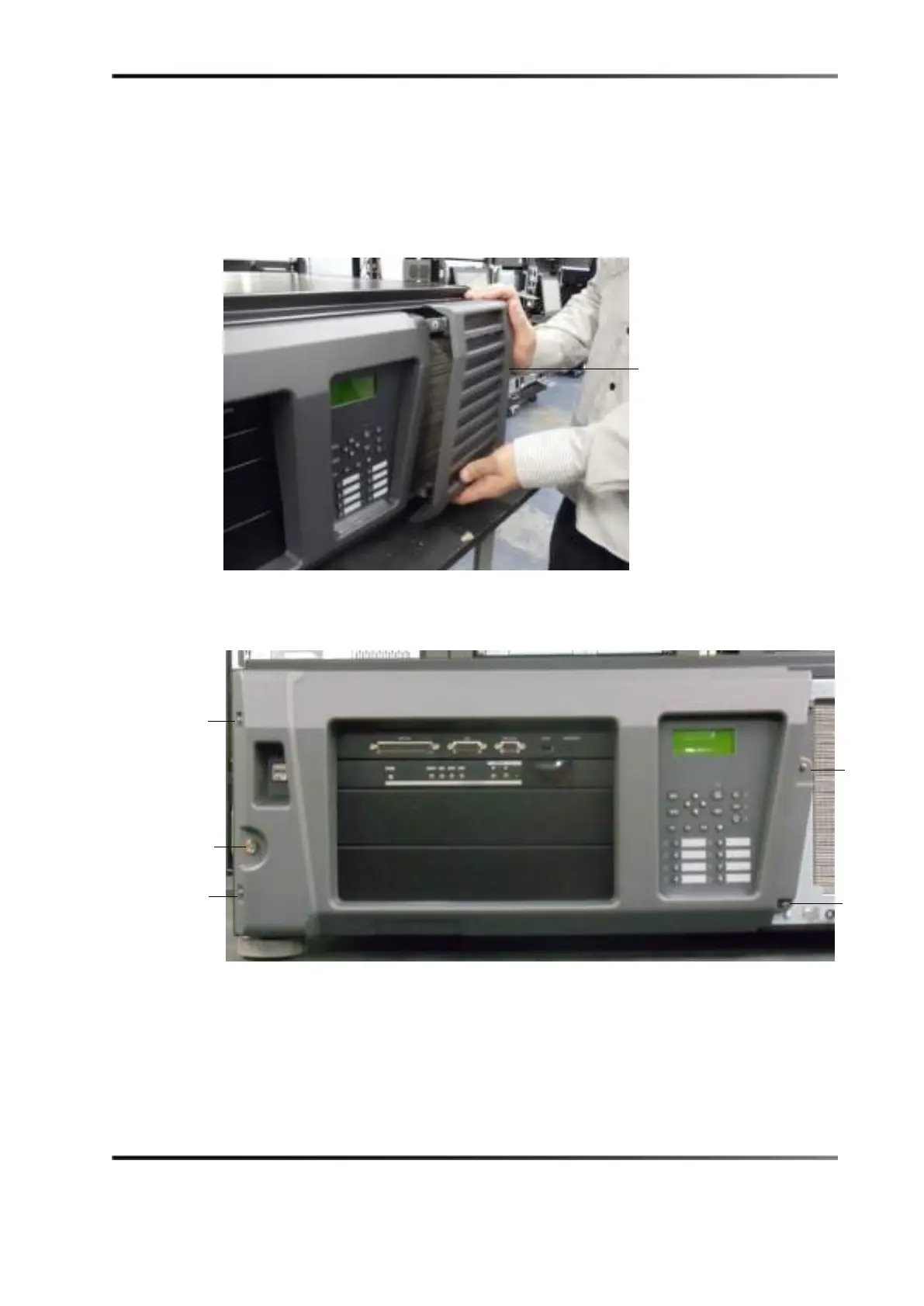
1. Remove the filter cover.
Figure 5-2 Removing Filter
2. Remove the four screws holding the projector cover in place.
Figure 5-3 Removing Filter Screws



 To Next Page