Dolby
®
IMS2000 Installation and User’s Manual
IMS.OM.004730.DRM Issue 3 17
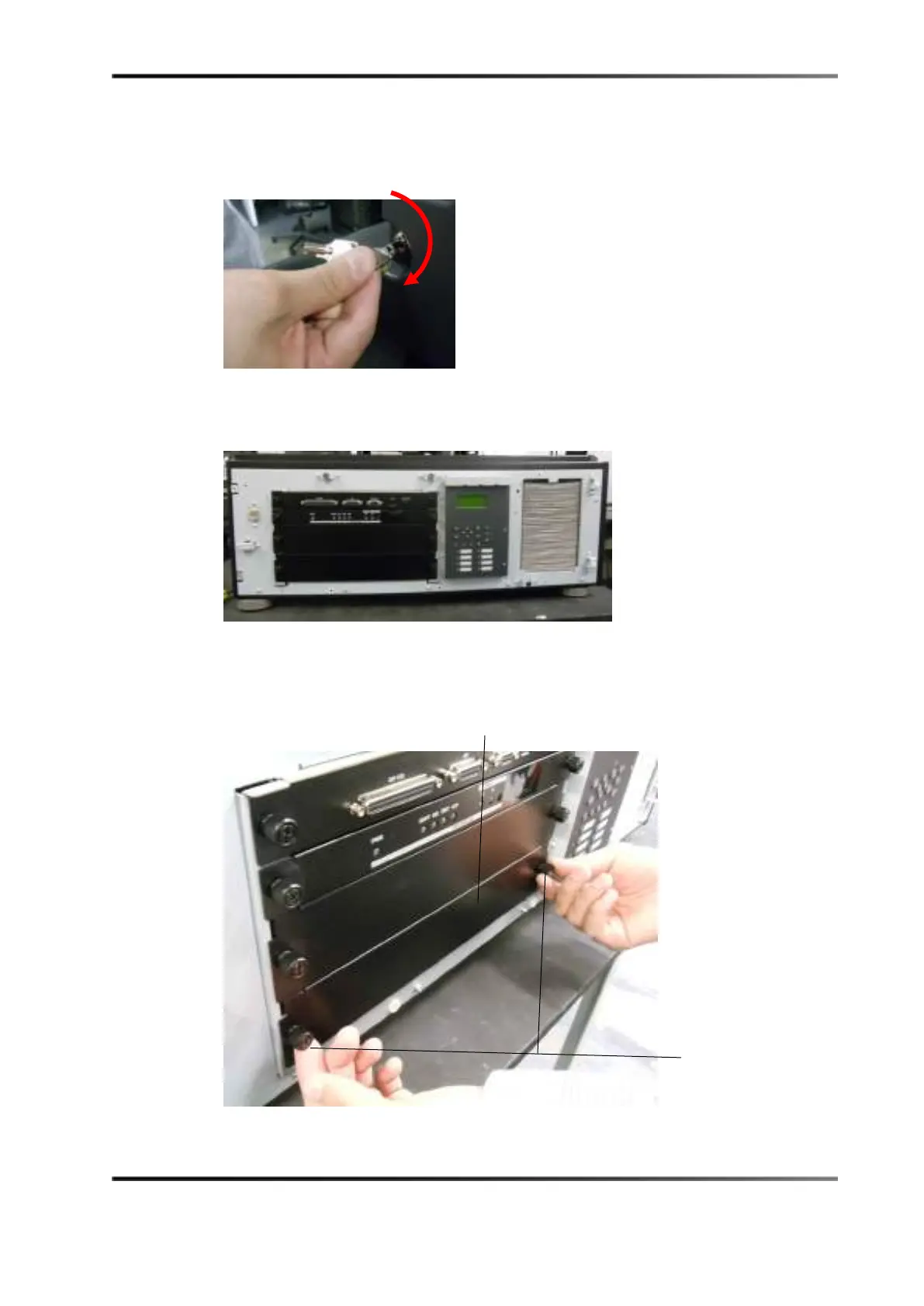
3. Use the key to unlock the projector.
Figure 5-4 Projector Unlock
4. Remove the cover from the projector.
Figure 5-5 Projector Cover Removed
5. Remove the blank cover from the media block slot by unscrewing its two handles at
the side.
Figure 5-6 Removing the Slot Cover



 To Next Page