18 Dolby
®
IMS2000 Installation and User’s Manual
IMS.OM.004730.DRM Issue 3
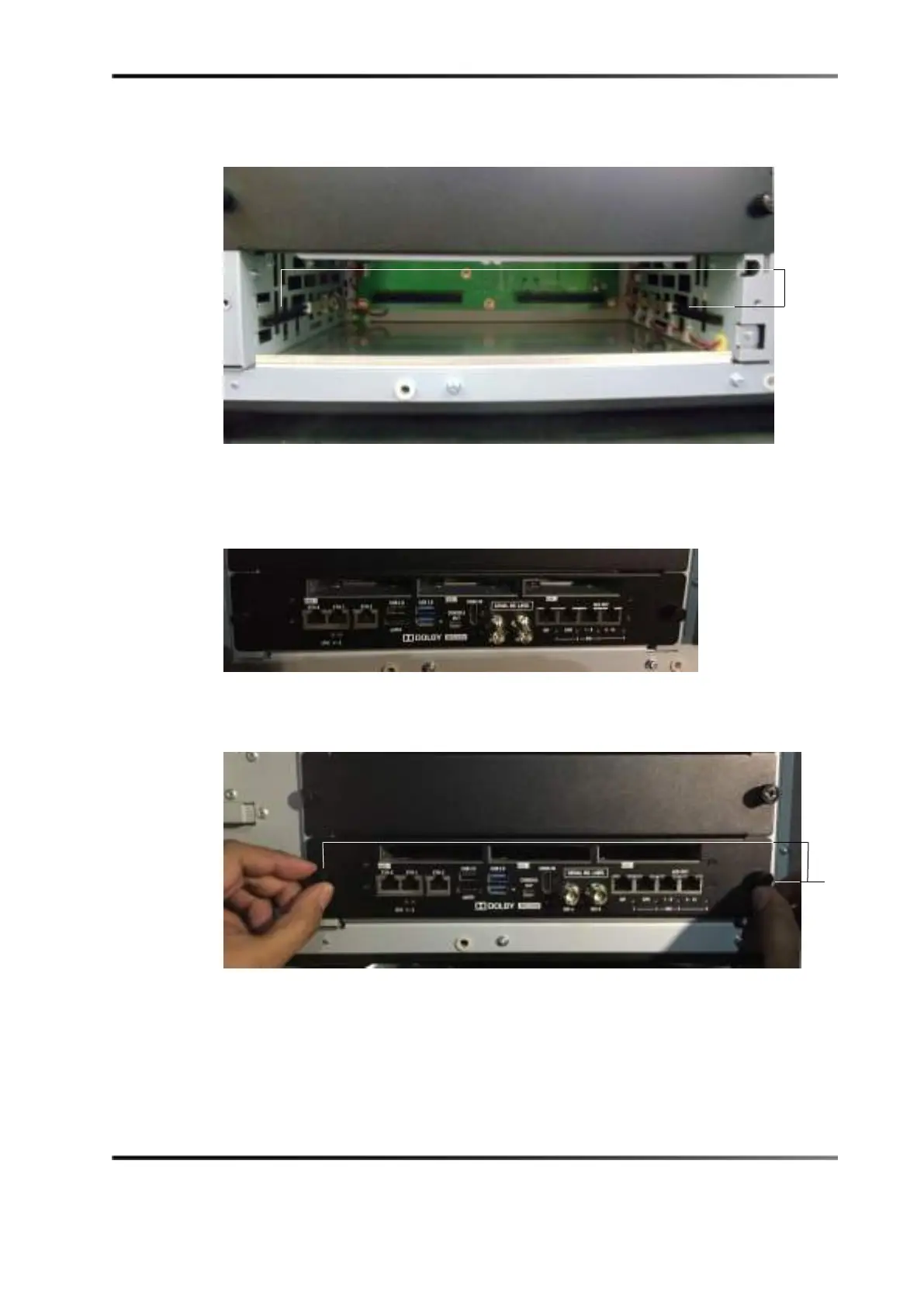
Figure 5-7 Empty Slot
6. Remove the IMS2000 from its carton and antistatic bag.
7. Slide the IMS2000 board into the projector media block slot.
Figure 5-8 IMS2000 Inserted Without Hard-Disk Drives
8. Screw in the handles on the side of the IMS2000 to secure it in the projector.
Figure 5-9 Securing the Board



 To Next Page