32 Dolby
®
IMS2000 Installation and User’s Manual
IMS.OM.004730.DRM Issue 3
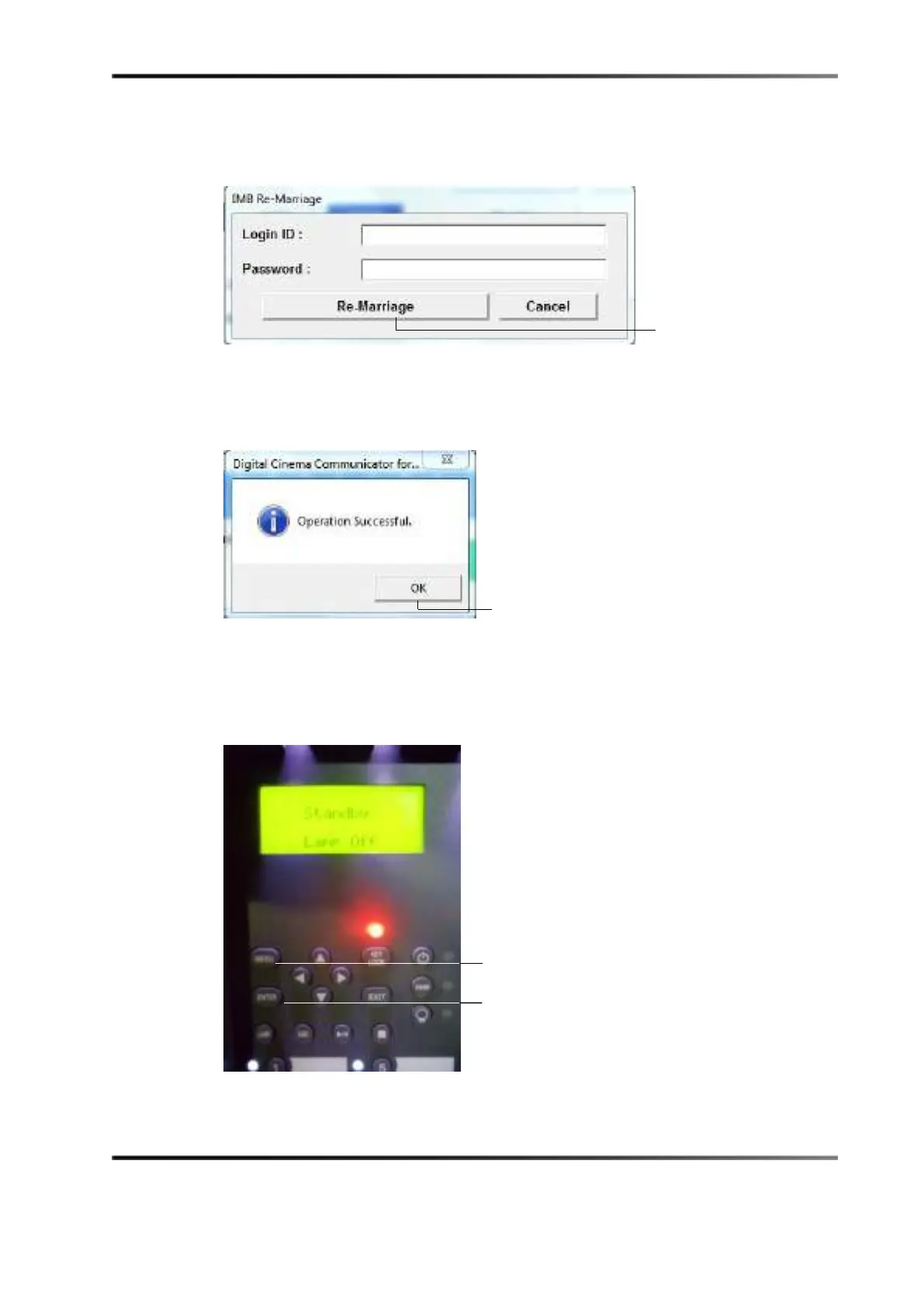
10. Enter the appropriate password and login. Contact your administrator for the
necessary information. Click the
Re-Marriage button.
Figure 5-33 Remarriage Login
A window appears stating that the operation was successful.
11. Click the
OK button.
Figure 5-34 Operation Successful Message
12. To arm the service door, press and hold the MENU button on the projector.
13. Enter the appropriate password, and press the
ENTER button on the projector. Contact
your administrator for the password.
Figure 5-35 Projector Menu
button
button
button



 To Next Page