Dolby
®
IMS2000 Installation and User’s Manual
IMS.OM.004730.DRM Issue 3 43
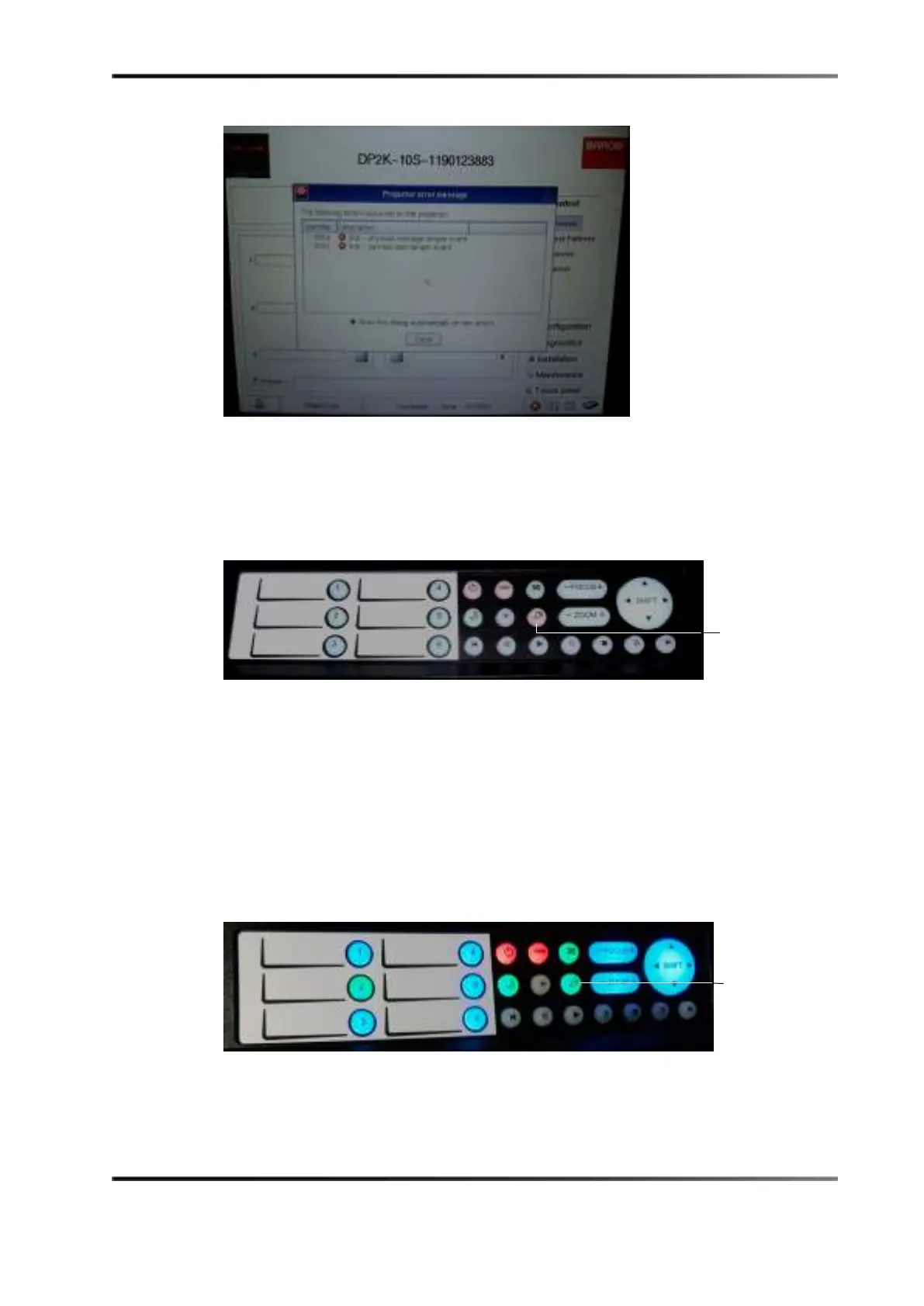
Figure 6-16 Tamper Errors
To perform the marriage:
1. Push the button with the key symbol. It should illuminate in red to indicate that the
marriage is not complete.
Figure 6-17 Button with Key Symbol
After you push the button with the key symbol, the numbered buttons should flash
in orange.
2. Enter the correct password.
If you do not have a valid password, contact your projector manufacturer
The numbered buttons flash green when you have entered the password correctly.
3. Allow approximately a minute for the tamper errors to clear.
Once the marriage is completed, the button with the key symbol turns green and the
taillight also turns green.
Figure 6-18 Green Key Button
symbol
symbol



 To Next Page